STS: Temporary Credentials
Temporary credentials are short-lived S3 keys: an access key starting with
ASIA, a secret and a session token. They expire by themselves, so scripts
and applications never need to hold a permanent key.
| Way to get them | Credentials carry |
|---|---|
| Console, Access Keys → Temporary Credentials | Your own permissions |
GetSessionToken |
The permissions of the key that asked |
AssumeRole |
The permissions of the role |
| Federation (LDAP or OAuth) | The permissions of the directory user |
In every case the permissions are read live on each request: a change to the user or the role applies to sessions already issued. Temporary credentials work only on the S3 API, not to sign in to the console.
From the console
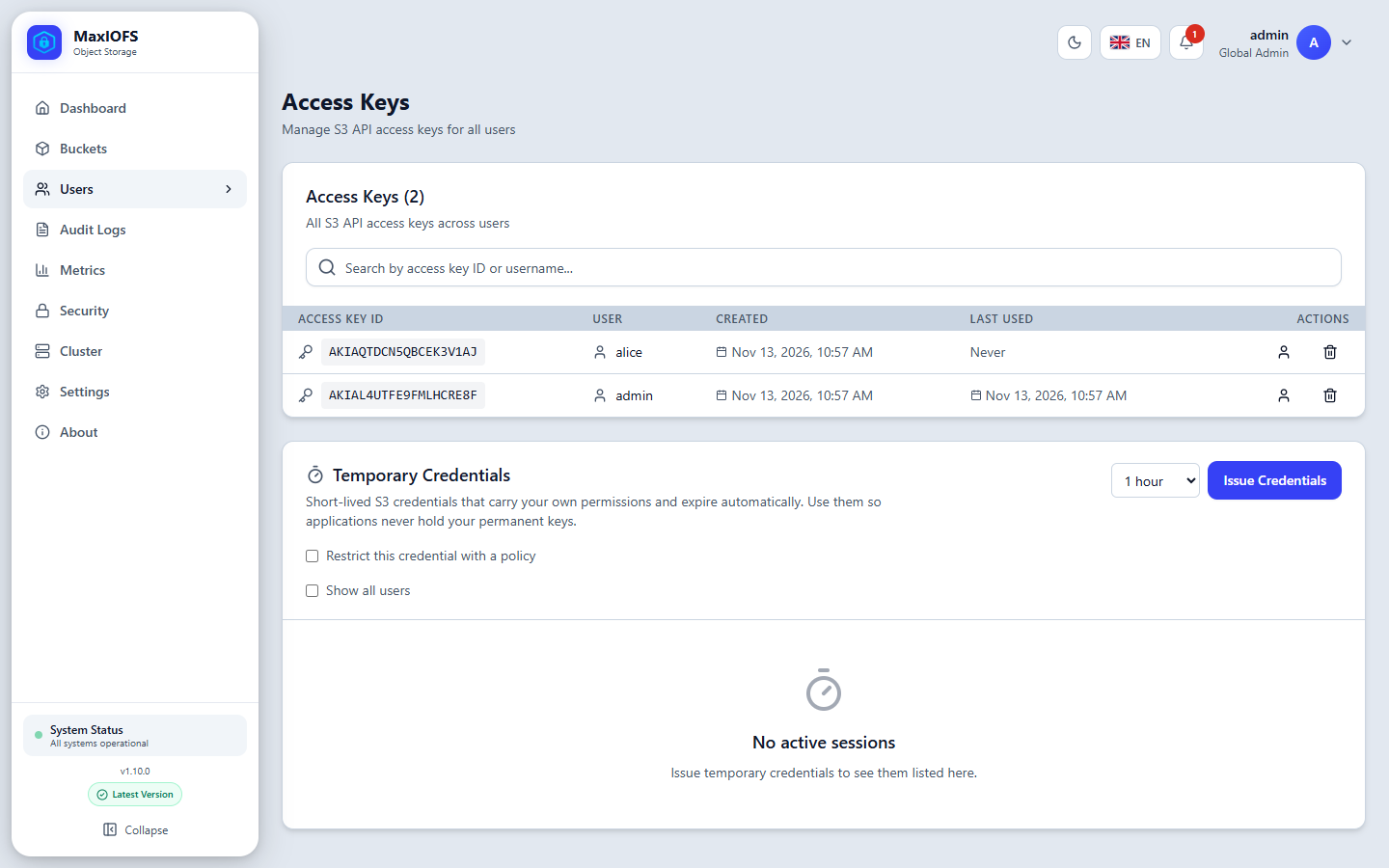
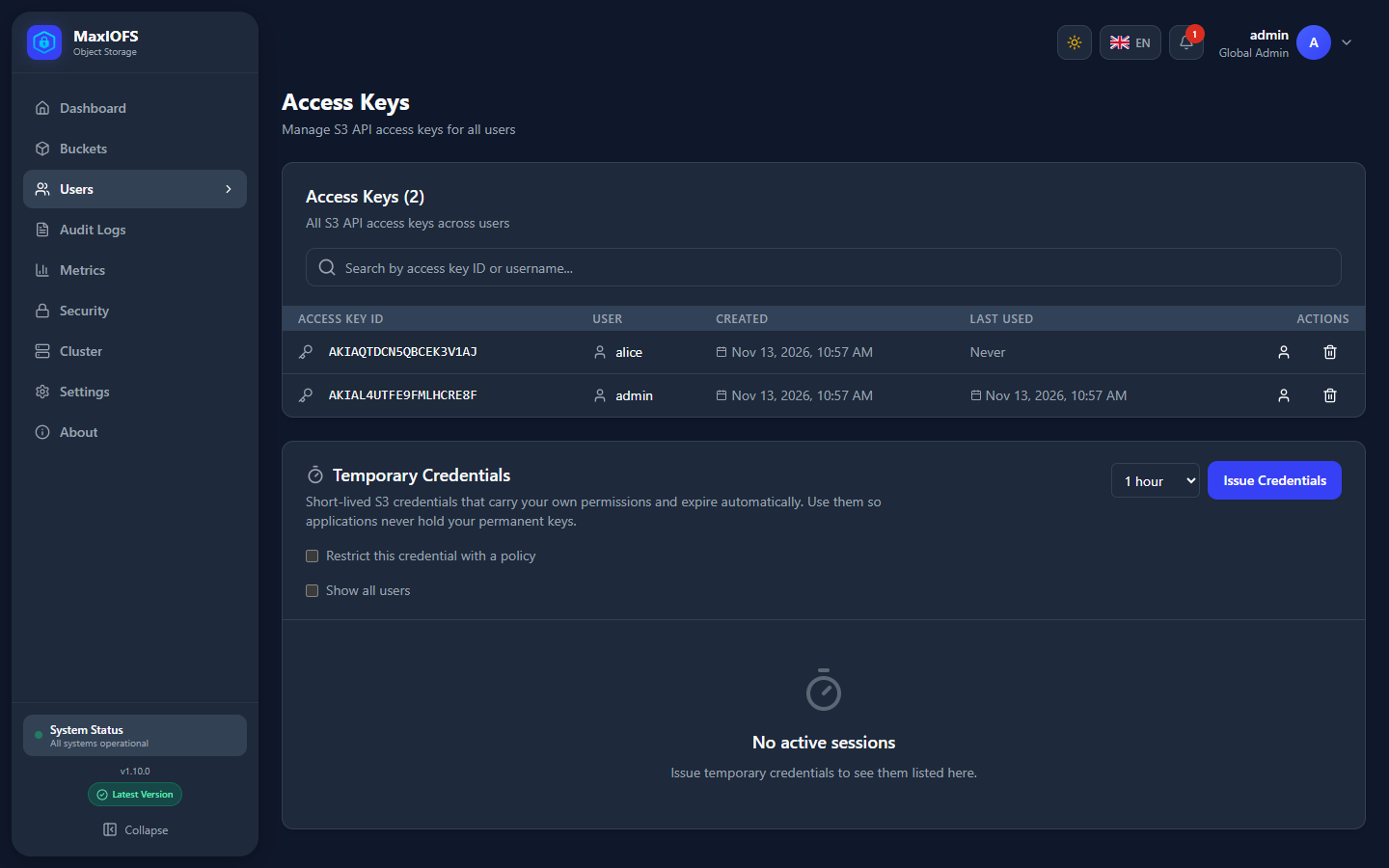
Users → Access Keys → Temporary Credentials: pick the duration (1, 4 or 12 hours), optionally restrict it with a policy, and click Issue Credentials. Copy the three values: they are shown once.
GetSessionToken
Signed with a permanent key, returns credentials for the same user:
{
  "Credentials": {
    "AccessKeyId": "ASIA...",
    "SecretAccessKey": "...",
    "SessionToken": "...",
    "Expiration": "2026-11-13T12:00:00Z"
  }
}
AssumeRole
Returns credentials for a role whose trust policy names you:
aws sts assume-role \
  --role-arn arn:aws:iam:::role/backup-writer \
  --role-session-name nightly \
  --duration-seconds 3600
Use them
Any S3 client takes the three values. With the CLI:
export AWS_ACCESS_KEY_ID=ASIA...
export AWS_SECRET_ACCESS_KEY=...
export AWS_SESSION_TOKEN=...
aws s3 ls
In a profile, add aws_session_token next to the other two. Requests must be
signed with Signature V4.
Narrow them with a session policy
A session policy can only take permissions away: the session gets what both the user (or role) and the policy allow.
cat > only-reports.json <<'EOF'
{
  "Version": "2012-10-17",
  "Statement": [{
    "Effect": "Allow",
    "Action": ["s3:GetObject", "s3:ListBucket"],
    "Resource": ["arn:aws:s3:::reports", "arn:aws:s3:::reports/*"]
  }]
}
EOF
aws sts assume-role --role-arn arn:aws:iam:::role/analyst \
  --role-session-name q4 --policy file://only-reports.json
Condition and Principal are refused in a session policy, rather than
ignored.
Federation
A script can trade LDAP credentials or an OAuth access token for temporary
credentials, without a console session. It is off by default; turn on
security.sts_federation_enabled in Settings → Security.
# LDAP
curl -s -X POST https://console.example.com/api/v1/sts/ldap-identity \
  -H 'Content-Type: application/json' \
  -d '{"providerId":"<provider id>","username":"jdoe","password":"...","durationSeconds":3600}'

# OAuth: an access token of a configured provider
curl -s -X POST https://console.example.com/api/v1/sts/web-identity \
  -H 'Content-Type: application/json' \
  -d '{"providerId":"<provider id>","token":"<access token>","durationSeconds":3600}'
The provider ID is shown in Users → Identity Providers. An optional
sessionPolicy narrows the credentials as above. The same exchanges are
available to AWS SDKs as AssumeRoleWithLDAPIdentity and
AssumeRoleWithWebIdentity on the S3 endpoint.
Limits
- Longest session:
security.sts_max_session_duration(12 hours by default, 15 minutes at least). - At most 100 active sessions per user.
- A temporary credential cannot request another one.
- Revoking a session in the console, or suspending the user, ends it at once.