Objects and Sharing
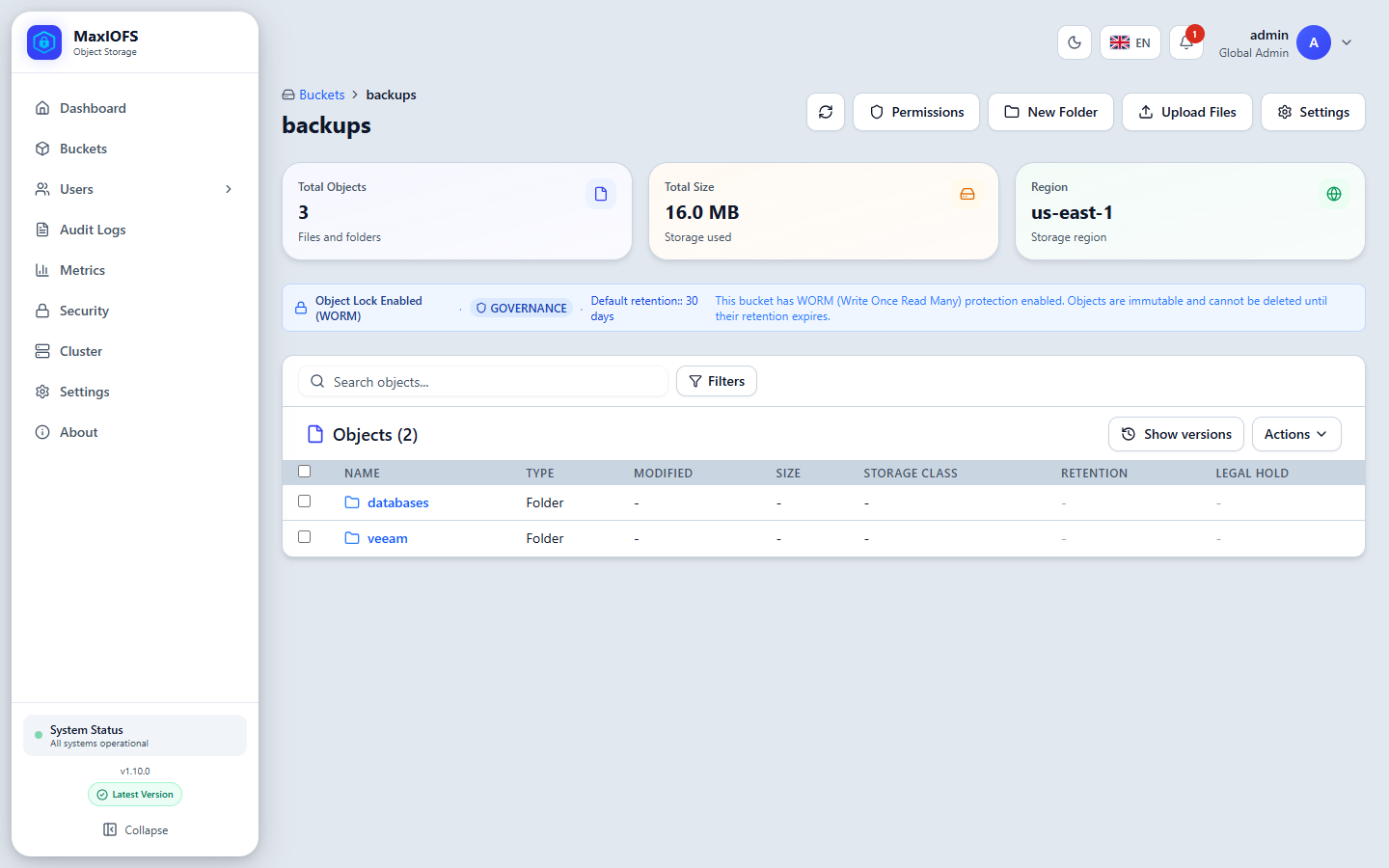
Click a bucket's name to browse it. Keys with slashes appear as folders, as in any S3 browser.
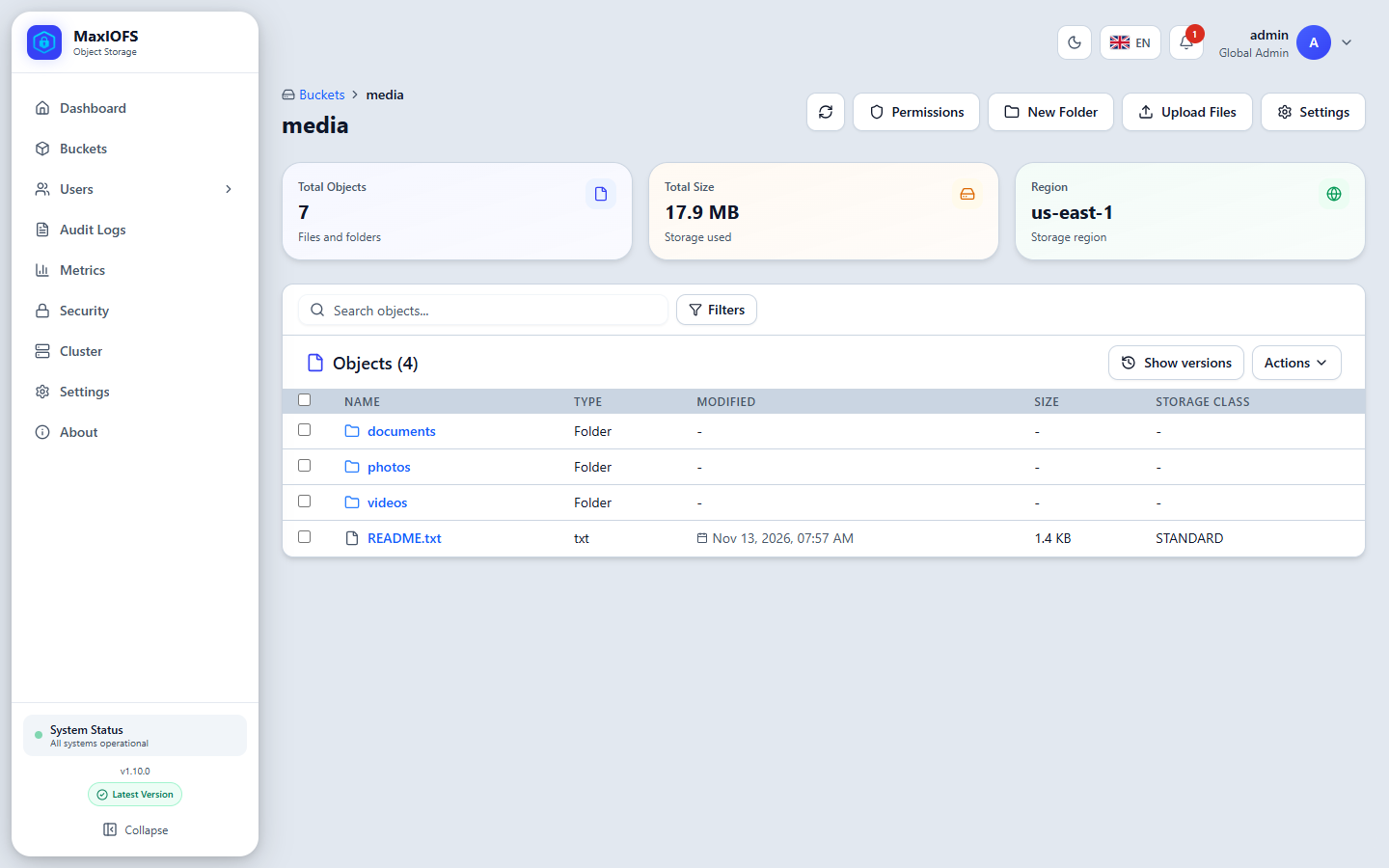
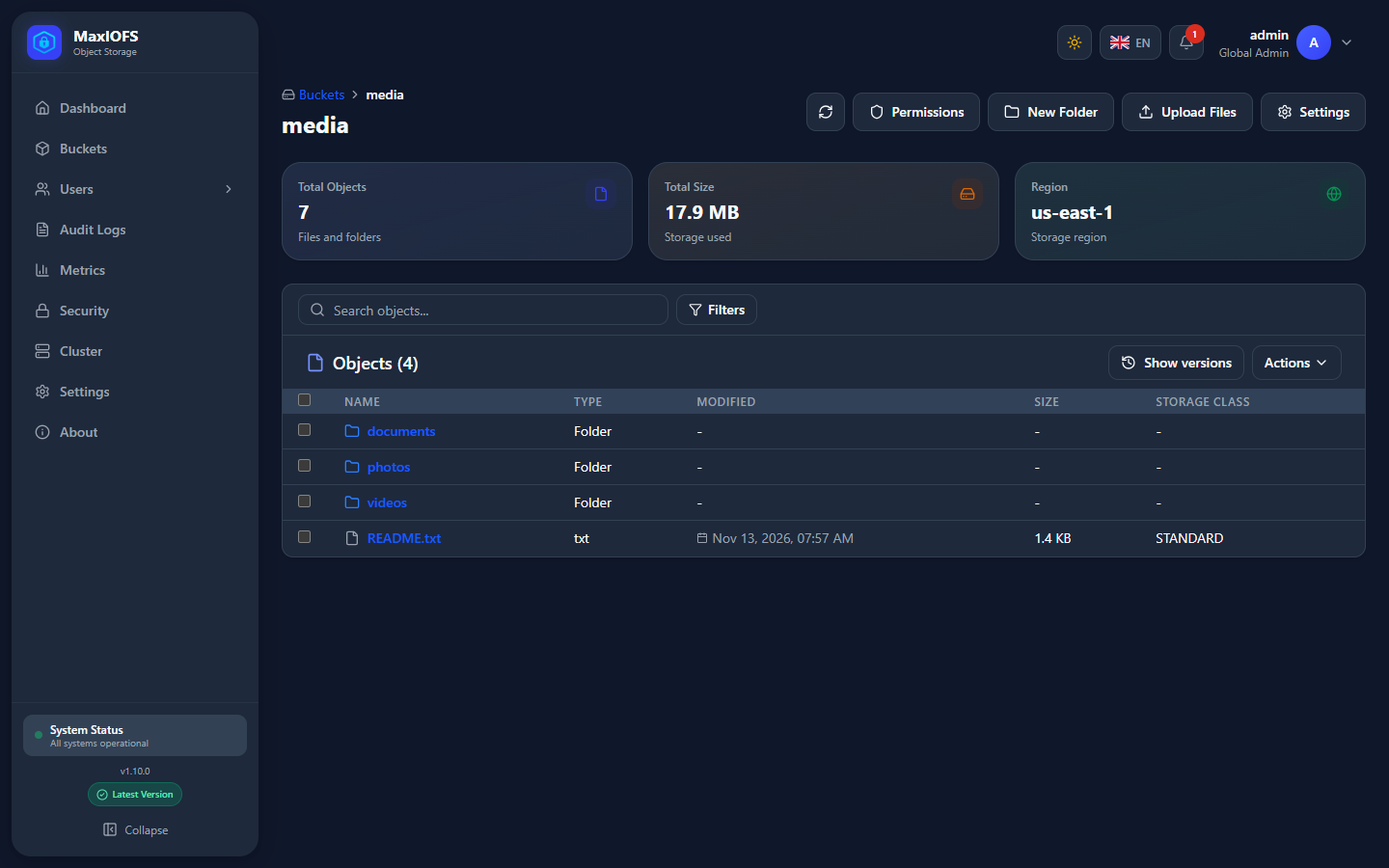
The cards at the top show the number of objects, the size and the region. The toolbar holds:
| Button | Does |
|---|---|
| Reloads the list | |
| Permissions | Who may reach this bucket |
| New Folder | Creates an empty prefix to upload into |
| Upload Files | Opens the upload window |
| Settings | The bucket settings |
Folders
Click a folder to open it; the breadcrumb above the title goes back up.
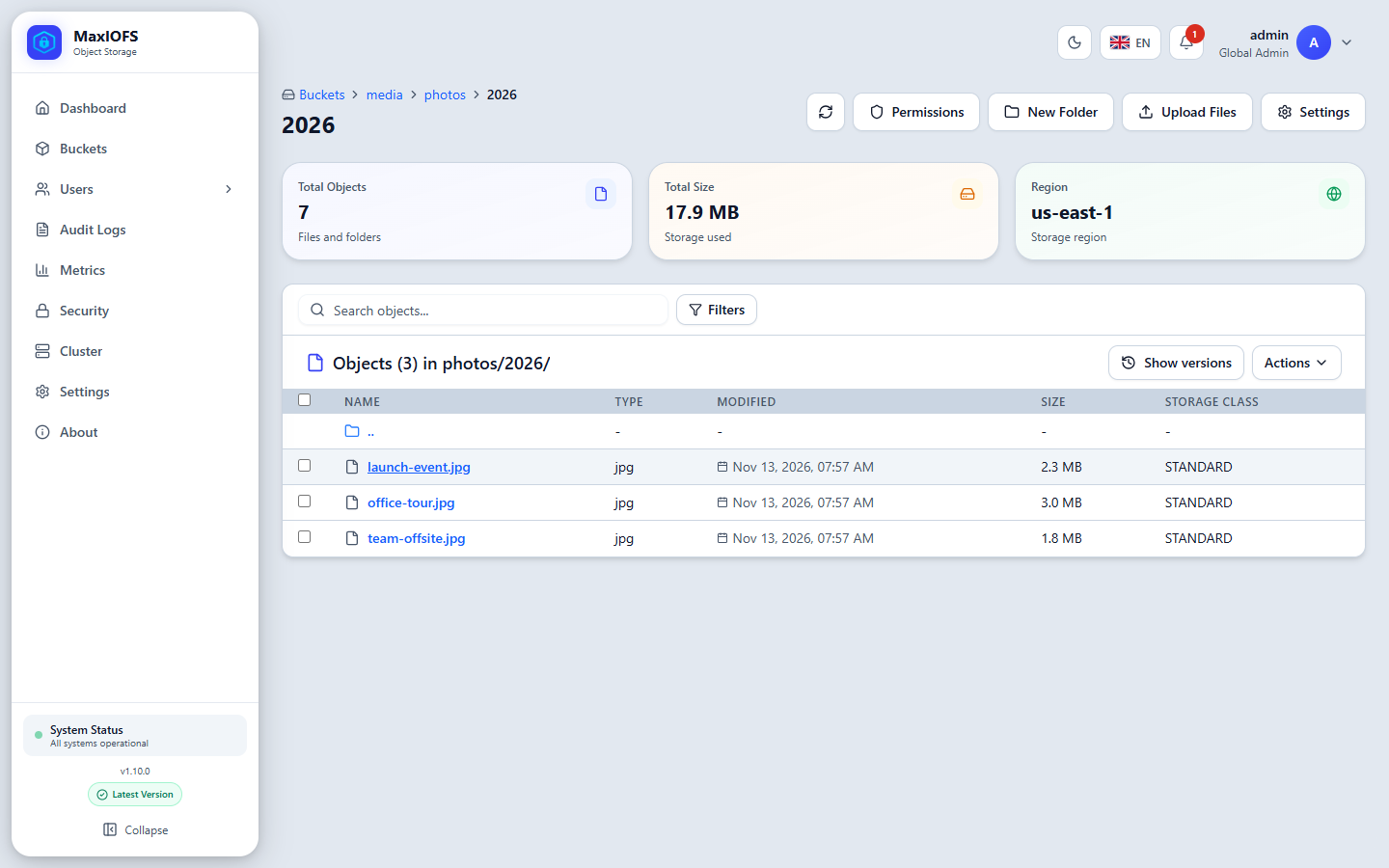
Search objects filters the current list by name. Filters narrows it by content type, size, date and tags.
Upload
Upload Files takes files, or a whole folder with its subfolders. Drag them onto the window or use the buttons, then click Upload Files.
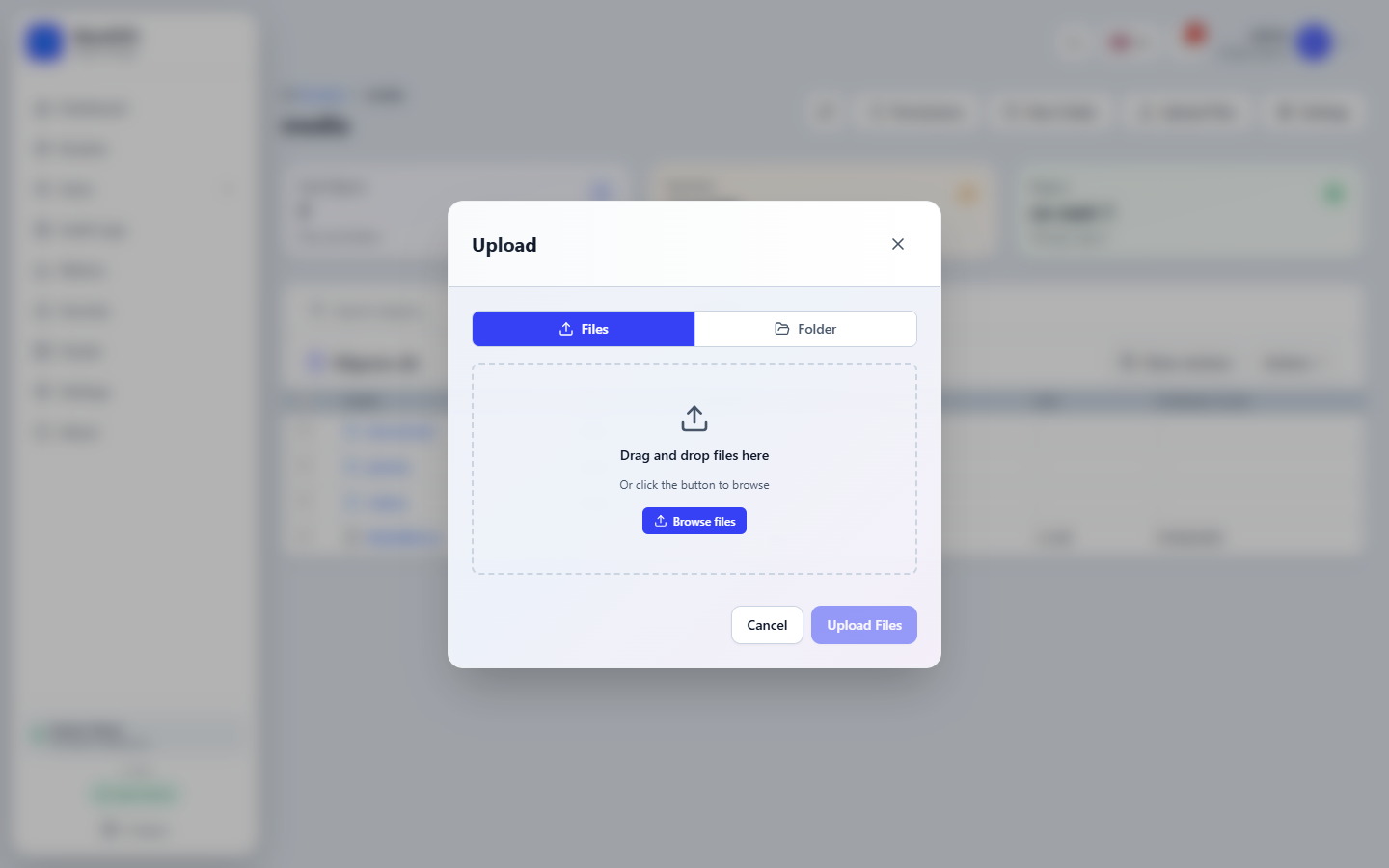
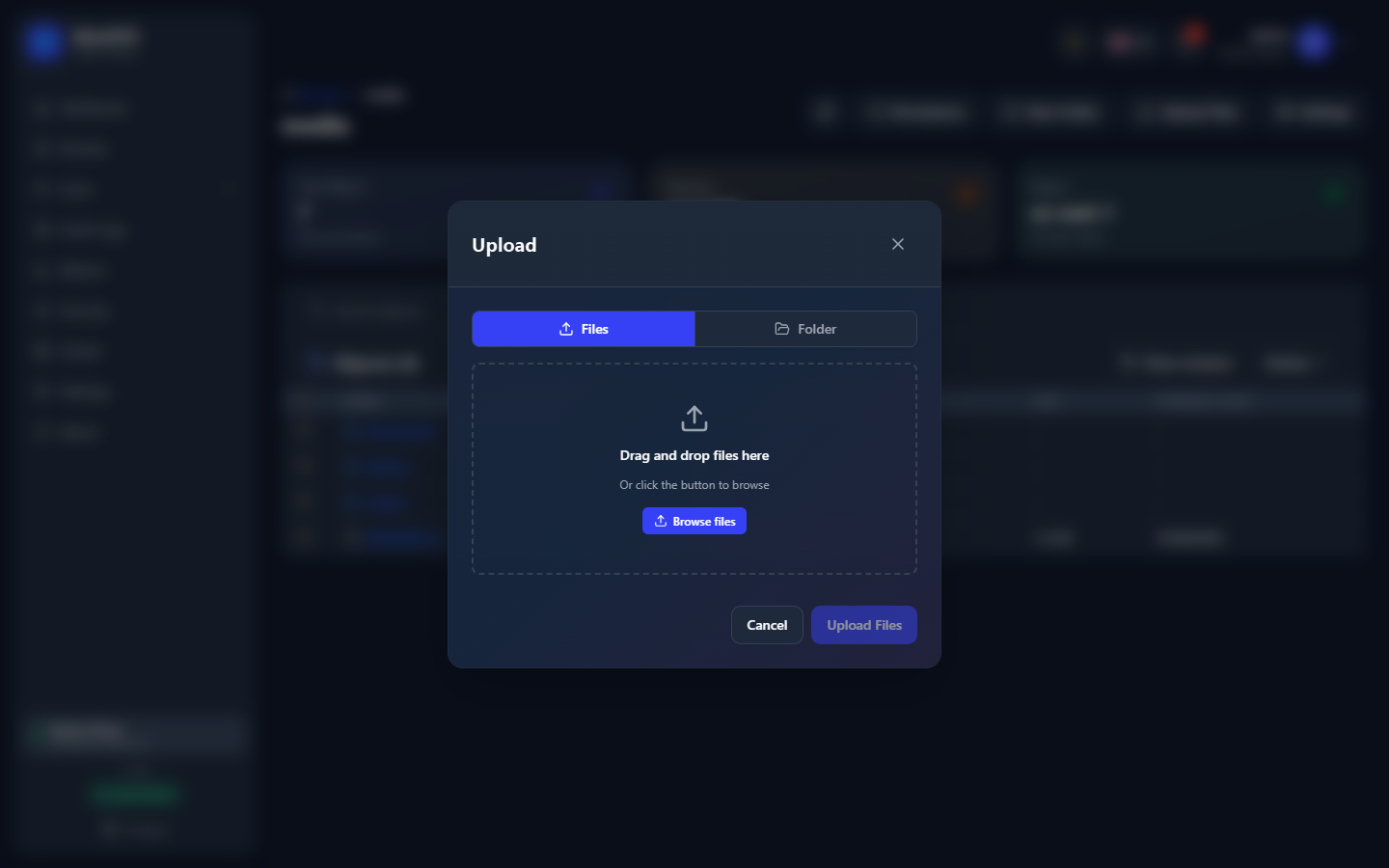
Uploads count against the bucket's and the tenant's quotas like any other write.
Work with an object
Each row has its actions on the right, and selecting rows with the checkboxes enables the Actions menu for several at once:
- Download one object, or several as a ZIP file.
- Rename or move an object to another key.
- Delete. In a versioned bucket this adds a delete marker; the versions stay until you delete them one by one.
- Tags, ACL and Legal hold of the object.
- Share and Presigned URL, below.
Versions
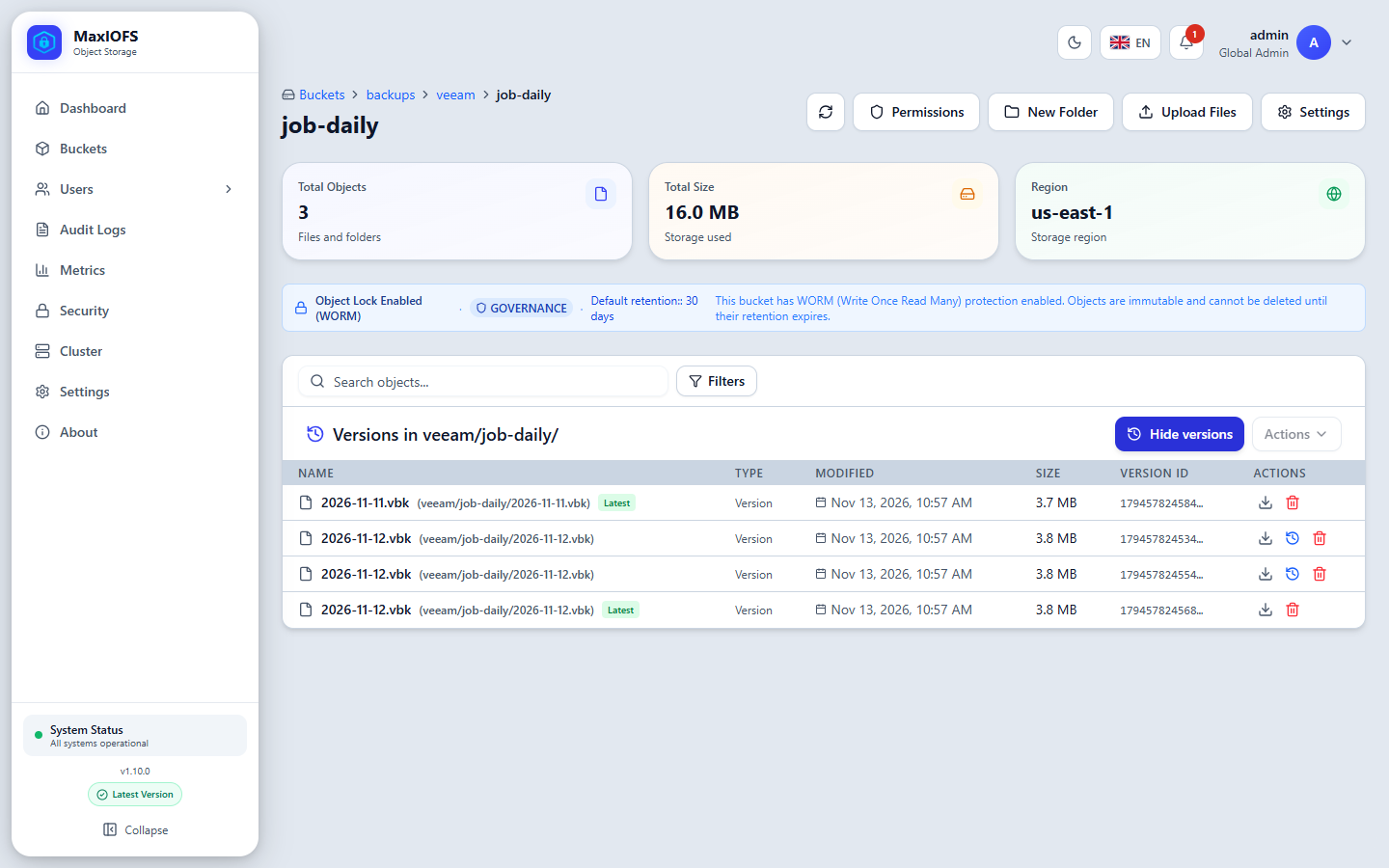
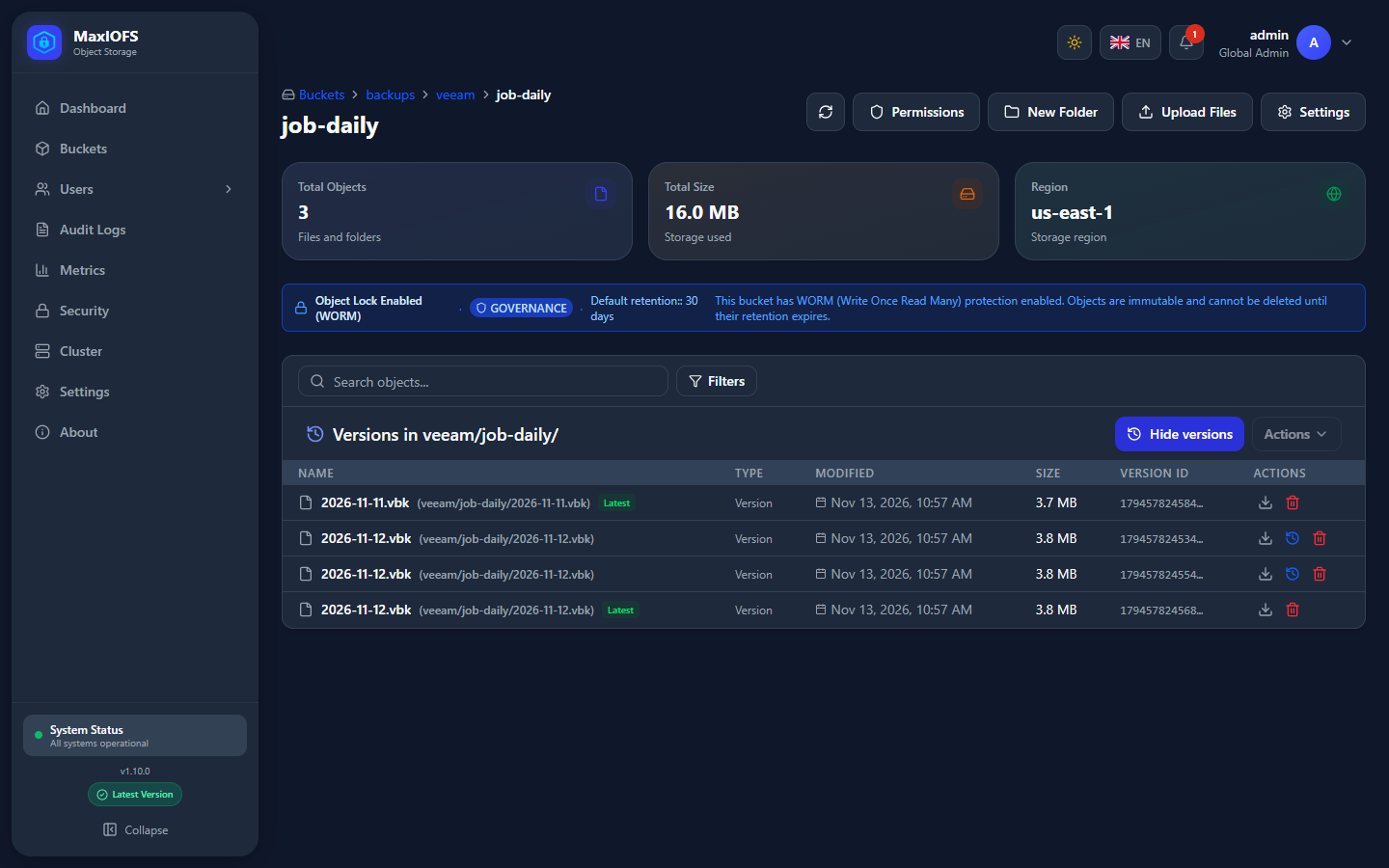
In a versioned bucket, Show versions lists every version of each key, with its version ID, size and date. The latest is marked Latest. Download an older version, restore it (it becomes the current version again), or delete it for good. Restoring a delete marker brings the object back.
Object Lock
A bucket with Object Lock shows its mode and default retention in a banner, and each version's retention date and legal hold in the list. A version under retention cannot be deleted or overwritten until its date; under legal hold, until the hold is lifted.
Share an object
Two ways to give someone an object without an account:
Share link. Share creates a link that works without credentials, for a period you choose or with no expiry. Shared objects are marked in the list; clicking Share on one again copies its link or ends the share with Stop sharing. The file itself stays. Whoever may read an object may share it, and may end its share.
Presigned URL. A URL signed with your access key, valid for a limited time, that anyone can open. It cannot be revoked before it expires, except by deleting the key that signed it. From the command line:
Both need you to hold an access key: they are signed with it.