Cluster
Cluster (global administrators) builds and runs a cluster of up to five nodes. Planning, networking and load balancing are in Deployment → Cluster; this page covers the console.
A node on its own
A server in no cluster offers two buttons:
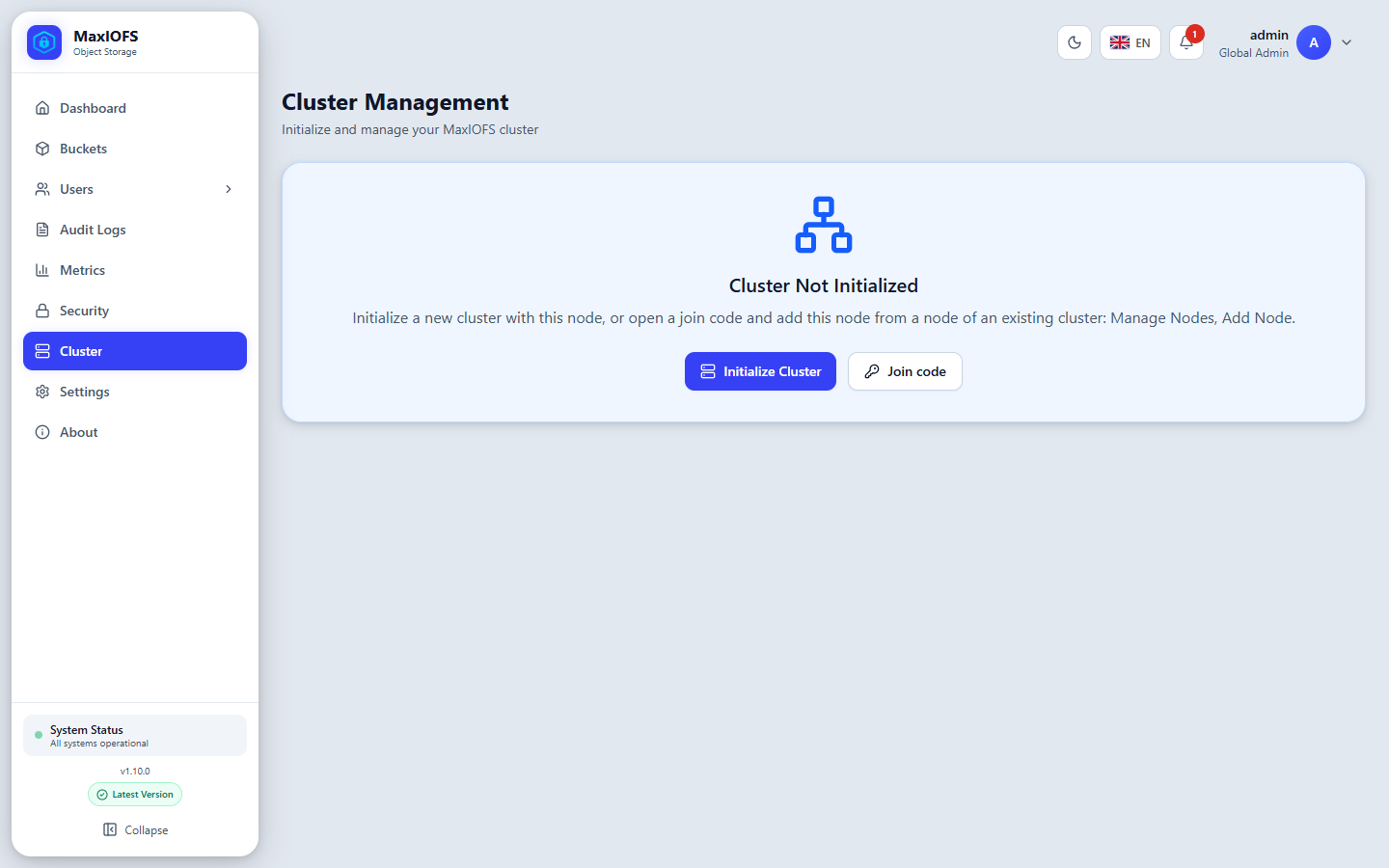
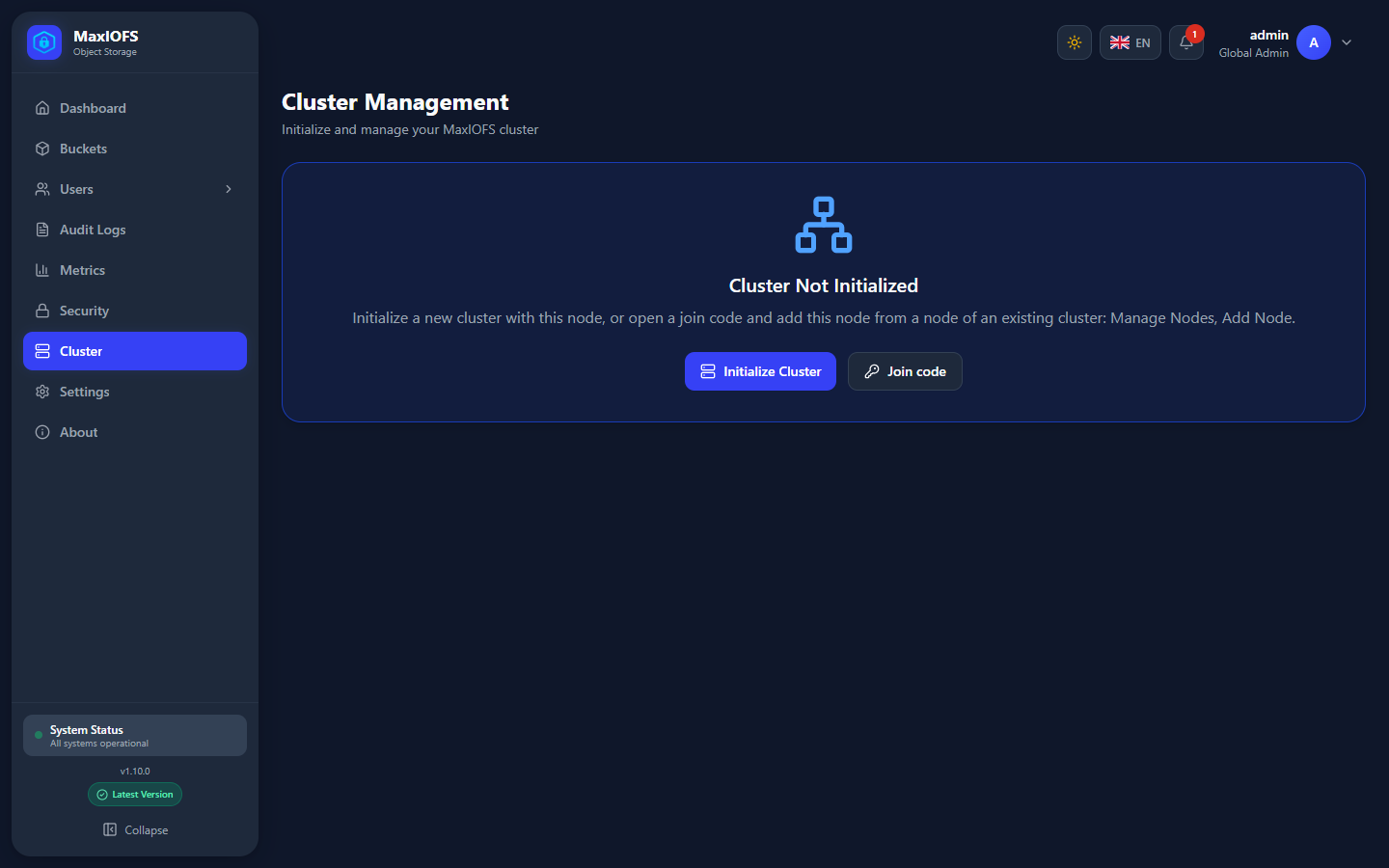
- Initialize Cluster makes this node the first of a new cluster. It asks
for a node name and, optionally, a region and the node's S3 address (by
default
public_api_url). - Join code prepares this node to be added to an existing cluster: it shows a code, good once for 15 minutes.
A node joins blank: it must have no buckets, users or keys of its own. It receives the cluster's.
Add a node
- On the new node: Cluster → Join code, and copy the code.
- On a node of the cluster: Cluster → Nodes → Add Node, with the new node's IP address and the code.
The nodes then exchange certificates and the new node copies the cluster's users, keys, buckets and settings.
Nodes
Cluster → Nodes lists each node with its health (healthy, degraded, unavailable), latency, capacity, priority and when it was last seen. Edit a node to change its name, region or priority; remove it to take it out of the cluster for good.
High availability
Cluster → HA decides how objects are protected:
| Protection | Meaning |
|---|---|
| Copies | Each object is kept on 1, 2 or 3 nodes, those with the most free space |
| Parity | Reed-Solomon erasure coding: an object is split across the nodes with parity shards, 1 parity shard up to four nodes, 2 from five |
Every node holds every bucket's index, so any node serves any request; the data itself lives on the nodes the protection chose. After a node comes back, or when the protection changes, a repair brings each object back to its copies or shards. Drain empties a node before removing it, with progress.
Storage classes
Cluster → Storage classes groups nodes into classes, each with its own protection: for example fast nodes with three copies, and large nodes with parity for older data. Lifecycle rules with a transition move objects to a class (Buckets → Lifecycle); clients read them as before.
One version on every node
Turn on parity or create a storage class only once every node runs the same MaxIOFS version.