Buckets
A bucket holds objects. Its settings decide versioning, retention, who may reach it, what happens to old data, and where copies go.
The bucket list
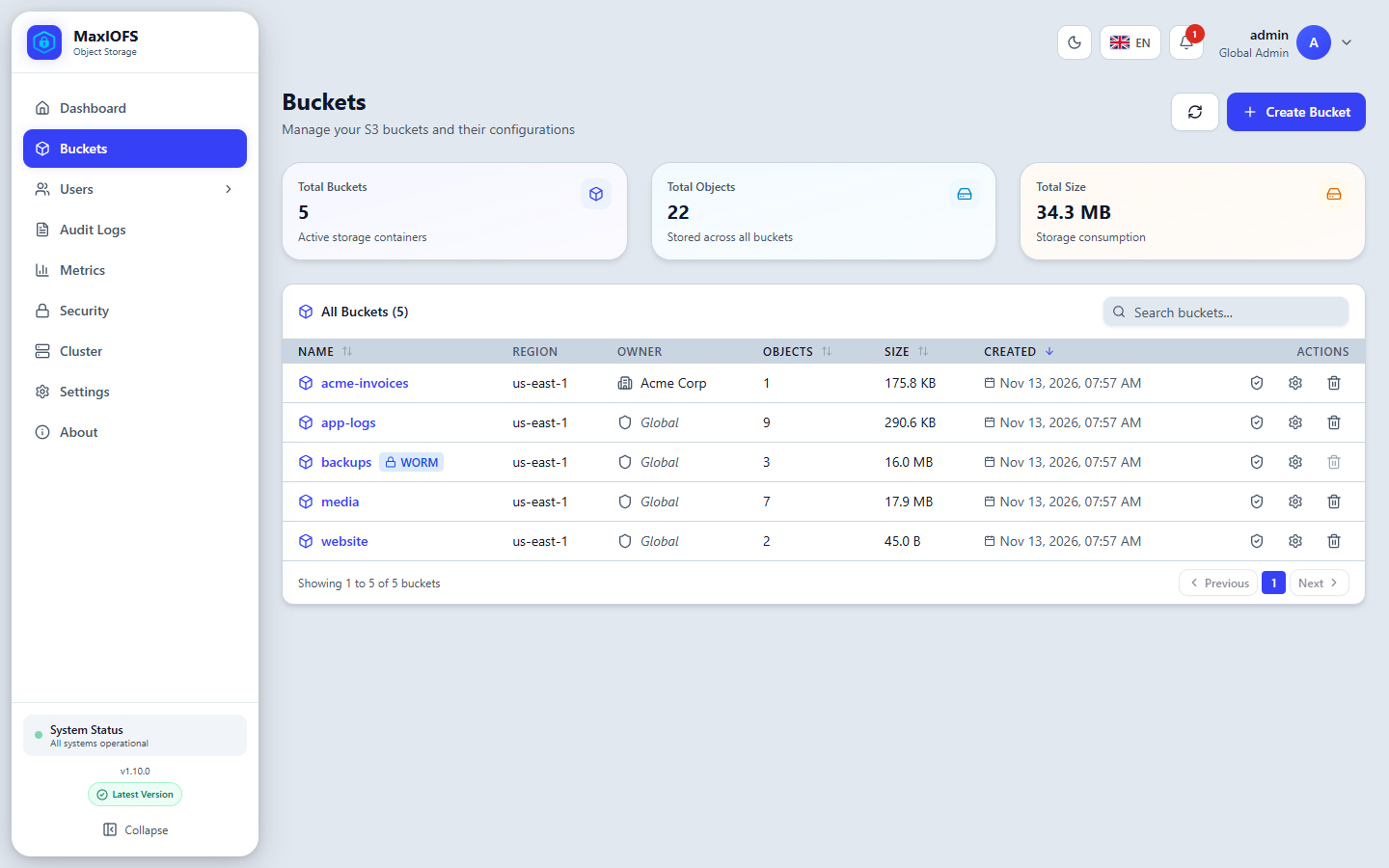
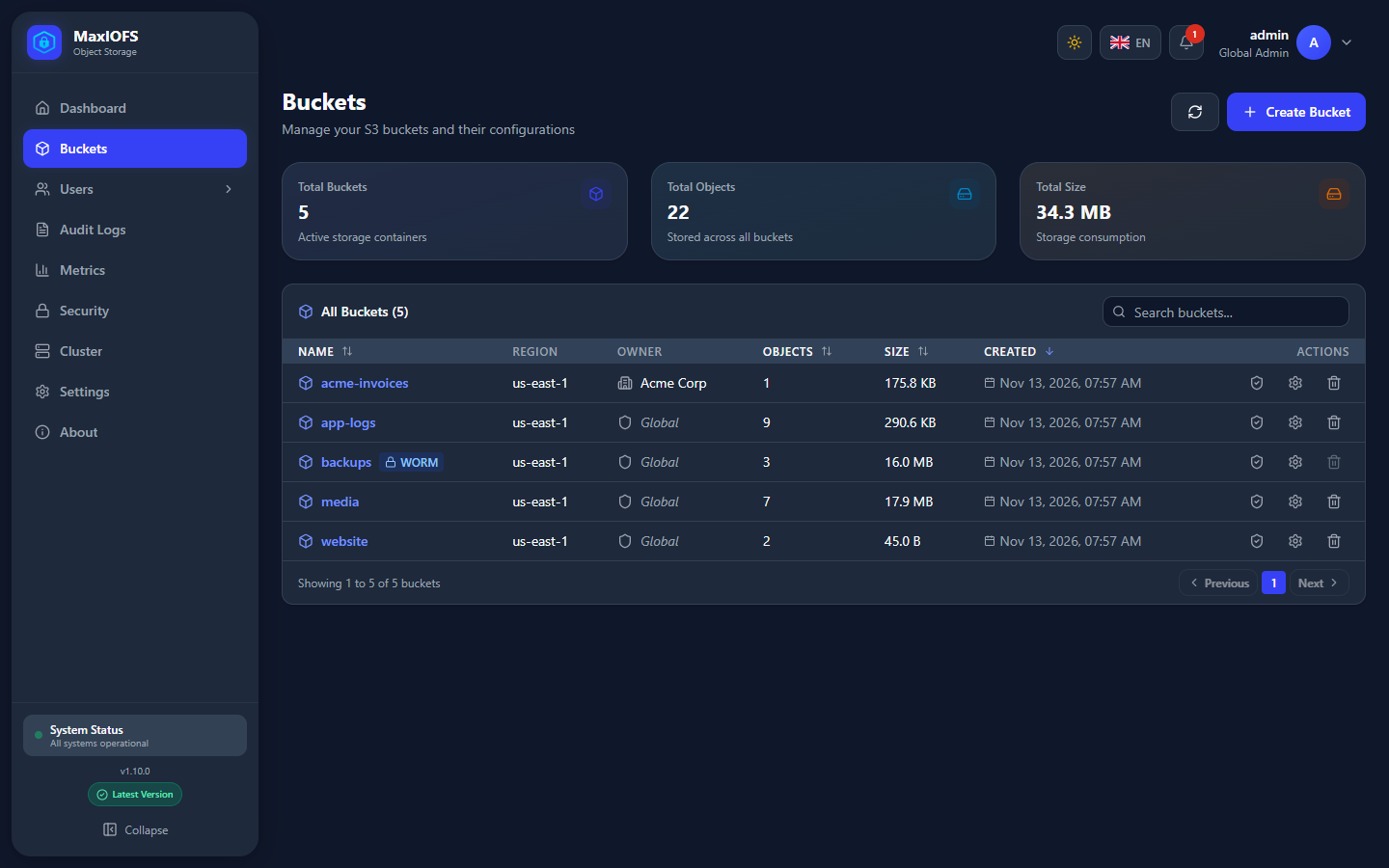
Buckets lists every bucket you can reach, with its owner, number of objects, size and creation date. The icons on the right run an integrity check (shield), open the bucket's settings (gear) or delete it (trash). A WORM badge marks buckets with Object Lock.
Create a bucket
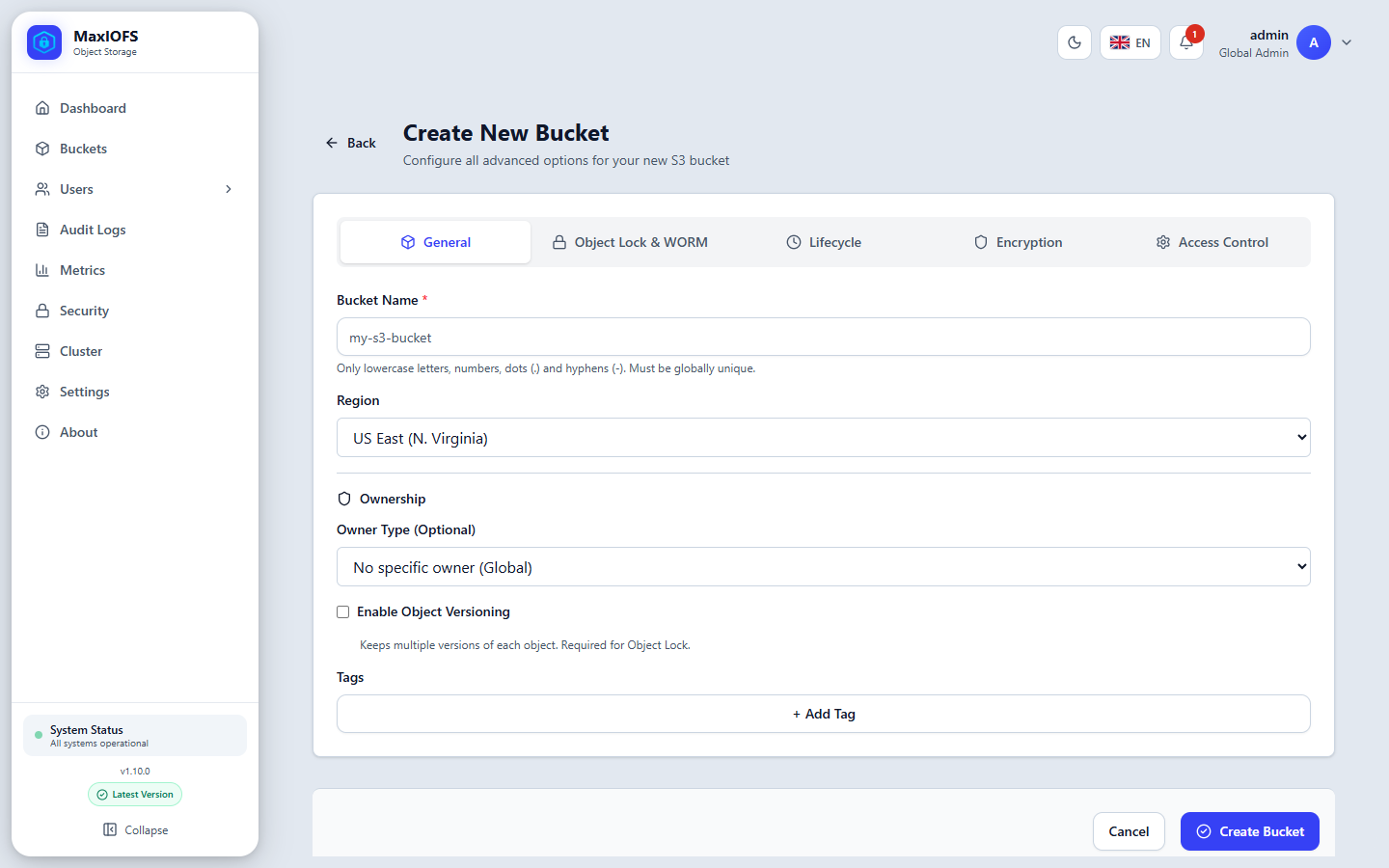
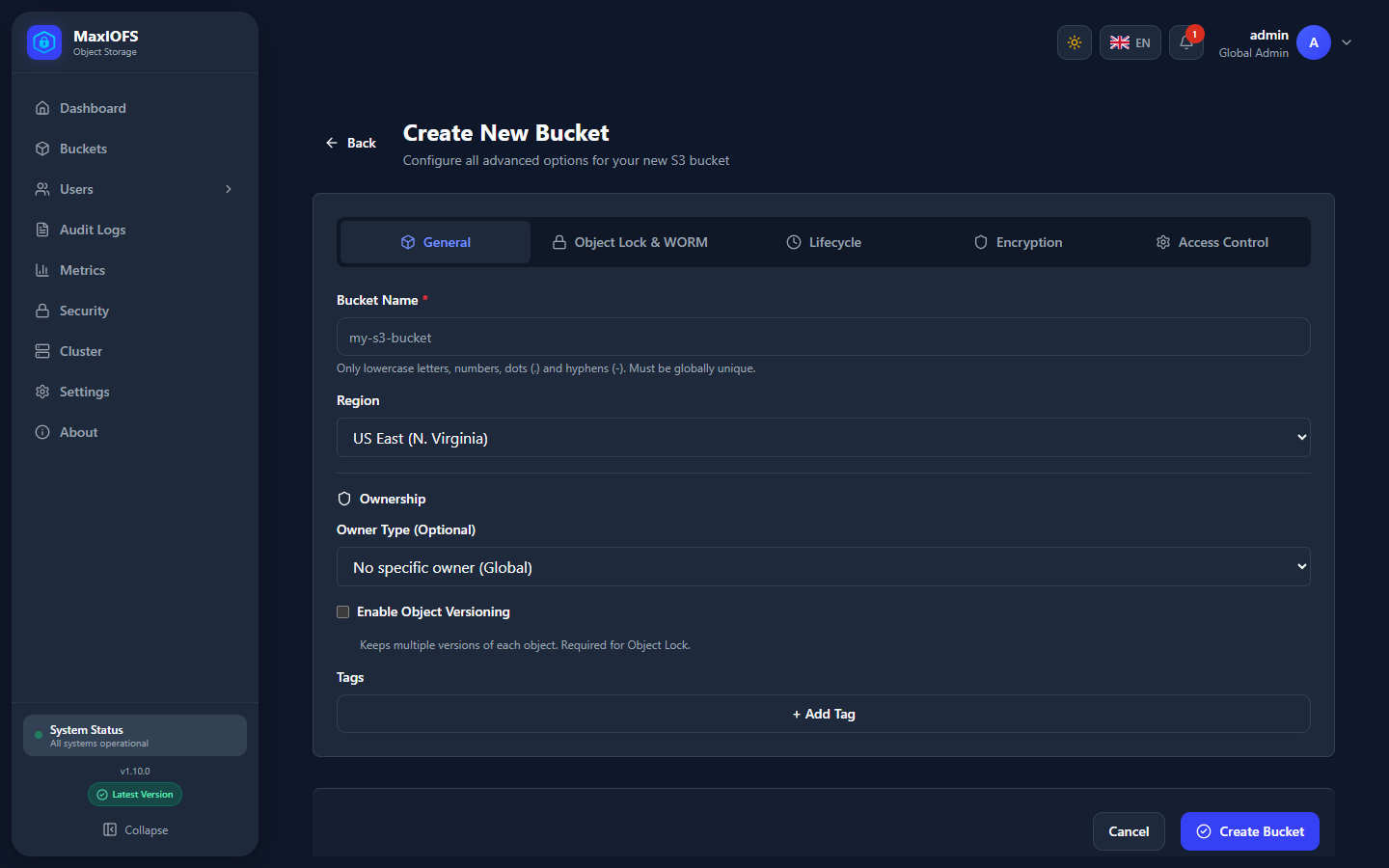
Buckets → Create Bucket opens a form in five tabs. Only the name is required; everything else can be changed later, except Object Lock.
General
| Field | Notes |
|---|---|
| Bucket Name | 3 to 63 characters: lowercase letters, numbers, dots and hyphens. Unique in the installation. |
| Region | The region S3 clients see. us-east-1 unless your clients expect another. |
| Ownership | A global administrator can give the bucket to a tenant or a user. The owner gets full control of it. |
| Enable Object Versioning | Keeps every version of each object. Required for Object Lock and recommended for replication. |
| Tags | Key–value labels for your own organisation. |
Object Lock & WORM
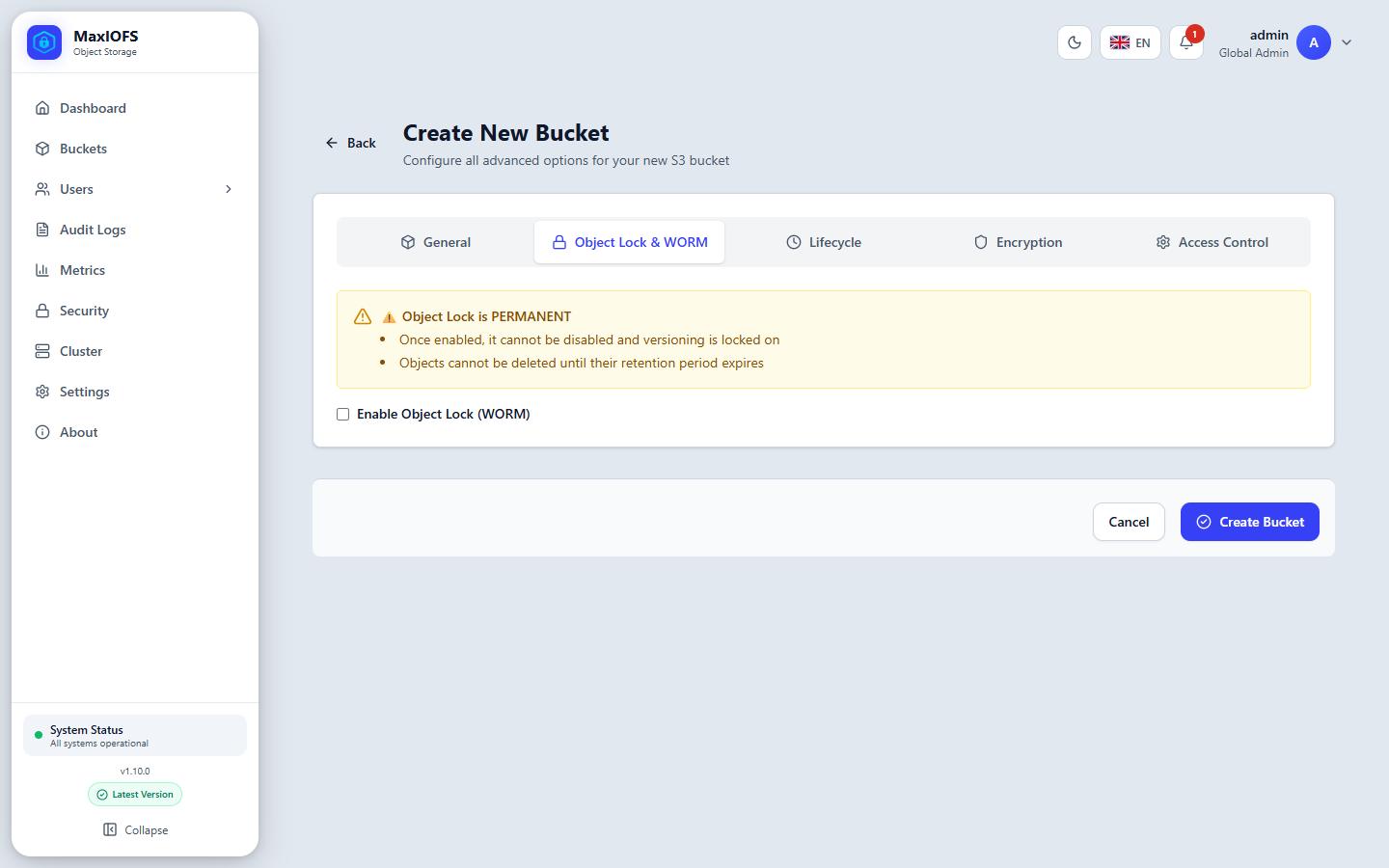
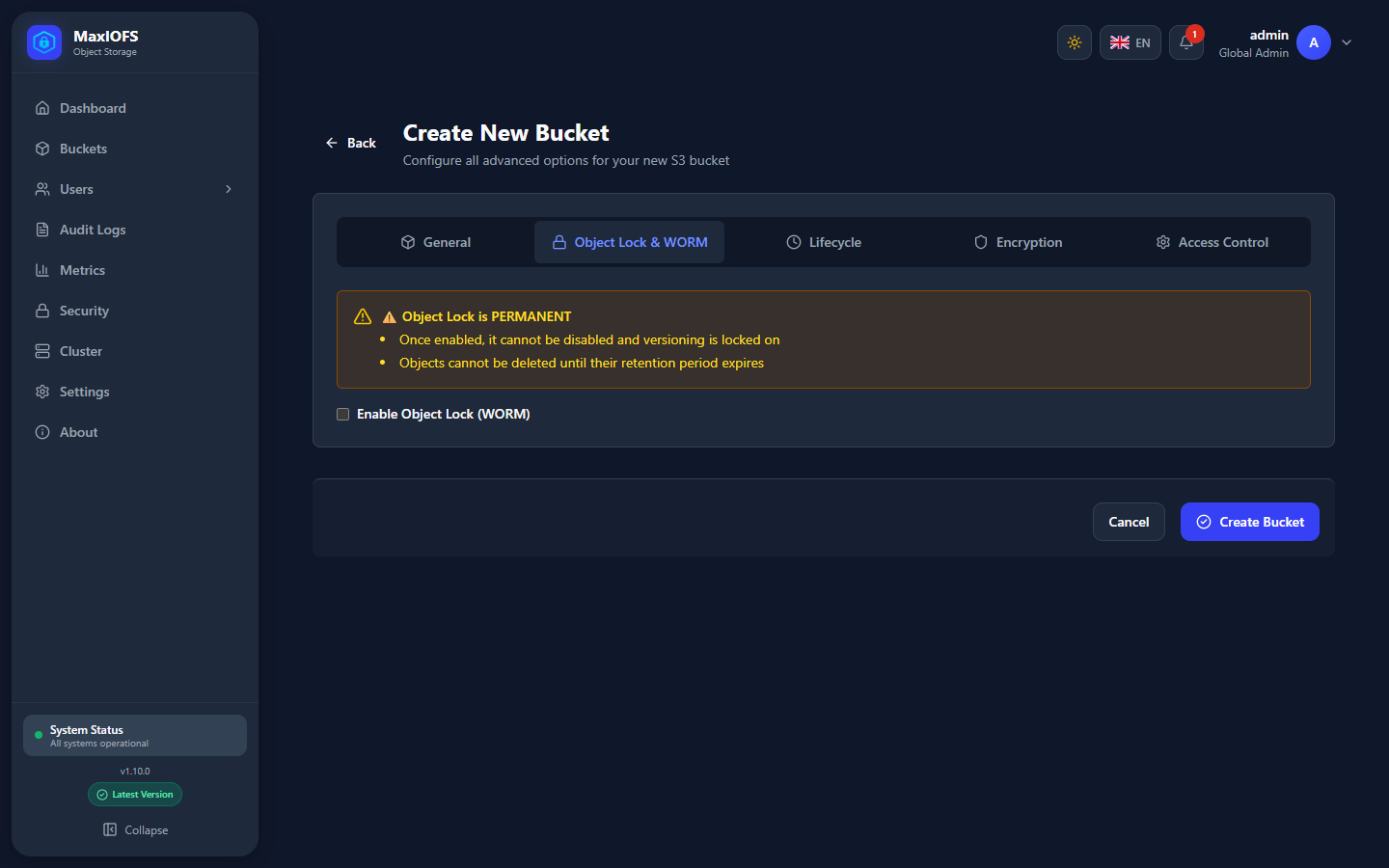
Object Lock makes versions immutable for a retention period: nobody can delete or overwrite them until the date passes. It is what backup software such as Veeam uses for immutable backups.
Permanent
Object Lock can only be turned on when the bucket is created, and never turned off. It also turns on versioning for good.
| Mode | Before the retention date |
|---|---|
| Governance | Users allowed to bypass governance retention can still delete or shorten it |
| Compliance | Nobody can delete the version or shorten its retention, administrators included |
The default retention, in days or years, applies to every new object. Clients can set their own retention per object.
Lifecycle, Encryption and Access Control
- Lifecycle: a first expiration rule (delete objects after N days). More rules come later in the bucket's settings.
- Encryption: shown for reference. Every object is encrypted at rest, always.
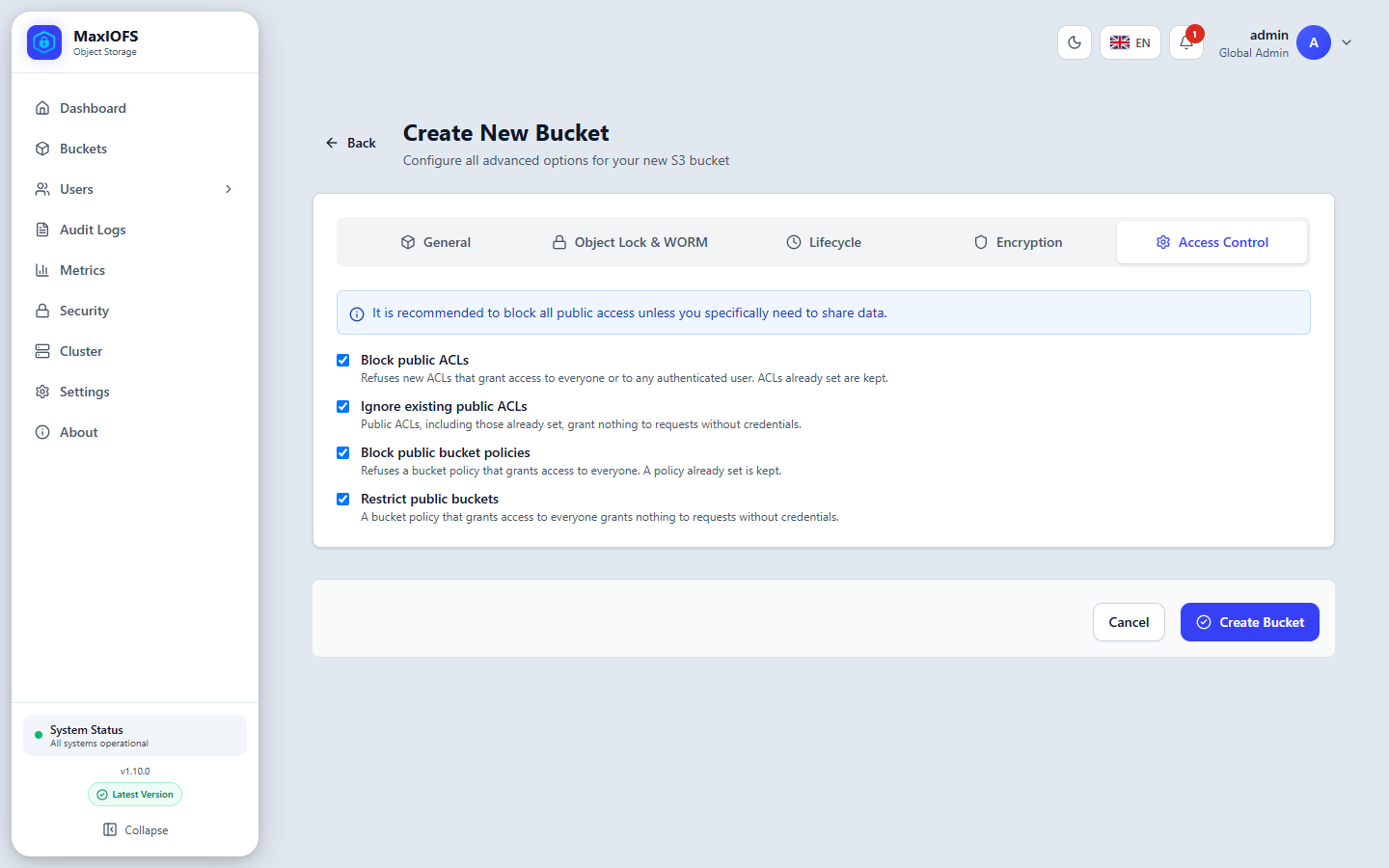
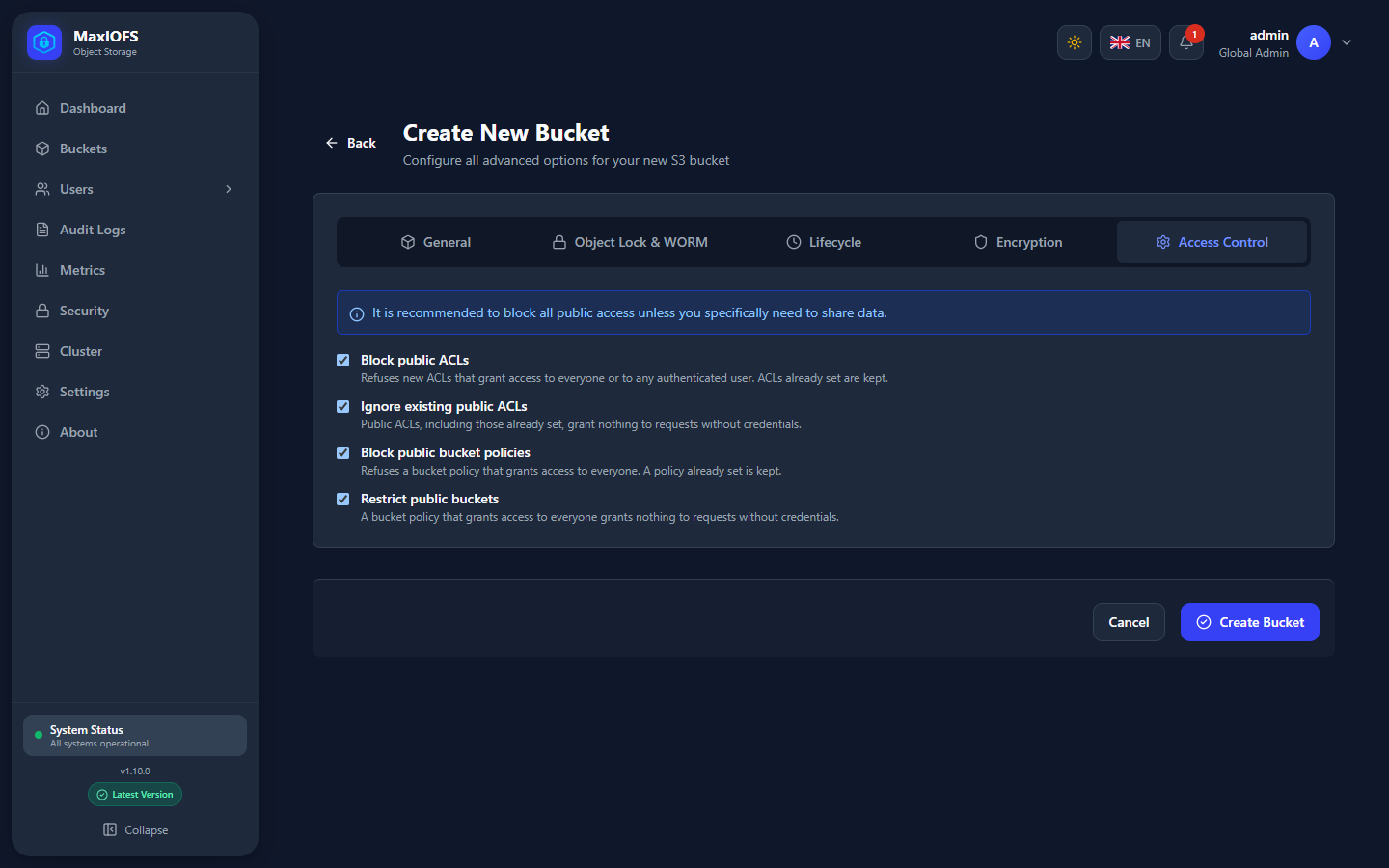
- Access Control: the four Block Public Access switches, all on by default. Leave them on unless the bucket must be public.
Bucket settings
Open a bucket and click Settings, or the gear icon in the list. The settings are grouped in tabs.
General
Versioning, Object Lock status, the default retention, and tags.
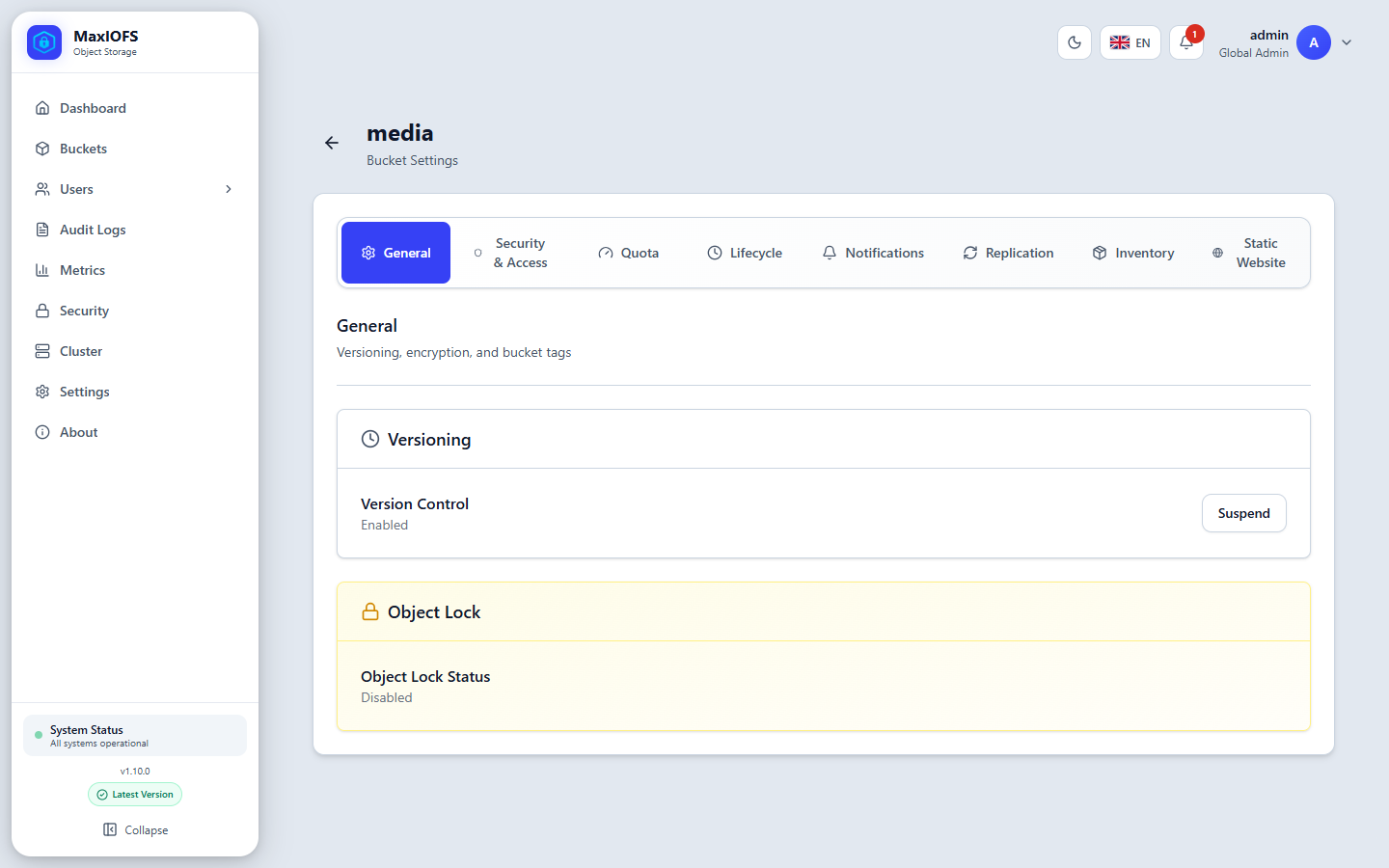
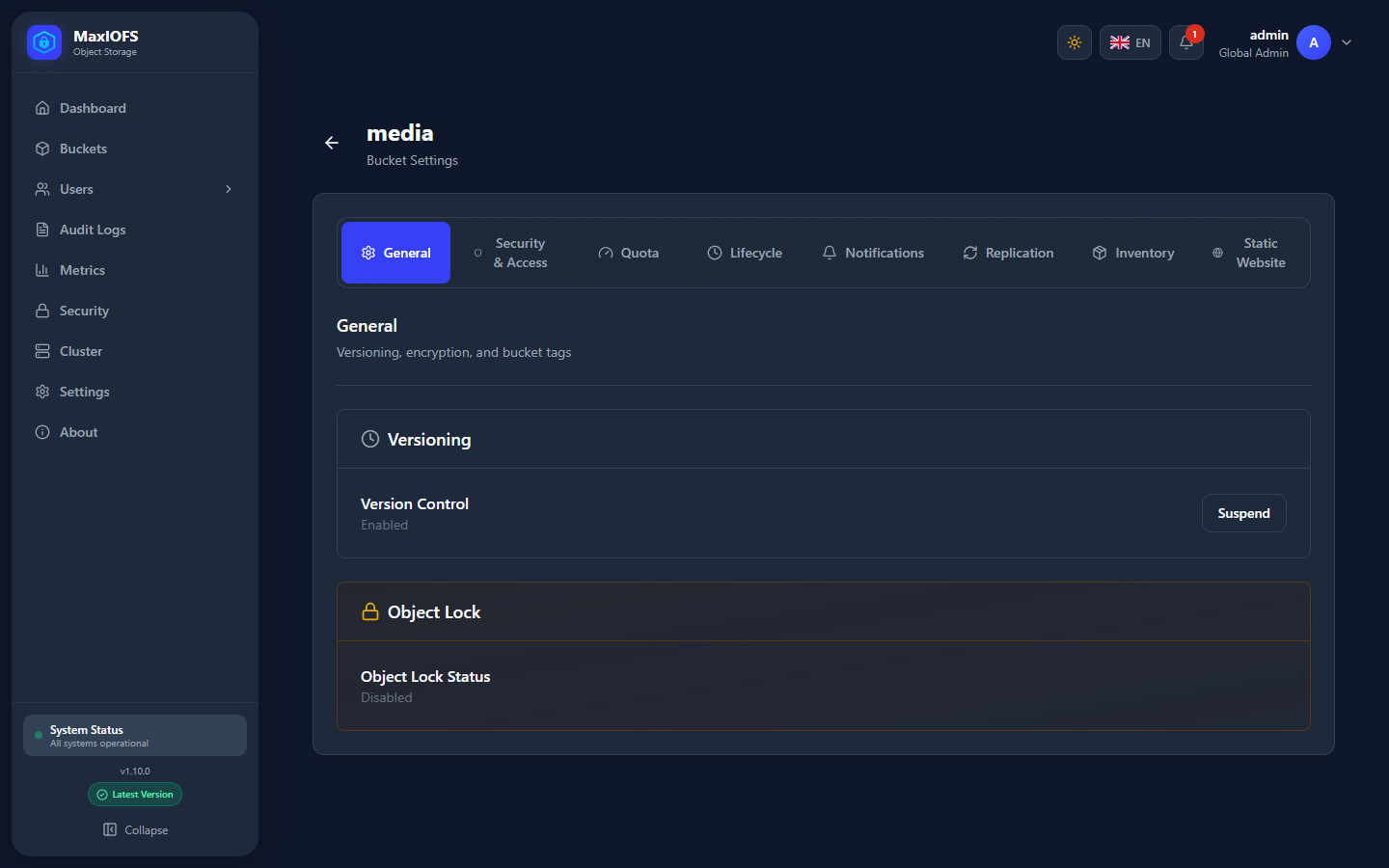
- Versioning can be enabled, and later suspended. Suspending stops new versions; existing ones stay. A bucket never returns to "unversioned".
- Object Lock: on a bucket created with it, change the default retention mode and period.
Security & Access
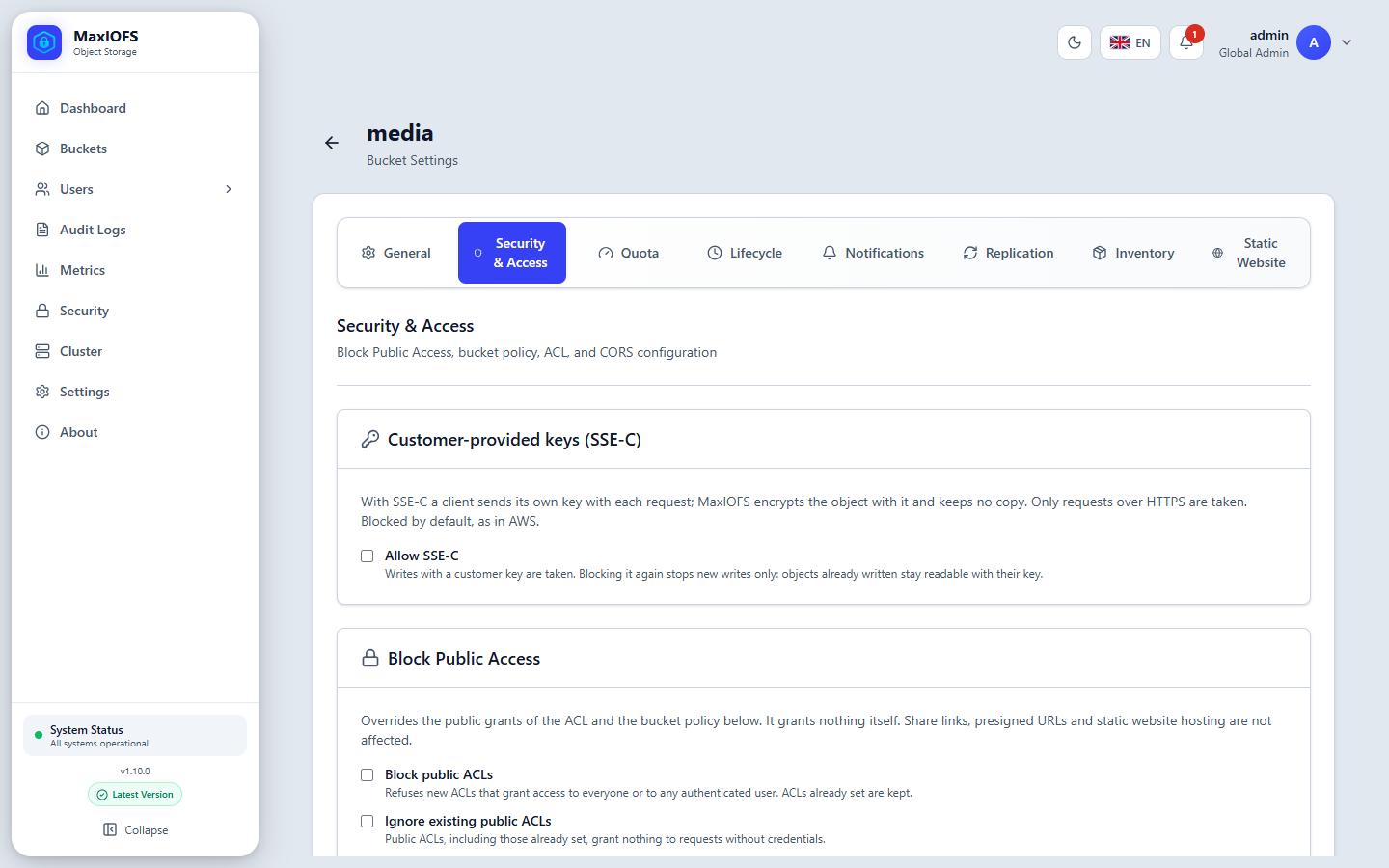
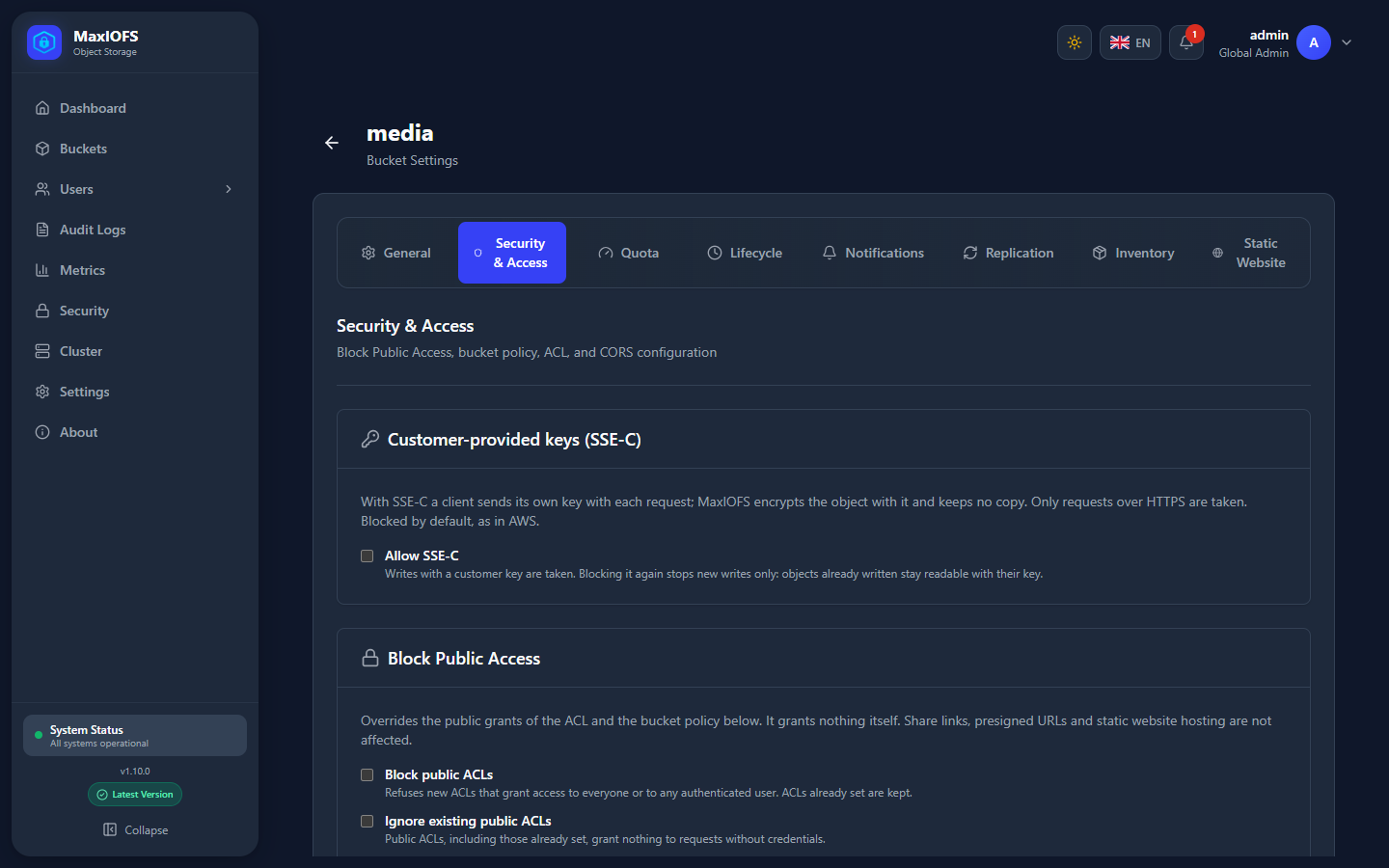
| Section | What it decides |
|---|---|
| Customer-provided keys (SSE-C) | Whether clients may send their own encryption key with each request. Blocked by default, as in AWS. Only taken over HTTPS. |
| Block Public Access | Overrides anything public in the ACL and the policy. It grants nothing itself. Share links, presigned URLs and websites are not affected. |
| Bucket Policy | Grants or denies actions on the bucket to users of its tenant or to everyone. A Deny here wins over any other permission. Edited as rules, not JSON. |
| ACL | What requests without credentials may do: private, public read, or public read-write. |
| CORS | Which web origins may call the bucket from a browser. |
To publish a folder to the internet, for example:
- Turn off Block public policy and Restrict public buckets.
- Add a policy rule: Everyone may Read objects under the prefix
public/.
Lifecycle
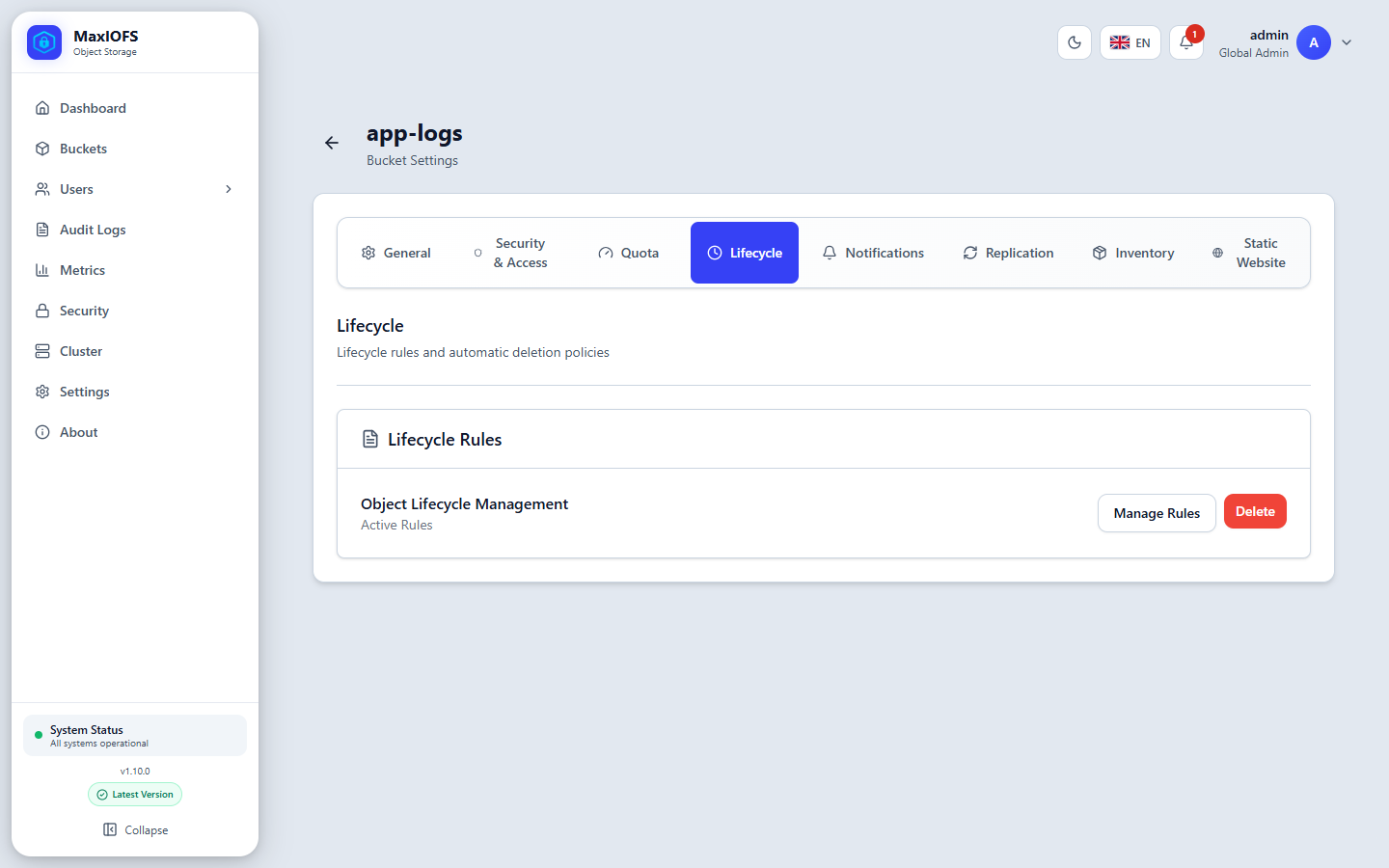
Rules run in the background and clean up on their own. Each rule can be limited to a prefix, tags or object sizes.
| Action | Effect |
|---|---|
| Expiration | Deletes objects a number of days after they were written, or on a date |
| Noncurrent version expiration | Deletes versions that stopped being the latest some days ago, optionally keeping the newest N |
| Expired delete markers | Removes delete markers left with no version behind them |
| Abort incomplete multipart uploads | Frees the parts of uploads never finished |
| Move to a colder storage class | In a cluster, moves objects to the nodes of a storage class; they are read as before |
Objects protected by Object Lock are never deleted by a rule before their retention ends.
Notifications
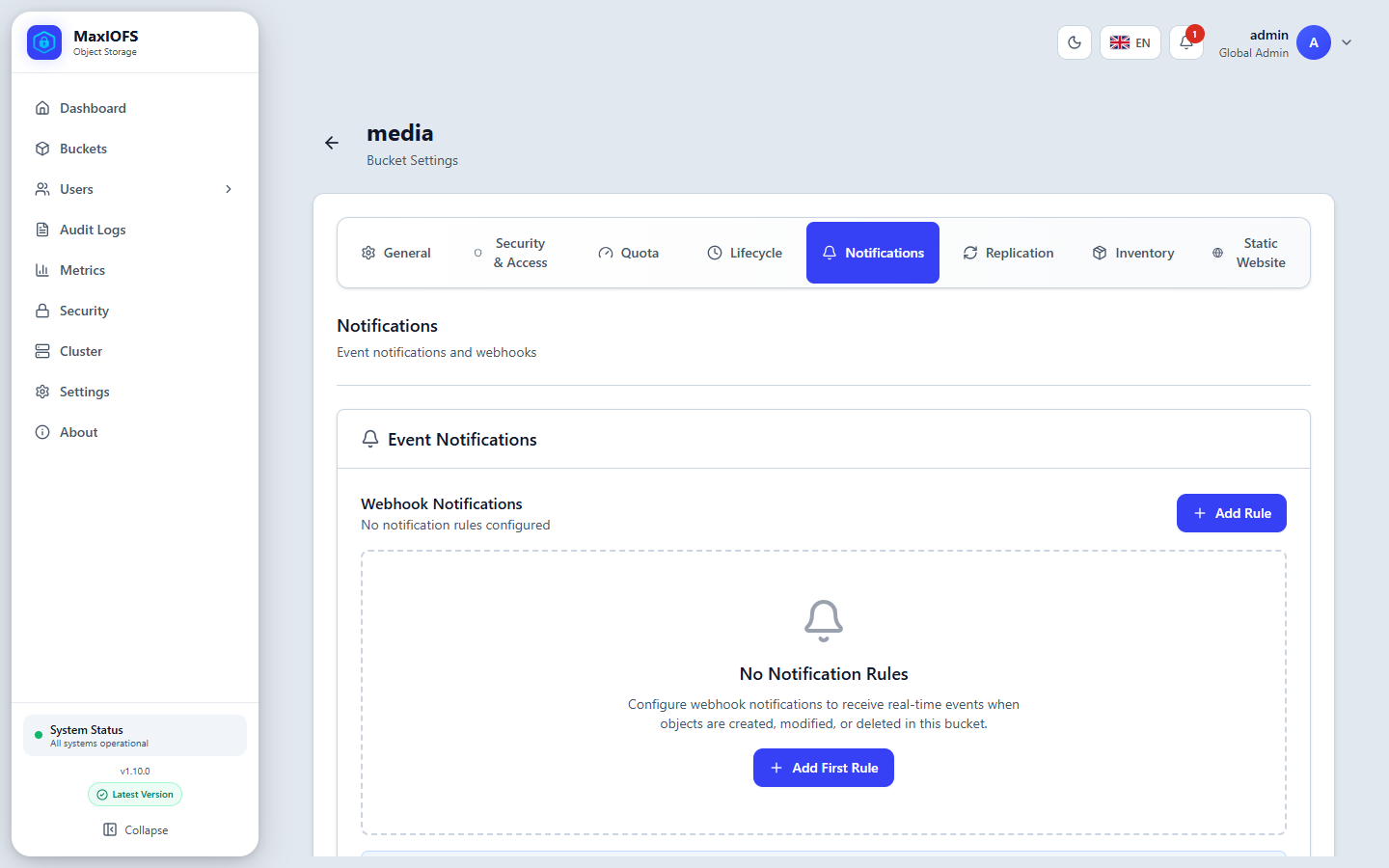
A rule sends an HTTP POST to your webhook each time an object is created
or deleted, optionally only for a prefix or suffix. The body follows the AWS
S3 event format. A failed delivery is retried up to 3 times, with a timeout
of 10 seconds each.
Replication
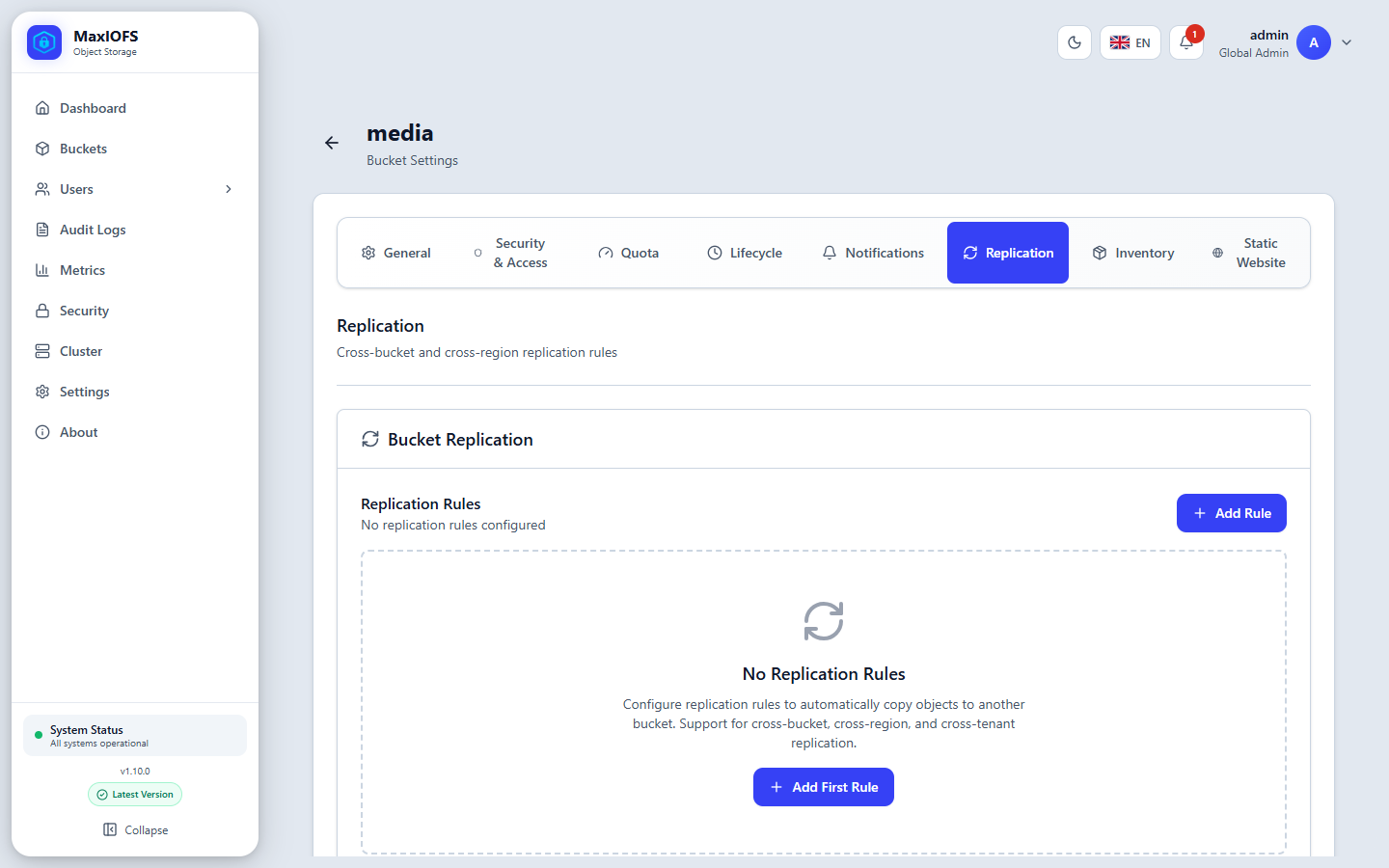
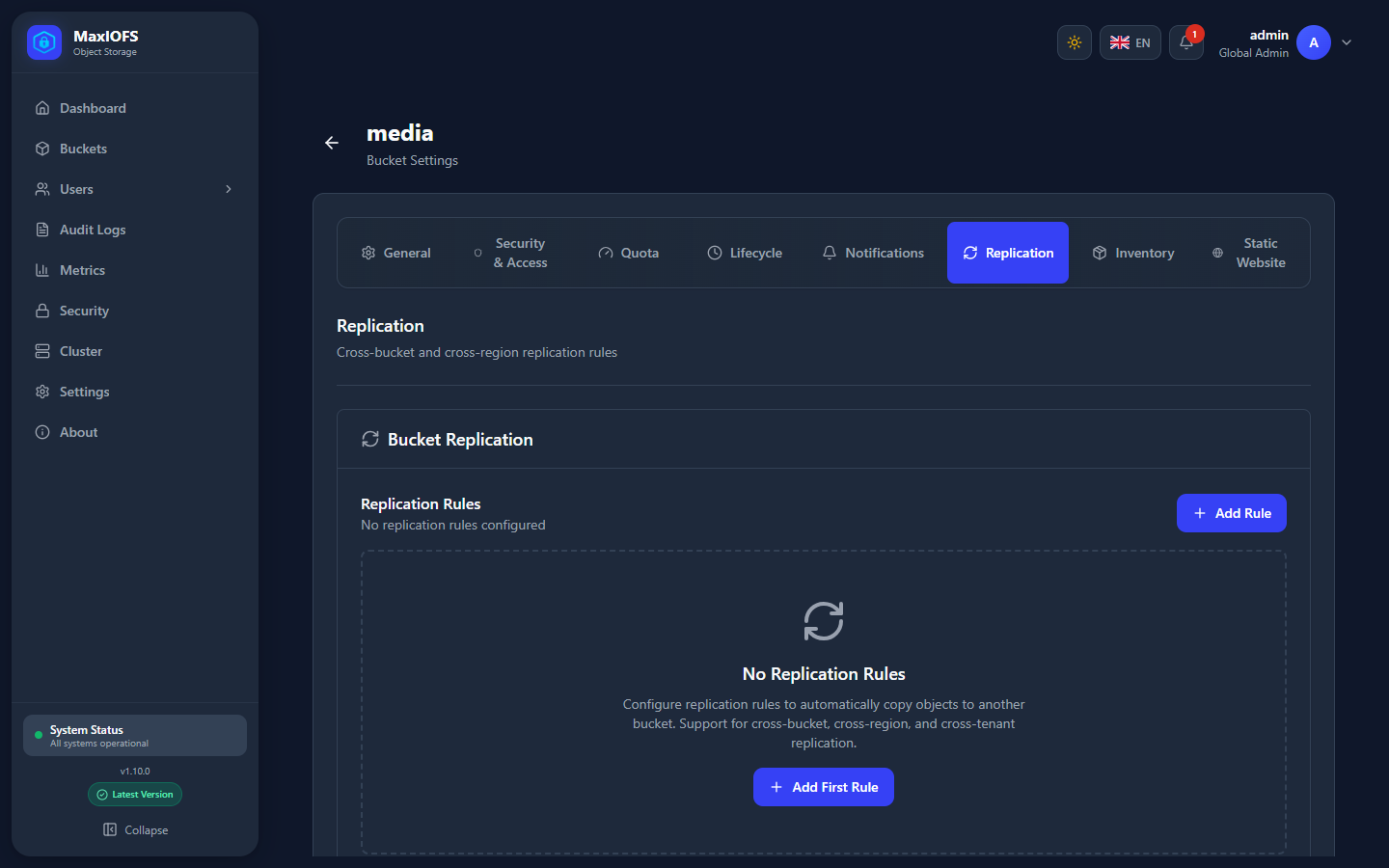
Copies the bucket's objects to another bucket: on AWS S3, any S3-compatible service, or another MaxIOFS. A rule names the endpoint, destination bucket, keys and region, plus:
| Option | Choices |
|---|---|
| Mode | Realtime (as objects arrive), Scheduled (every N minutes) or Batch (when you run it) |
| Prefix | Only objects under it |
| Conflict resolution | Last write wins, Version based, or Primary wins |
| Priority | Rules with higher priority are processed first |
The destination bucket must exist. Turn on versioning on both sides. The sync icon of a rule runs it now. Rules can be disabled without deleting them.
Replication inside a cluster
The nodes of a cluster already hold every bucket; replication is for a copy in another place.
Inventory
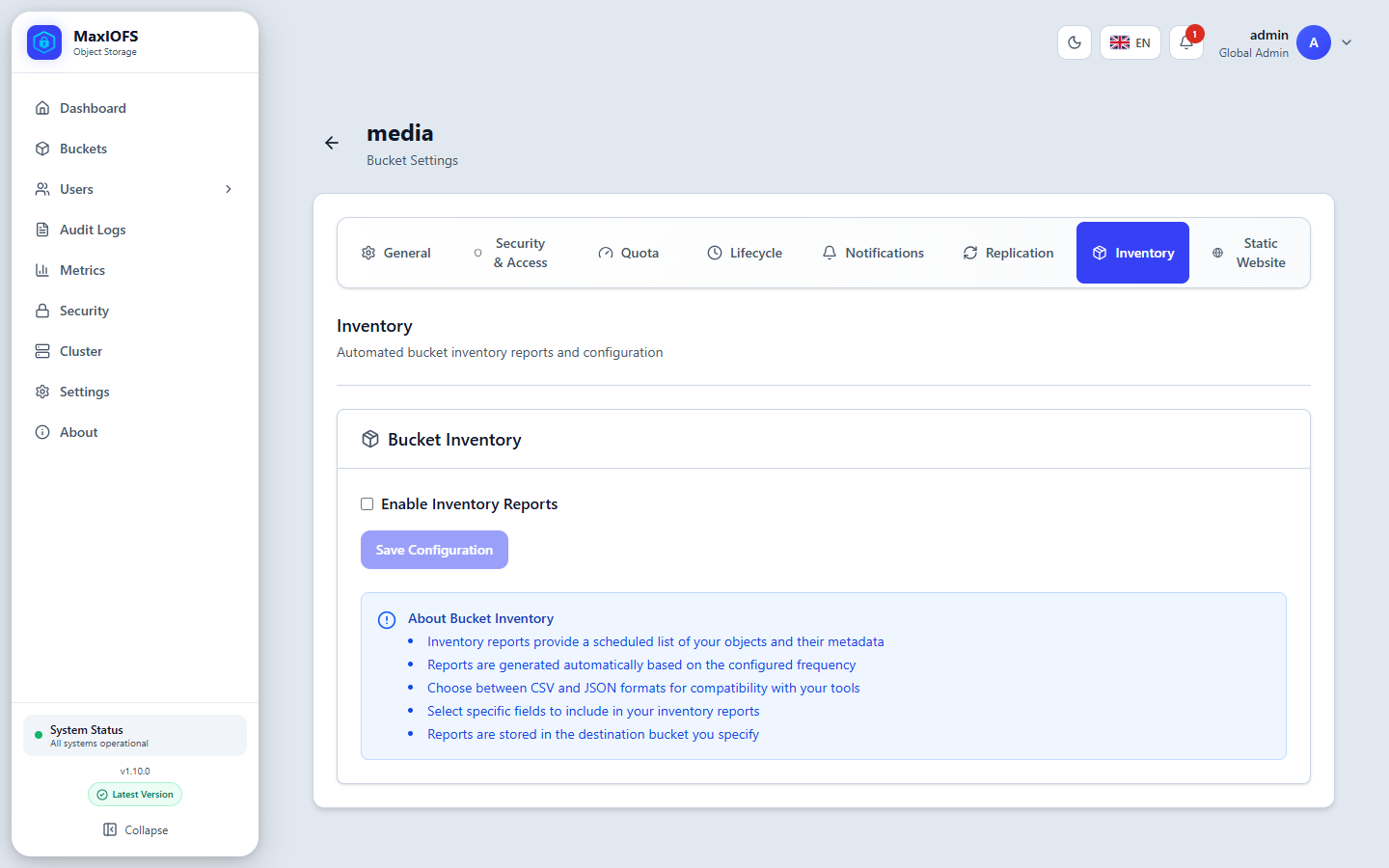
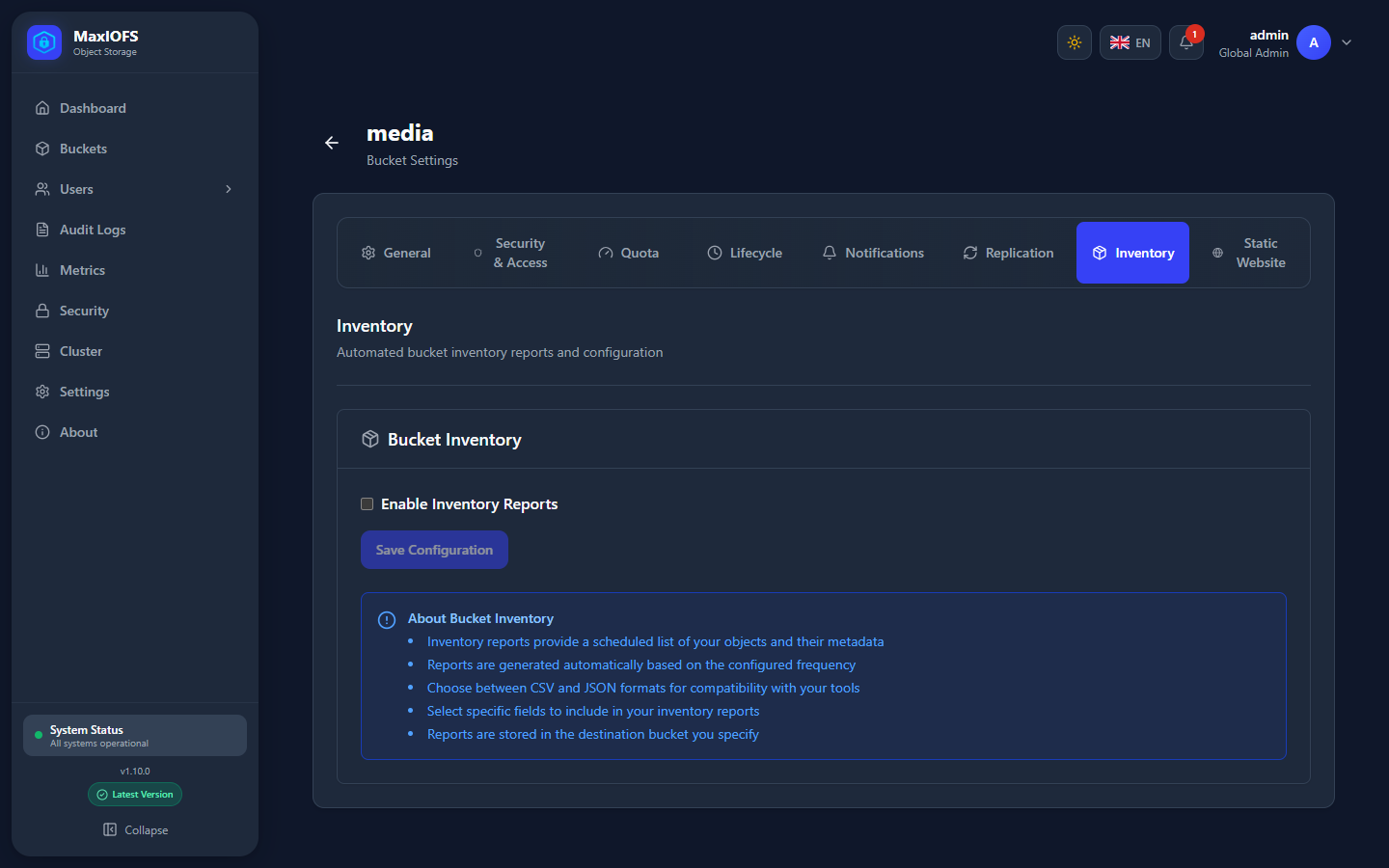
Writes a daily or weekly list of the bucket's objects, in CSV or JSON, to another bucket, with the fields you choose. Useful for audits and for tools that compare contents.
Static Website
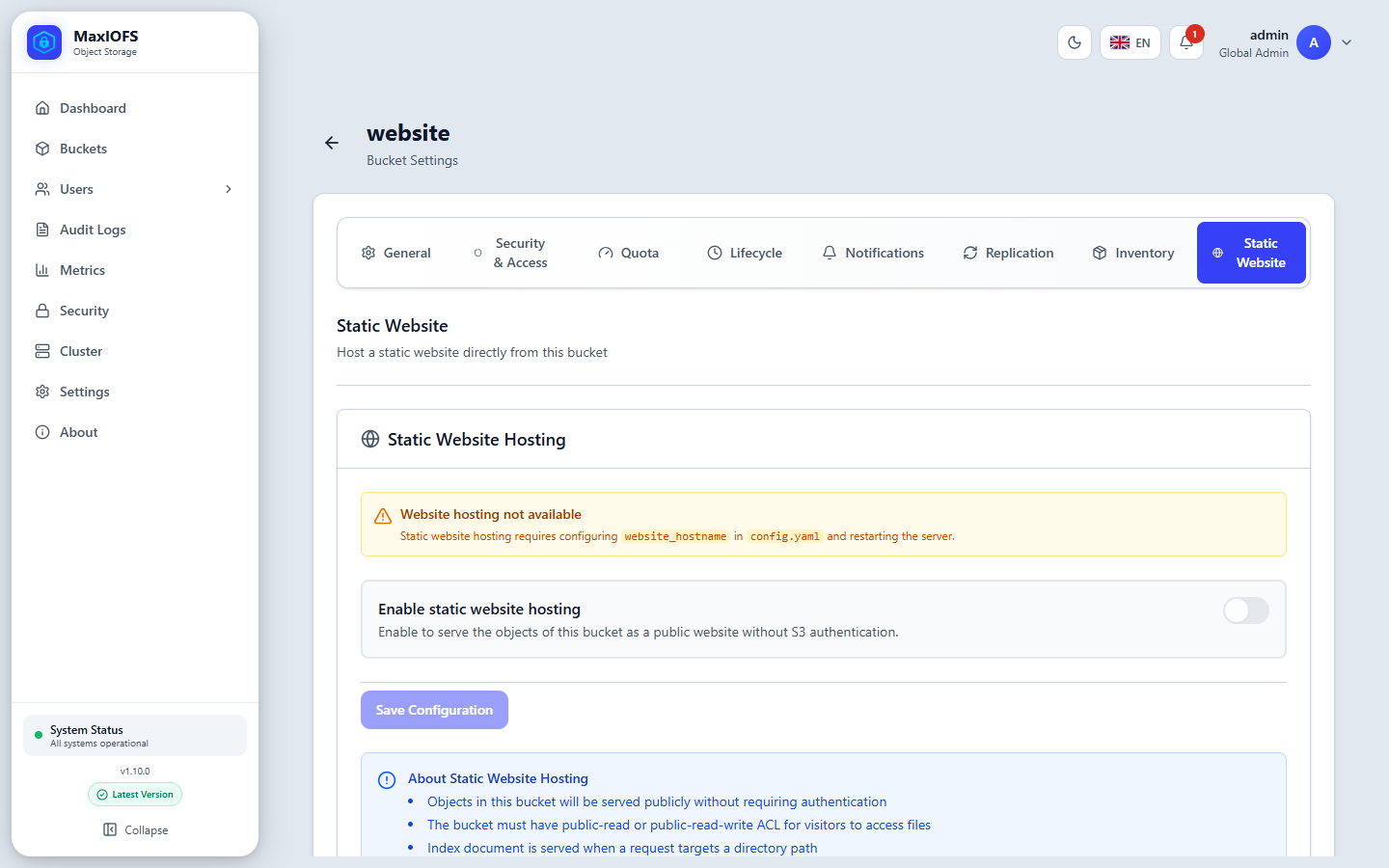
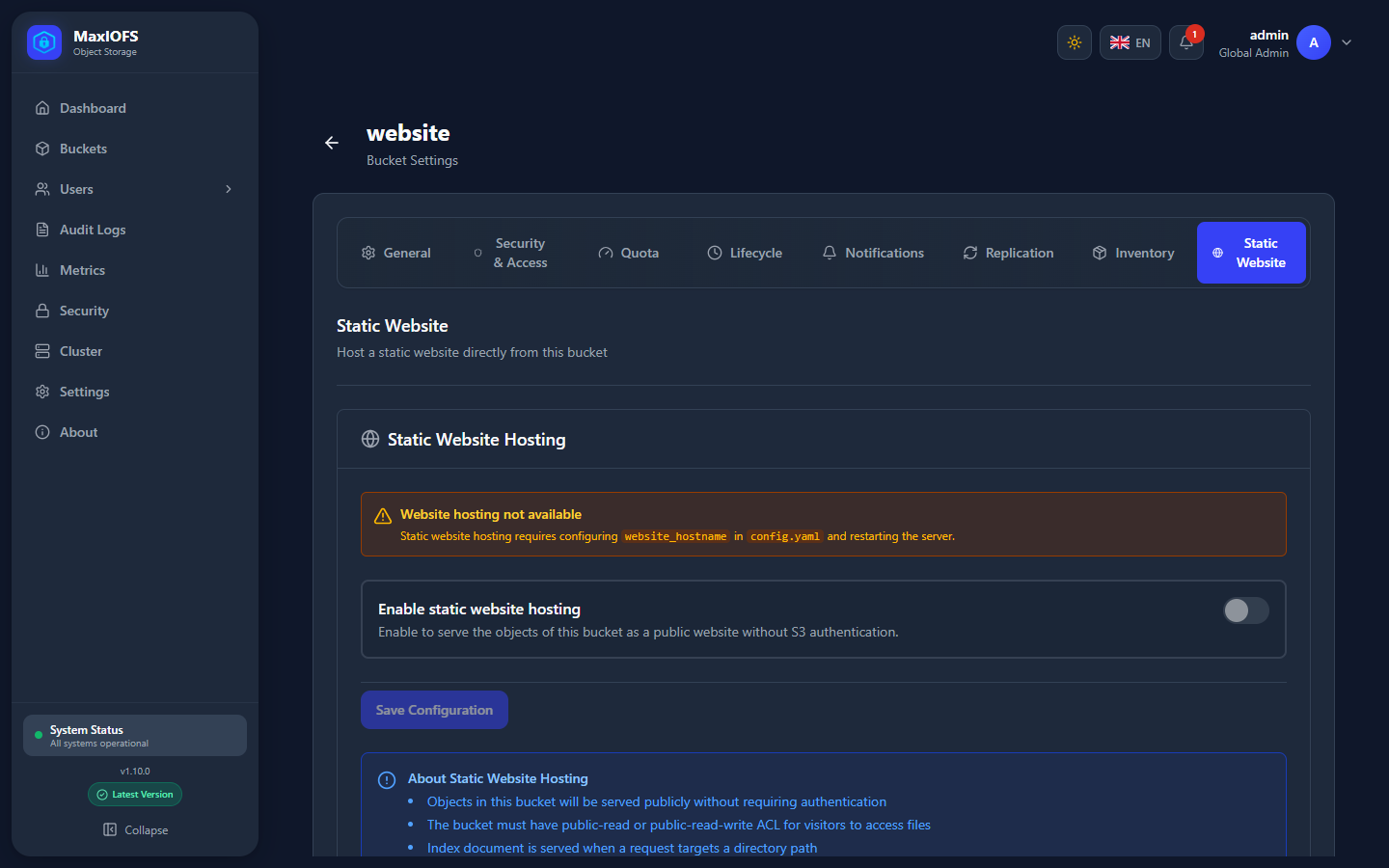
Serves the bucket as a public website at https://<bucket>.<website_hostname>,
with an index document (such as index.html), an error document and
redirect rules. It needs website_hostname in config.yaml and a wildcard
DNS name: see TLS and Reverse Proxy.
Until then the tab says Website hosting not available.
Quota
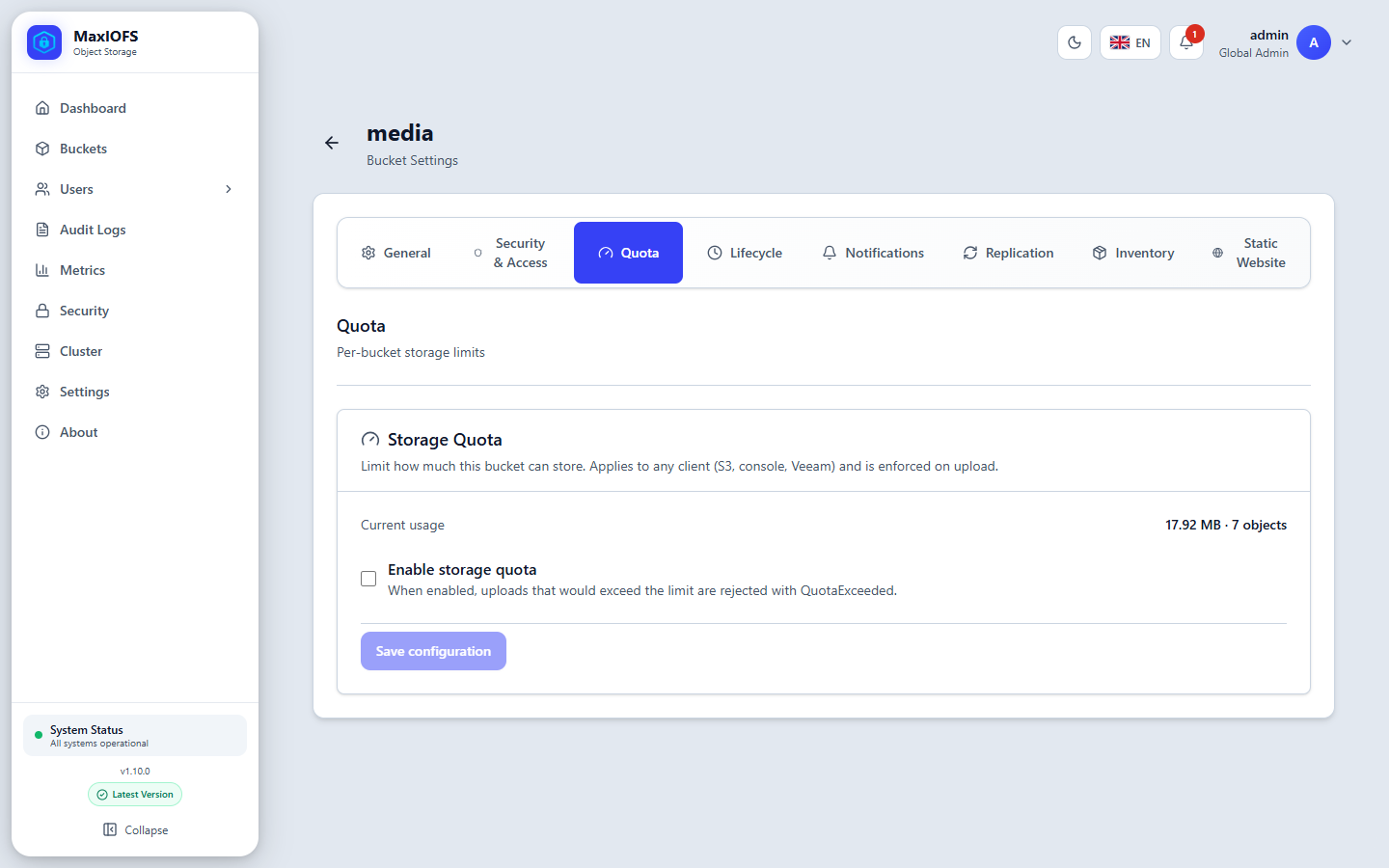
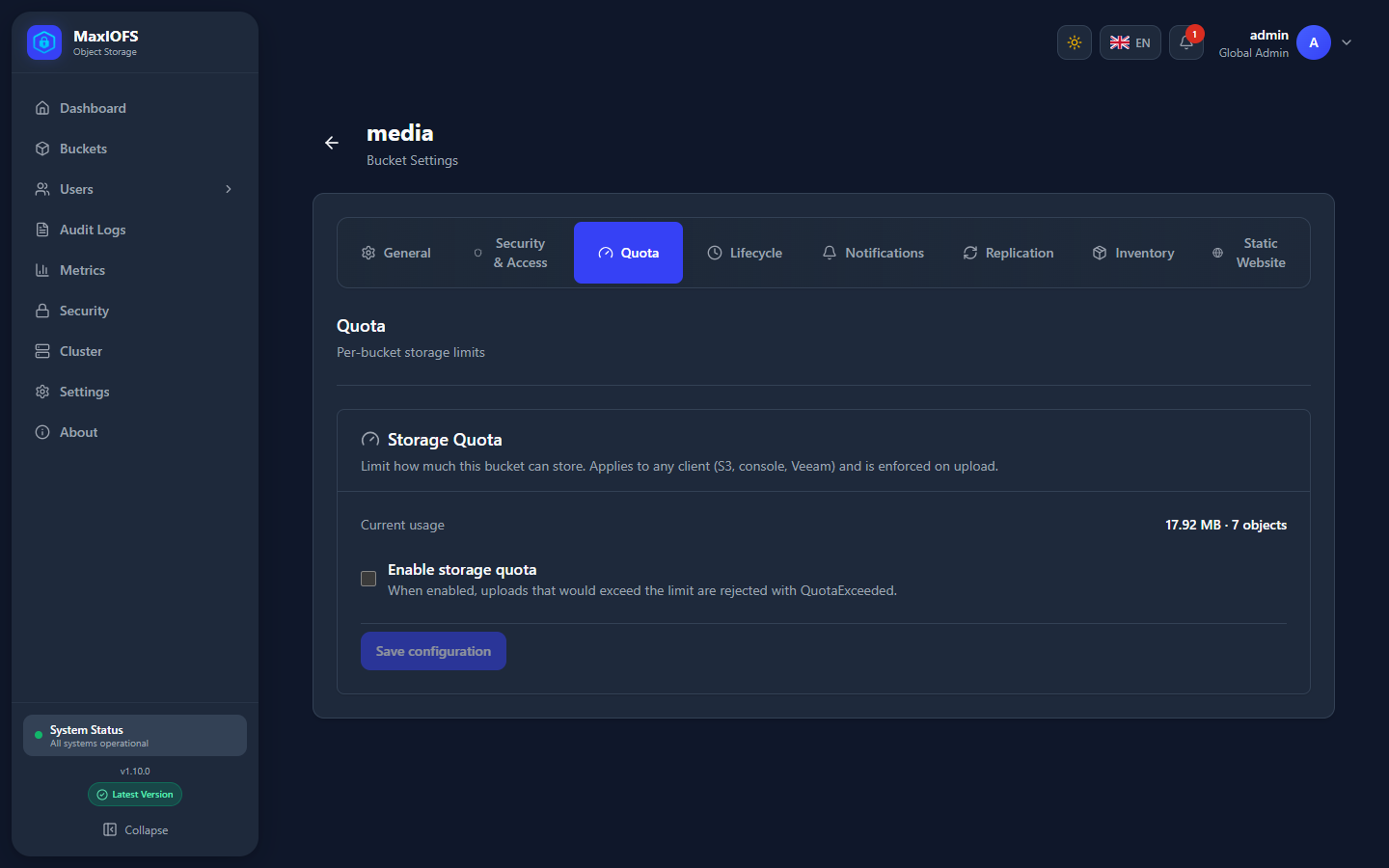
Limits the bytes and, optionally, the number of objects the bucket can hold.
Uploads that would pass the limit are refused with QuotaExceeded, from any
client: S3, the console or backup software. Deletes always work. From
v1.10.1 the parts of multipart uploads in progress count too: a part is
refused once what is stored and what is in progress reach the limit.
A tenant can also have a storage quota of its own (see Tenants); an upload must fit in both.
Delete a bucket
The trash icon in the list deletes a bucket. An empty bucket goes at once. For one with objects, the console offers to delete everything in it first. Objects under Object Lock retention cannot be deleted, so neither can their bucket until the retention ends.