IAM
Users → IAM is where permissions are decided. MaxIOFS has one permission model, the AWS IAM one: what a user may do is the set of policies that apply to them, their own, their groups', their tenant's and their roles', evaluated as AWS does:
- Nothing is allowed unless a policy allows it.
- An explicit
Denyanywhere wins over anyAllow. - The bucket's own policy takes part in the same decision.
The page has three tabs. Only global administrators see it.
Permissions
Pick a user to see and change what they can do, without writing JSON.
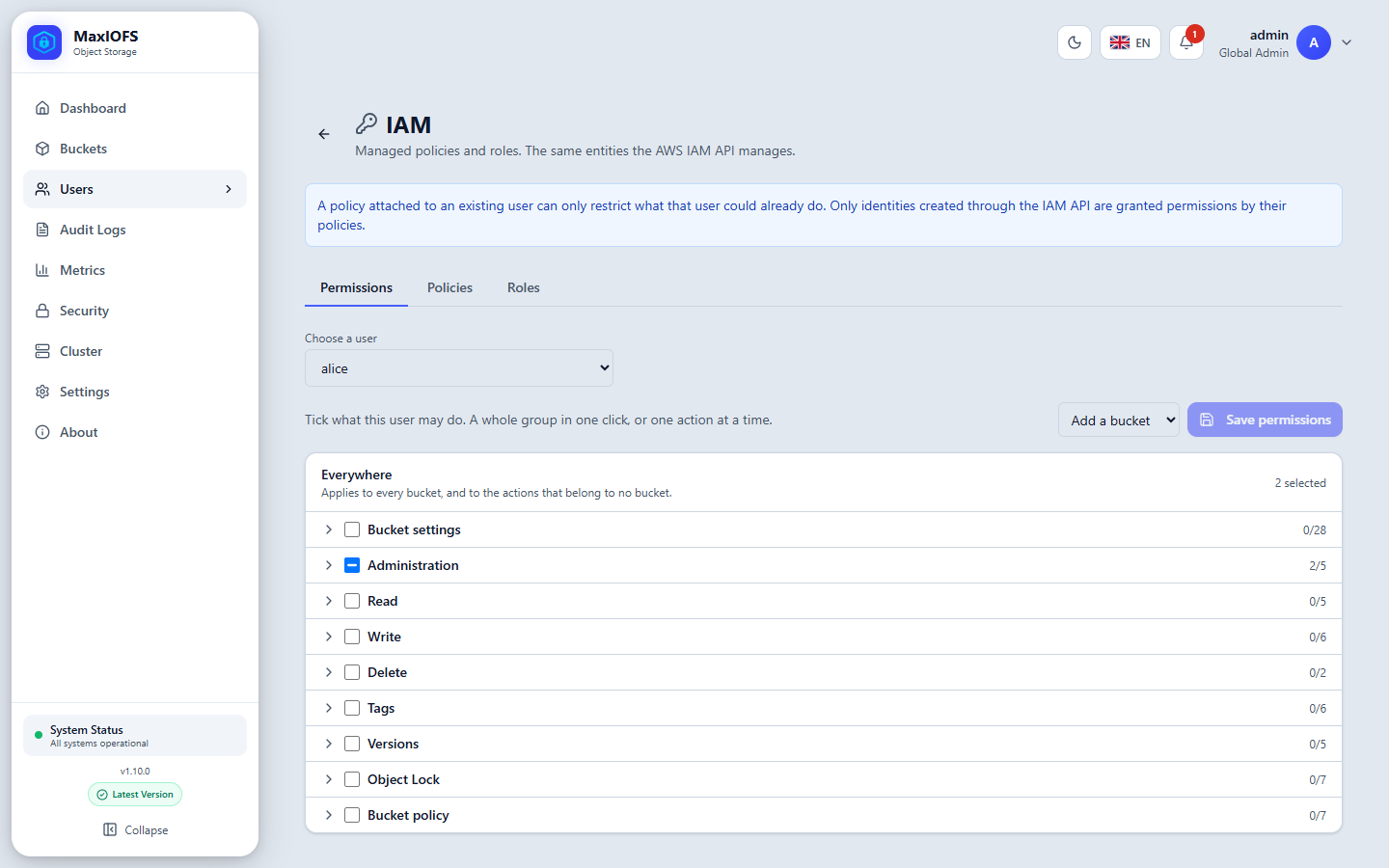
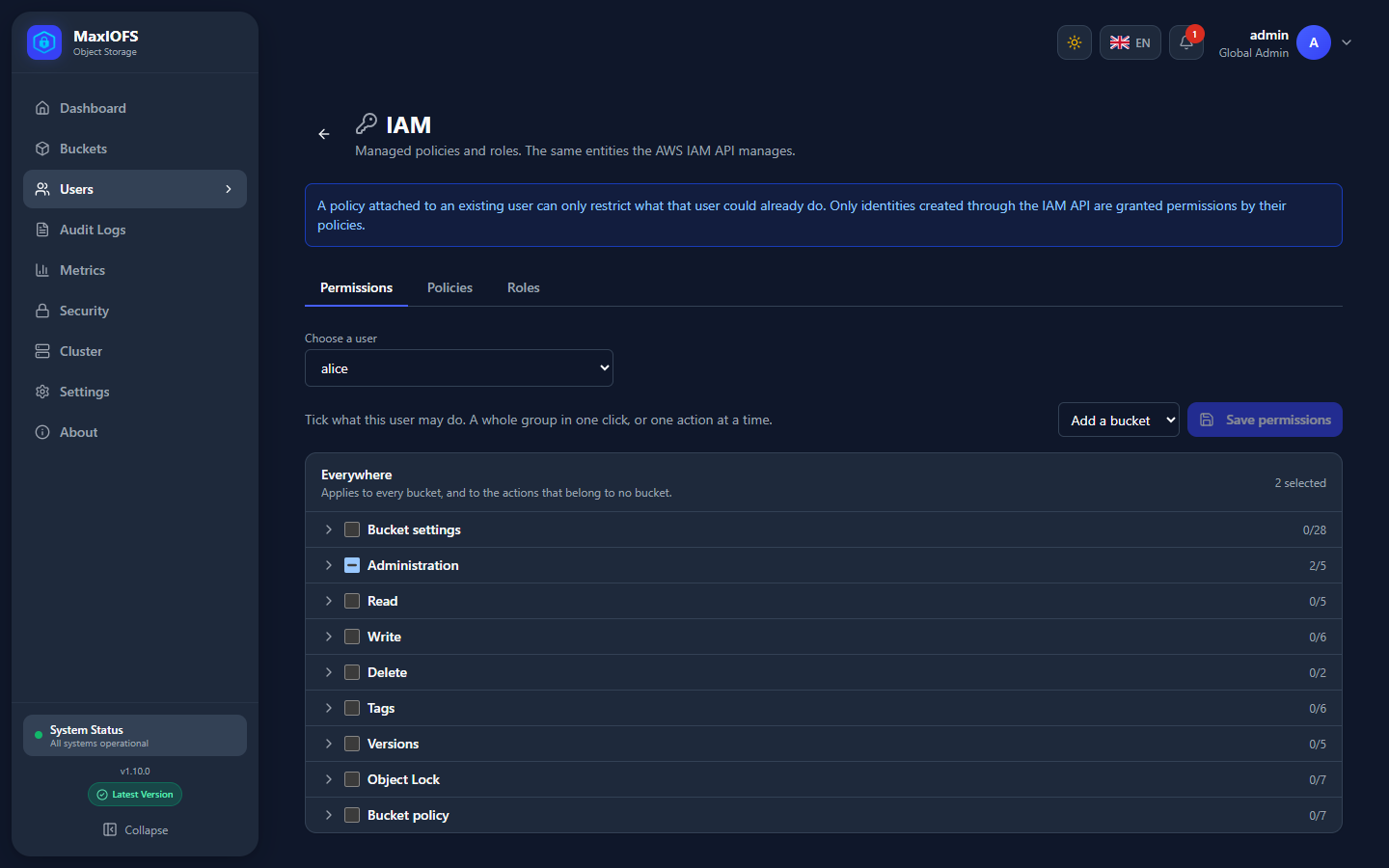
- Everywhere applies to every bucket, and to the actions that belong to no bucket (such as creating buckets or managing your own keys).
- Add a bucket adds a section that applies only to that bucket and its objects.
- Actions come in groups (Read, Write, Delete, Tags, Versions, Object Lock, Bucket settings, Bucket policy, Administration…). Tick a whole group, or open it and tick single actions.
- Save permissions stores them as the user's policy. They apply at once, also to the user's keys and temporary credentials already issued.
A user who may only upload to one bucket
Leave Everywhere empty, Add a bucket → uploads, and tick Write.
The user can put objects there and nothing else, not even list them.
Policies
Managed policies are reusable permission documents, attached to users, groups or roles. The built-in ones cover the usual cases:
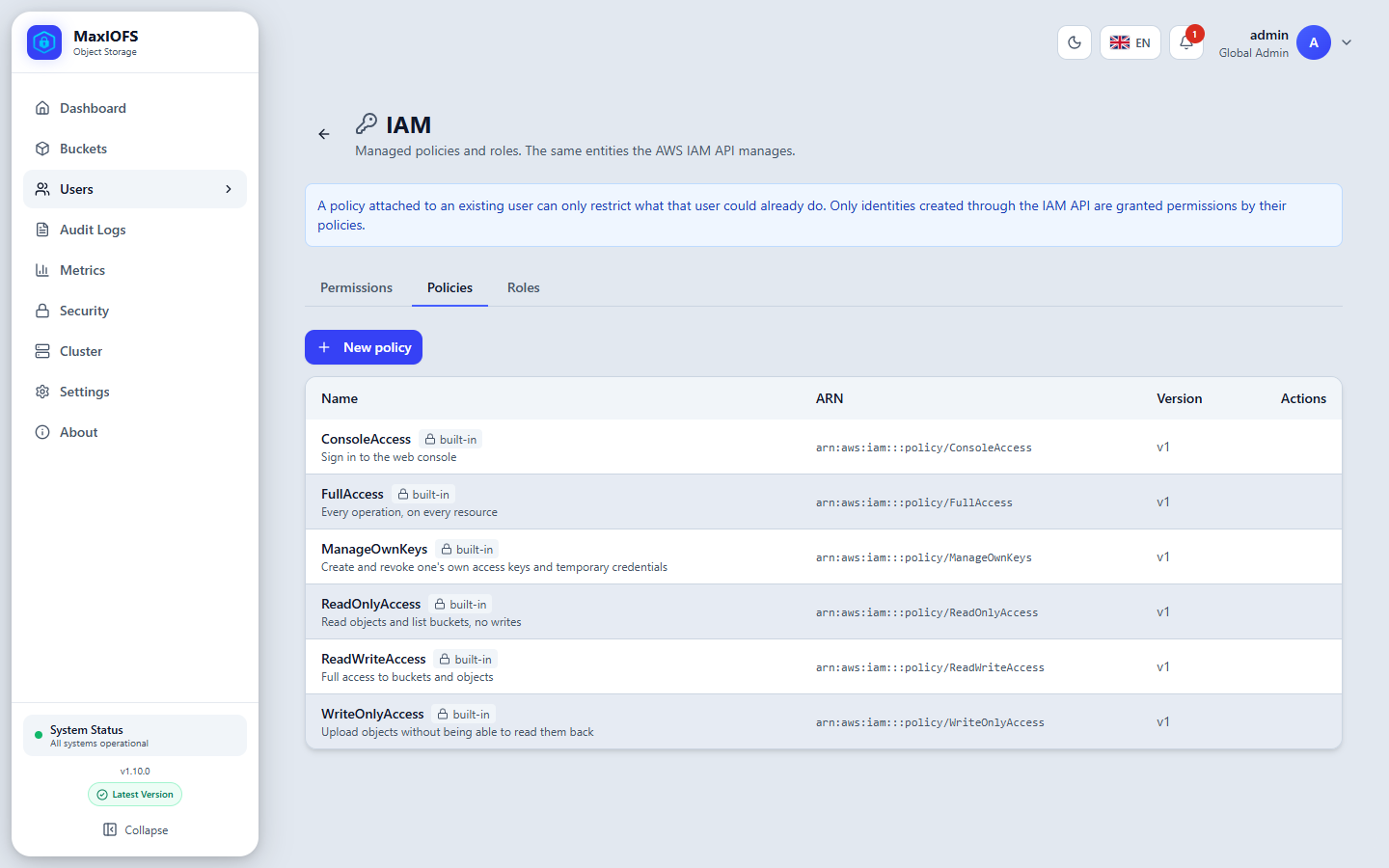
| Policy | Grants |
|---|---|
ConsoleAccess |
Signing in to the web console |
FullAccess |
Every operation on every resource |
ManageOwnKeys |
Creating and revoking one's own access keys and temporary credentials |
ReadOnlyAccess |
Reading objects and listing buckets; no writes |
ReadWriteAccess |
Full access to buckets and objects |
WriteOnlyAccess |
Uploading objects without being able to read them back |
New policy writes your own, in the AWS JSON format:
{
  "Version": "2012-10-17",
  "Statement": [
    {
      "Effect": "Allow",
      "Action": ["s3:GetObject", "s3:ListBucket"],
      "Resource": ["arn:aws:s3:::reports", "arn:aws:s3:::reports/*"]
    },
    {
      "Effect": "Deny",
      "Action": "s3:DeleteObject",
      "Resource": "arn:aws:s3:::reports/*"
    }
  ]
}
Actions are named by service: s3:* for buckets and objects, iam:* for
identities, console:* for what exists only in the console, and
maxiofs:* for MaxIOFS features such as bucket quotas
(maxiofs:GetBucketQuota, maxiofs:PutBucketQuota).
Roles
A role is an identity an application assumes to get exactly the
permissions the role grants, for a limited time, through AssumeRole.
- Its trust policy names who may assume it: users, a tenant, a MaxIOFS role, or everyone. A role with no trust policy cannot be assumed.
- Its own policies are what a session of the role may do, not what the caller could do.
- Max session duration caps how long a session lasts.
- Editing or deleting a role takes effect on sessions already issued.
aws sts assume-role --role-arn arn:aws:iam:::role/backup-writer \
  --role-session-name nightly --duration-seconds 3600
See STS for using the credentials it returns.
The same from the command line
The S3 endpoint also speaks the IAM protocol, for scripts and tools such as Terraform:
aws iam create-user --user-name ci-runner
aws iam create-access-key --user-name ci-runner
aws iam create-policy --policy-name reports-read --policy-document file://policy.json
aws iam attach-user-policy --user-name ci-runner \
  --policy-arn arn:aws:iam:::policy/reports-read
aws iam list-attached-user-policies --user-name ci-runner
IAM calls need a permanent key of a user allowed to manage IAM; temporary credentials are refused. Settings → Security can switch the IAM API off.
Tenants and IAM
Everything created through IAM belongs to its creator's tenant. A tenant's users and roles never reach another tenant, whatever a policy says. Policies and roles with no tenant belong to the installation: every tenant can attach or assume them, and only a global administrator changes them.