Security and Audit
Security overview
Security (global administrators) gathers the state of accounts and the protections in force, in one page.
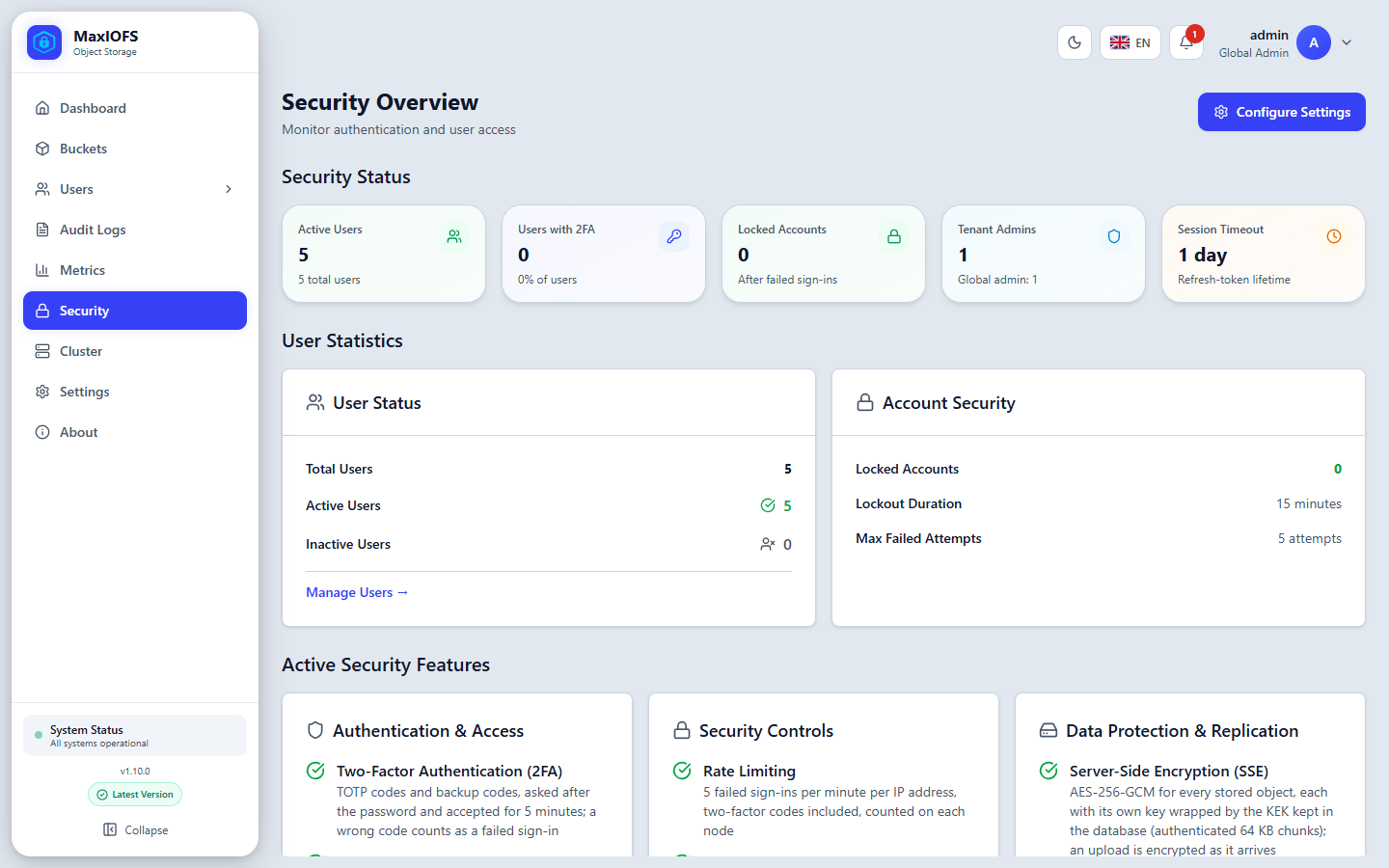
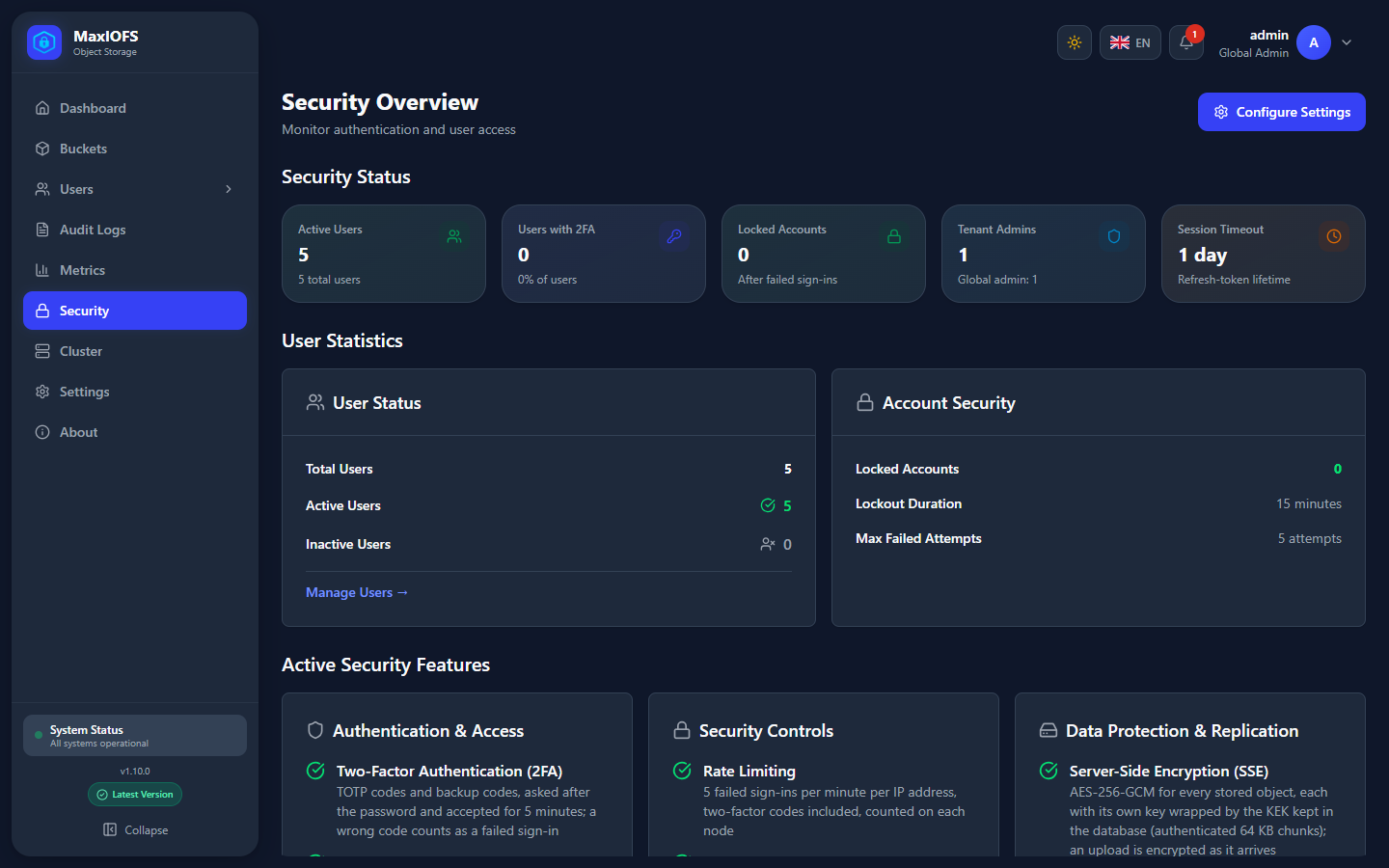
- Security Status: active users, users with 2FA, locked accounts, tenant administrators, session timeout.
- User Statistics and Account Security: who is active or locked, the lockout duration and the failed attempts allowed.
- Active Security Features: what protects the installation: 2FA, rate limiting, encryption at rest, replication.
Configure Settings opens Settings → Security, where those values are changed.
Audit log
Audit Logs (administrators; a tenant administrator sees their tenant) records who did what, when, from where, and whether it worked: sign-ins, users, keys, buckets, policies, settings, uploads and deletes.
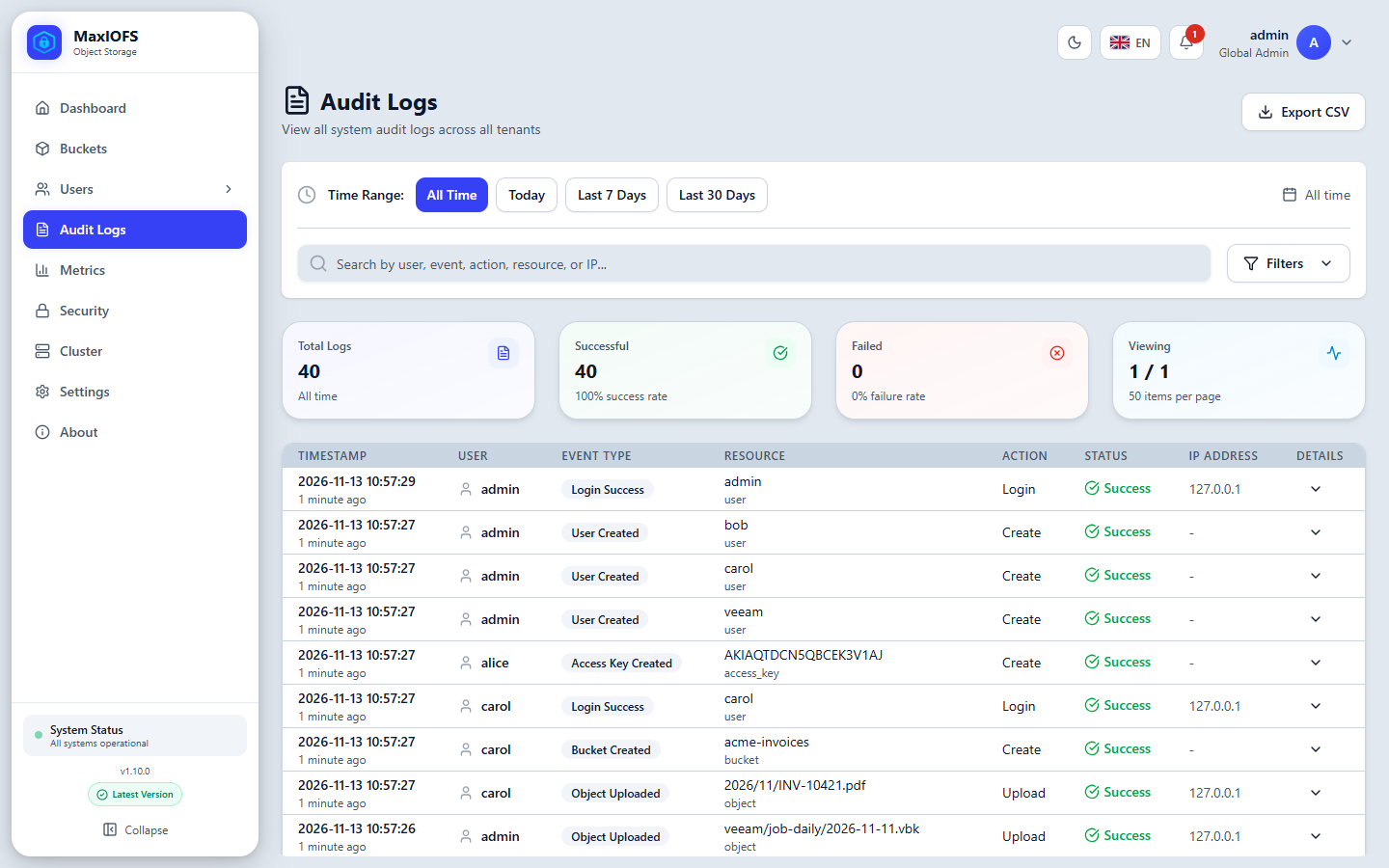
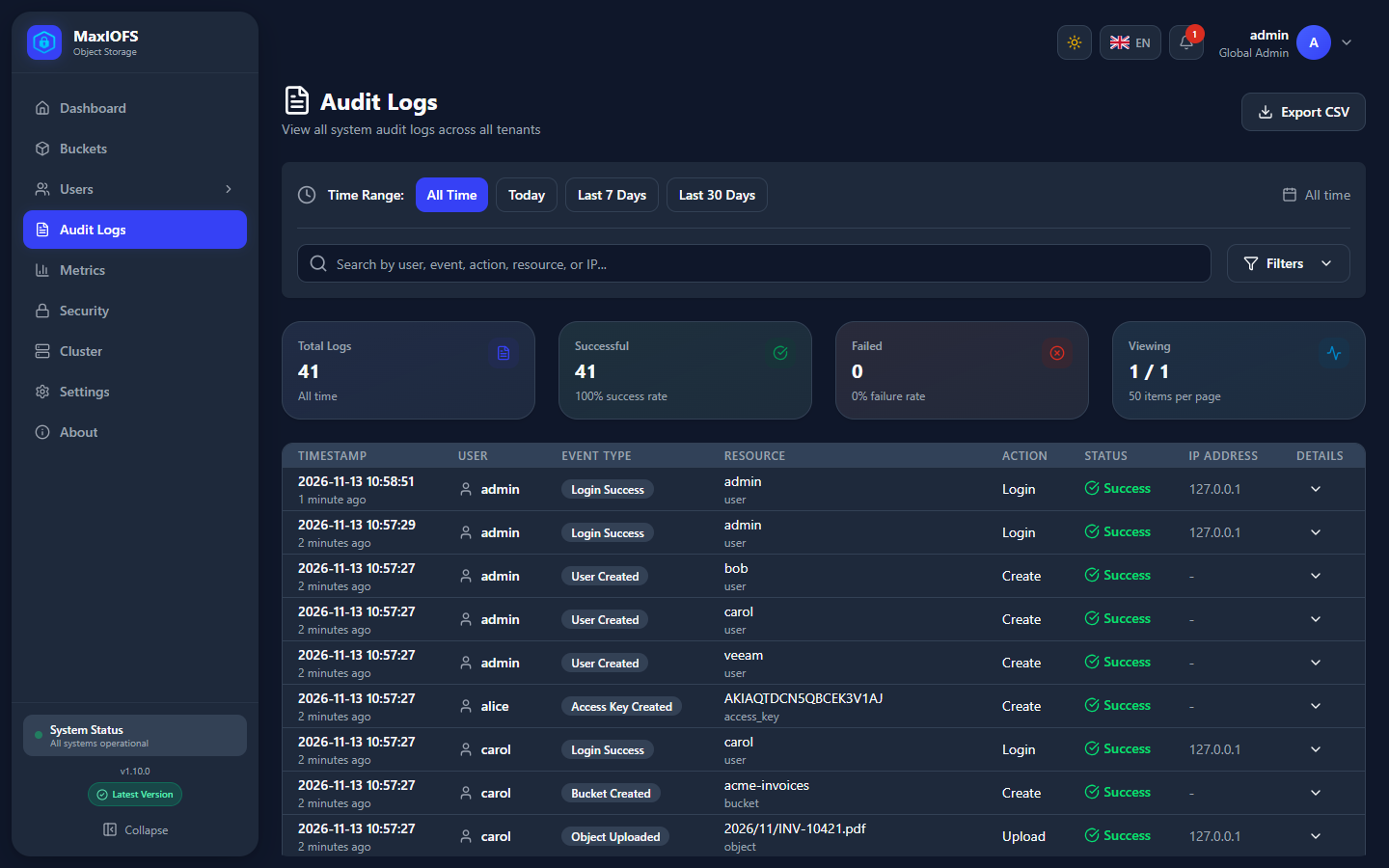
- Time Range: today, last 7 days, last 30 days, all time, or your own dates.
- Search by user, event, action, resource or IP; Filters by event type, status and user.
- The arrow at the end of a row shows its details.
- Export CSV downloads what the filters show.
Entries are kept for audit.retention_days (90 by default, in
Settings → Audit). Whether S3 operations and console operations are
recorded is set there too. To keep them longer or elsewhere, send them to
syslog (Settings → Logging).
Alerts
The bell in the top bar receives alerts as they happen, and with email configured they are also mailed to administrators:
- Disk use above the warning and critical thresholds of Settings → System.
- A bucket or tenant close to its quota.
- Corruption found by an integrity scan.
- Security events such as an account locked after failed sign-ins.