Identity Providers
Let people sign in with the accounts they already have: an LDAP directory or Active Directory, or an OAuth2 / OpenID Connect provider such as Google Workspace, Microsoft Entra ID or Keycloak. Users → Identity Providers lists them.
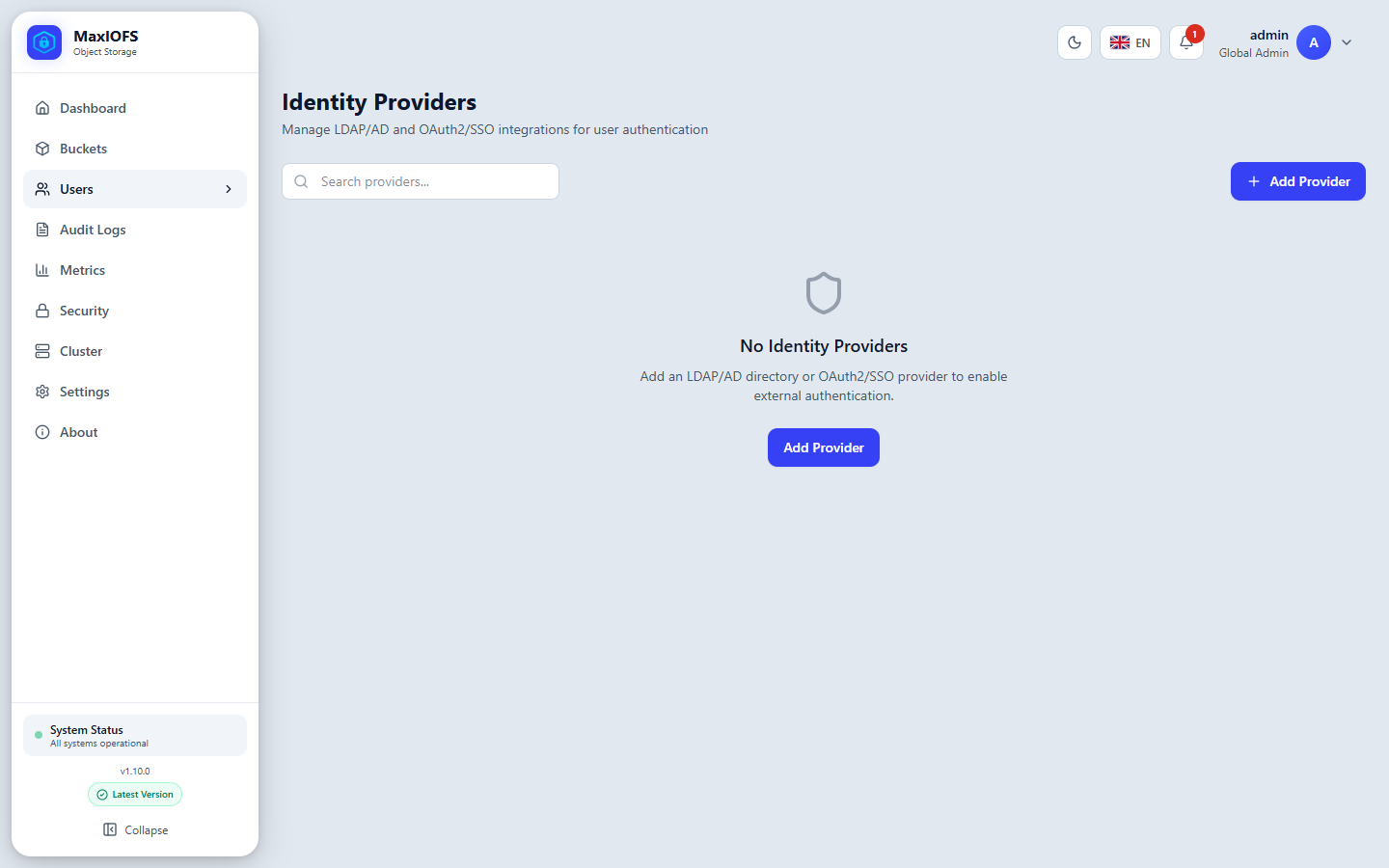
Add a provider
Add Provider asks for a name, the type, the status and the tenant the provider's users belong to (or none, for global users).
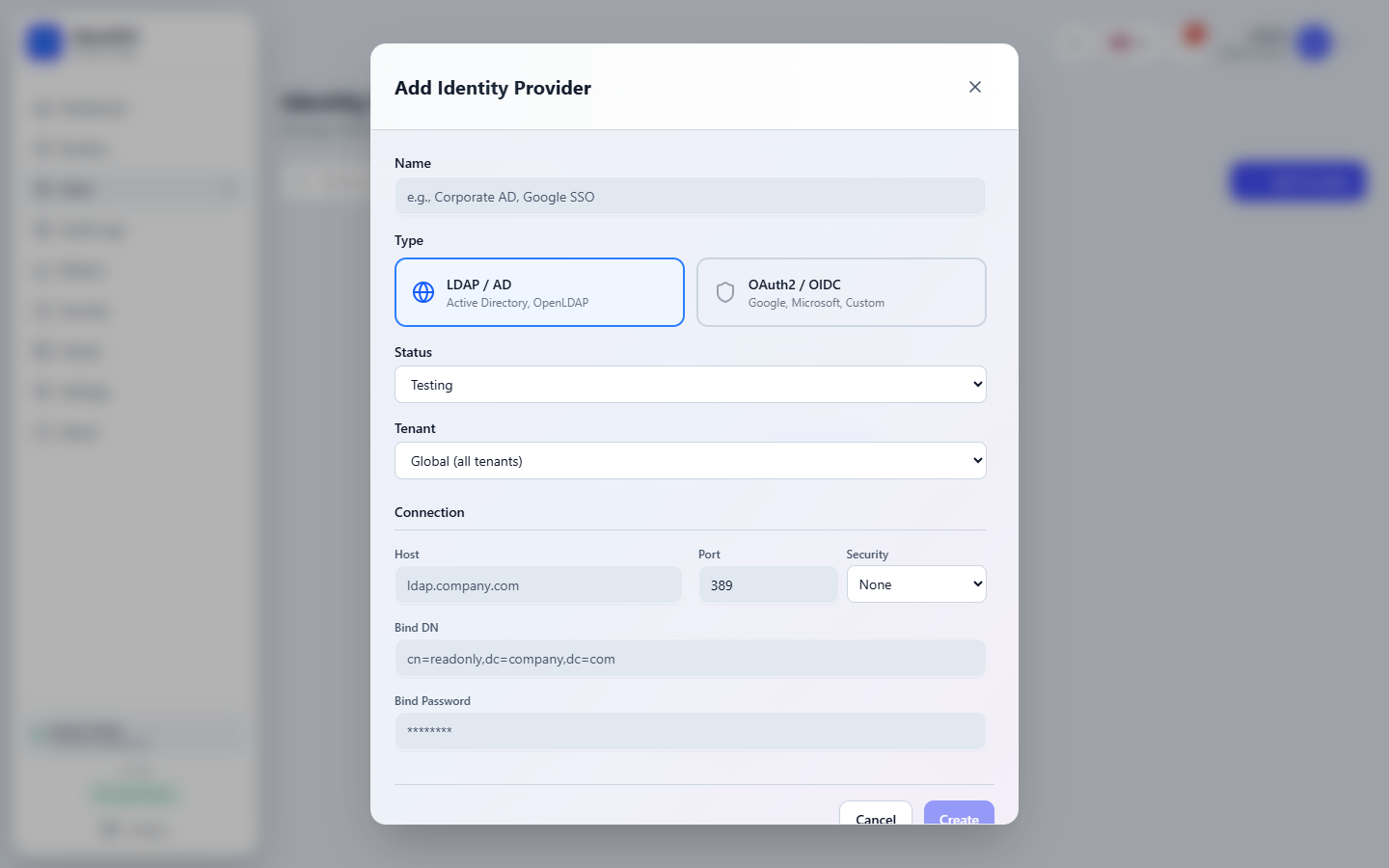
| Field | Example |
|---|---|
| Host, Port | ldap.company.com, 636 |
| Security | LDAPS (TLS from the start) or StartTLS. None sends passwords in clear. |
| Bind DN, Bind Password | A read-only service account: cn=readonly,dc=company,dc=com |
| User search base | ou=people,dc=company,dc=com |
| User filter | (objectClass=person); Active Directory: (objectClass=user) |
| Username attribute | uid; Active Directory: sAMAccountName |
| Group search base, filter | Where the groups are, for group mappings |
Choose a preset (Google, Microsoft, or Custom for Keycloak and others) and fill in:
| Field | Value |
|---|---|
| Client ID, Client Secret | From the provider's application registration |
| Redirect URI | Leave empty to use https://<console>/api/v1/auth/oauth/callback, and register that URL at the provider |
| Scopes | openid email profile |
| Issuer URL | Recommended: MaxIOFS then checks the ID token and accepts the provider's back-channel logouts |
Provider-specific steps (Google Cloud Console, Azure Portal, Keycloak client settings) are in the SSO reference.
Test before you rely on it
Leave the status on Testing until it works. The plug icon of a provider runs a step-by-step test (connection, TLS, service account, user and group search for LDAP; discovery, sign-in page, client secret and userinfo for OAuth) and says what each step found.
Decide who may sign in
A person signs in through a provider only when MaxIOFS knows what they may do. Two ways, which can be combined:
Import users. The provider's users icon opens a search of the directory; Import creates the accounts of the people you pick. They then sign in directly.
Group mappings. The provider's tree icon opens its group mappings.
Add Mapping maps a directory group to a MaxIOFS role (admin, user or
readonly). Anyone in the group can sign in; their account is created on
the first sign-in, named by their email, in the provider's tenant. Anyone
else is refused.
| Provider | Name the group by |
|---|---|
| LDAP / AD | Its DN: cn=storage-admins,ou=groups,dc=company,dc=com |
Its email: storage-team@company.com |
|
| Microsoft | Its Object ID |
| Keycloak | Its name, from the groups claim |
When a person is in several mapped groups, the highest role wins
(admin > user > readonly). Membership is checked again at every
sign-in.
Auto Sync
Turn on Auto Sync in a group mapping, and MaxIOFS reads the directory every hour:
- People added to a mapped group get an account.
- People removed from every mapped group, or from the directory, are deactivated.
The sync icon of a mapping runs it at once. Auto Sync works with LDAP, Keycloak, Google Workspace (with a service account key) and Microsoft tenants (with the tenant's Issuer URL and Graph permissions).
How people sign in
The sign-in page shows a button for each active OAuth provider. LDAP users type their directory username and password in the normal form. Two-factor authentication, when on, is asked after the provider.
A session follows the provider: signing out there, with back-channel logout configured, ends the session in MaxIOFS at once.
Scripts can trade LDAP credentials or an OAuth token for temporary S3 credentials, if Settings → Security allows federation: see STS.