Users, Groups and Tenants
Everything under Users in the side menu: accounts, their keys, groups and tenants.
Users
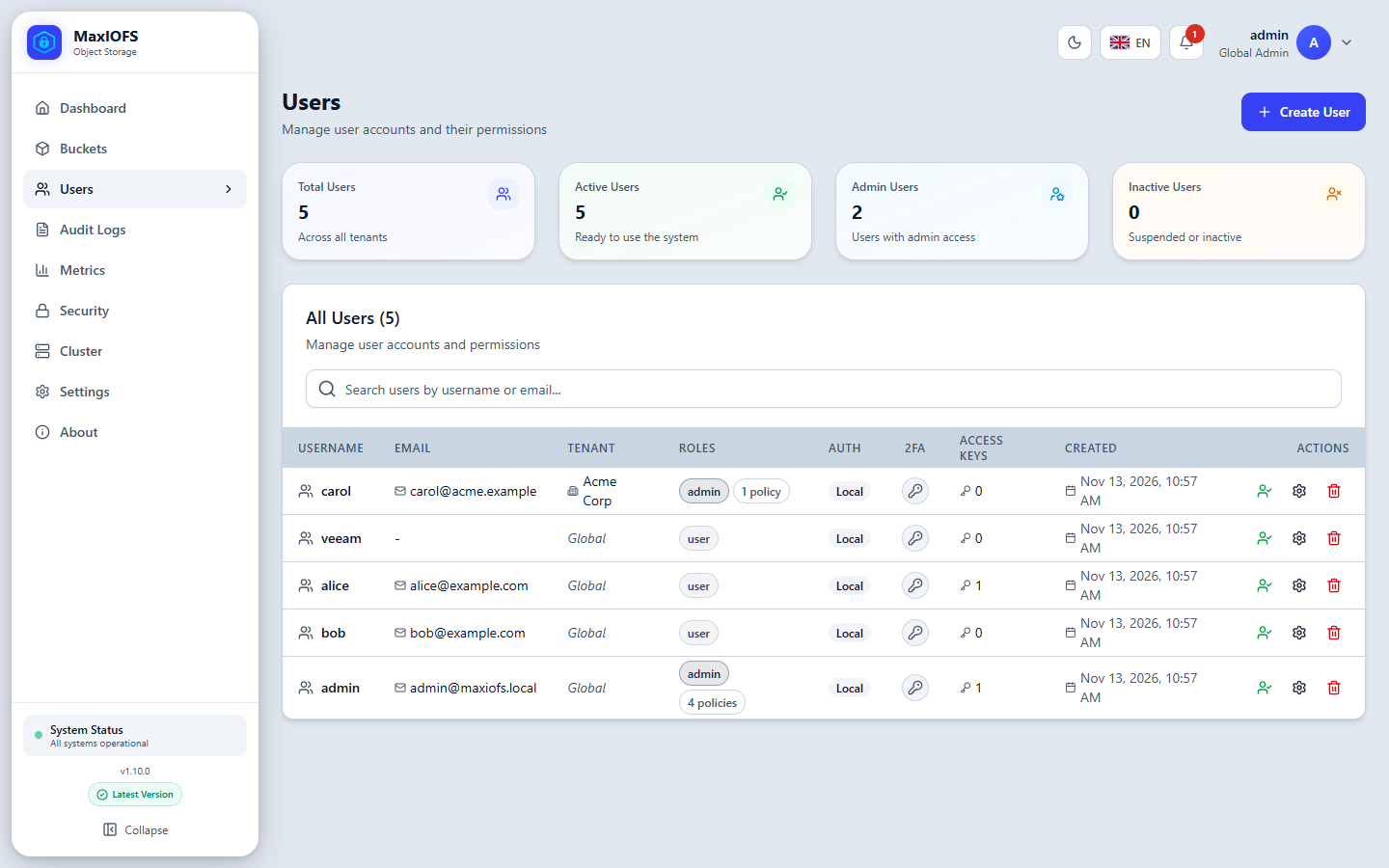
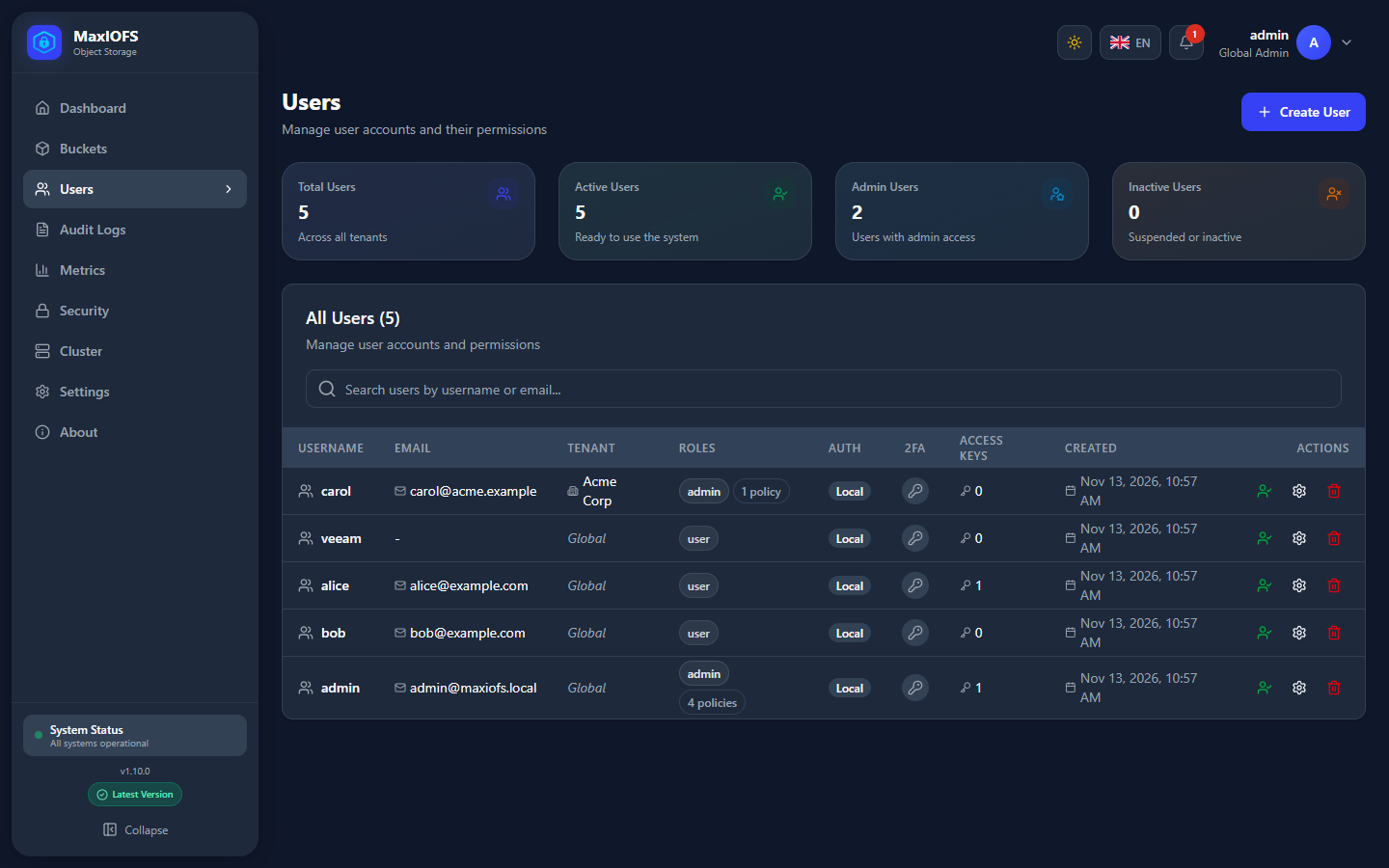
Users → Users lists the accounts with their tenant, roles, sign-in source (local or an identity provider), 2FA and number of access keys.
Create a user
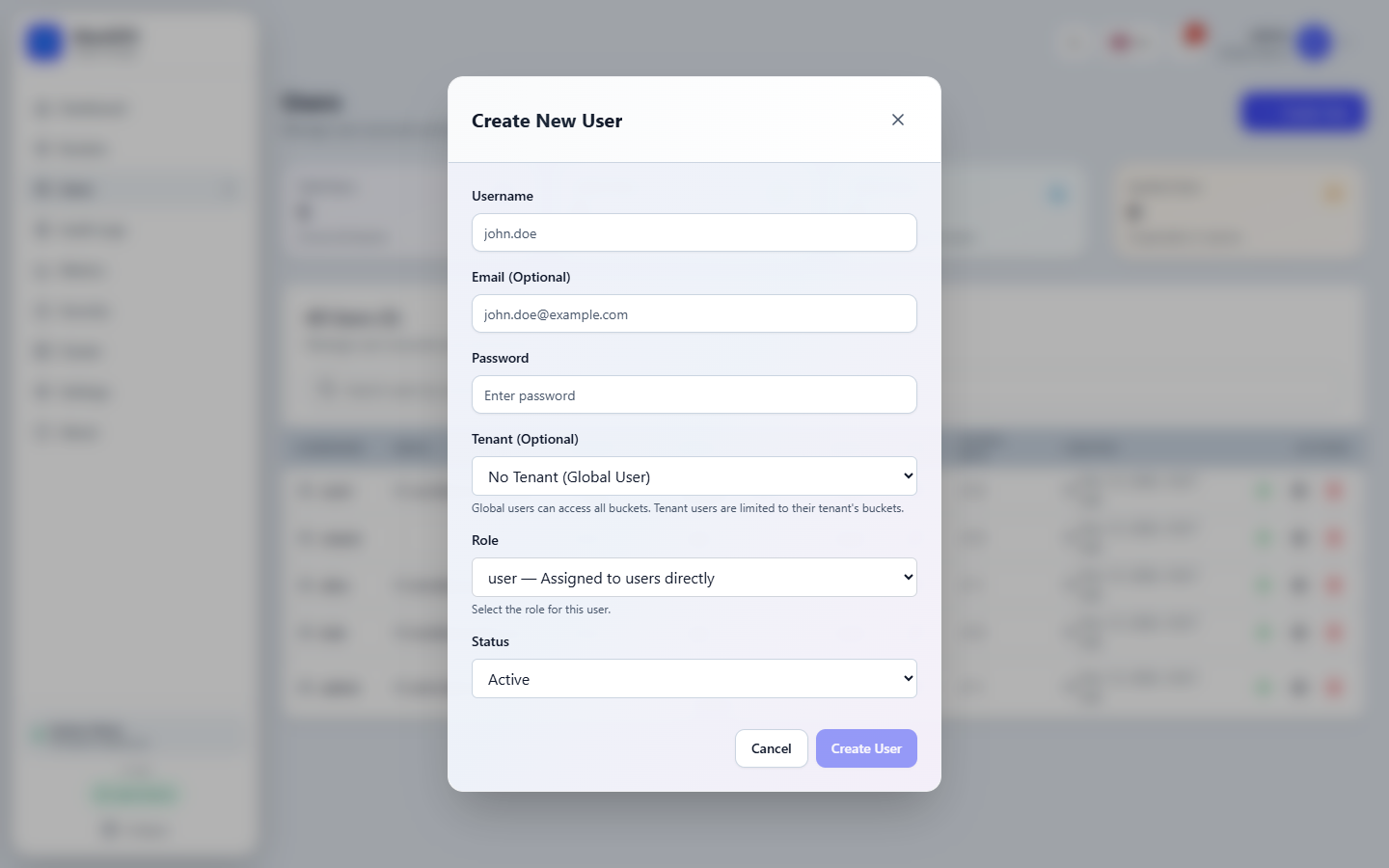
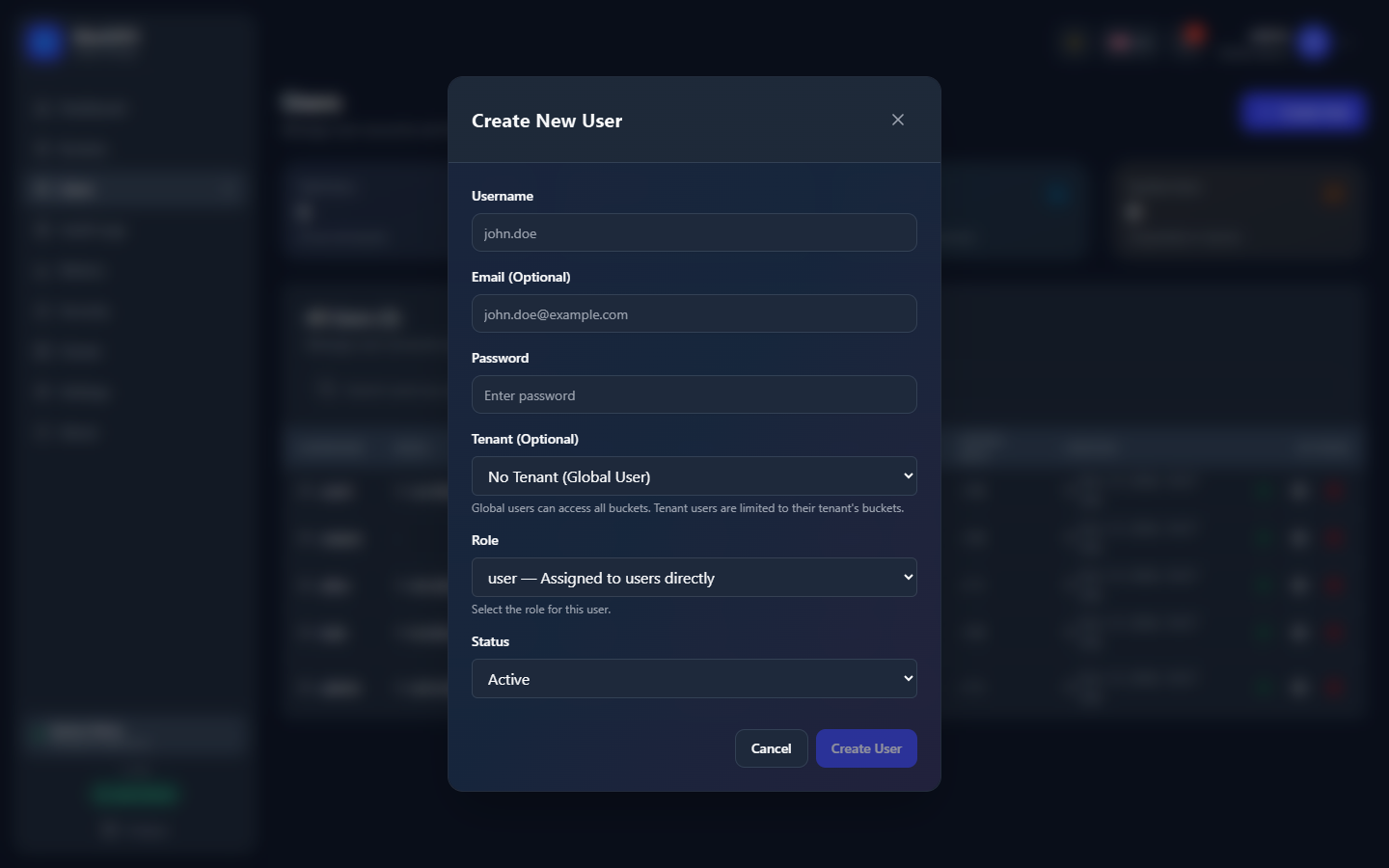
Create User asks for a username, an optional email, a password, the tenant and the role.
| Role | Meant for |
|---|---|
| Admin | Administration. Without a tenant, of the whole installation; in a tenant, of that tenant. |
| User | Normal work with the buckets their permissions reach |
| Read Only | Looking, not changing |
| Guest | Limited access |
A role gives a starting set of permissions. What each user may do in each bucket is refined in IAM with Manage permissions.
Users of an identity provider are not created here: they are imported, or created the first time they sign in.
A user's page
Click a user to open their page:
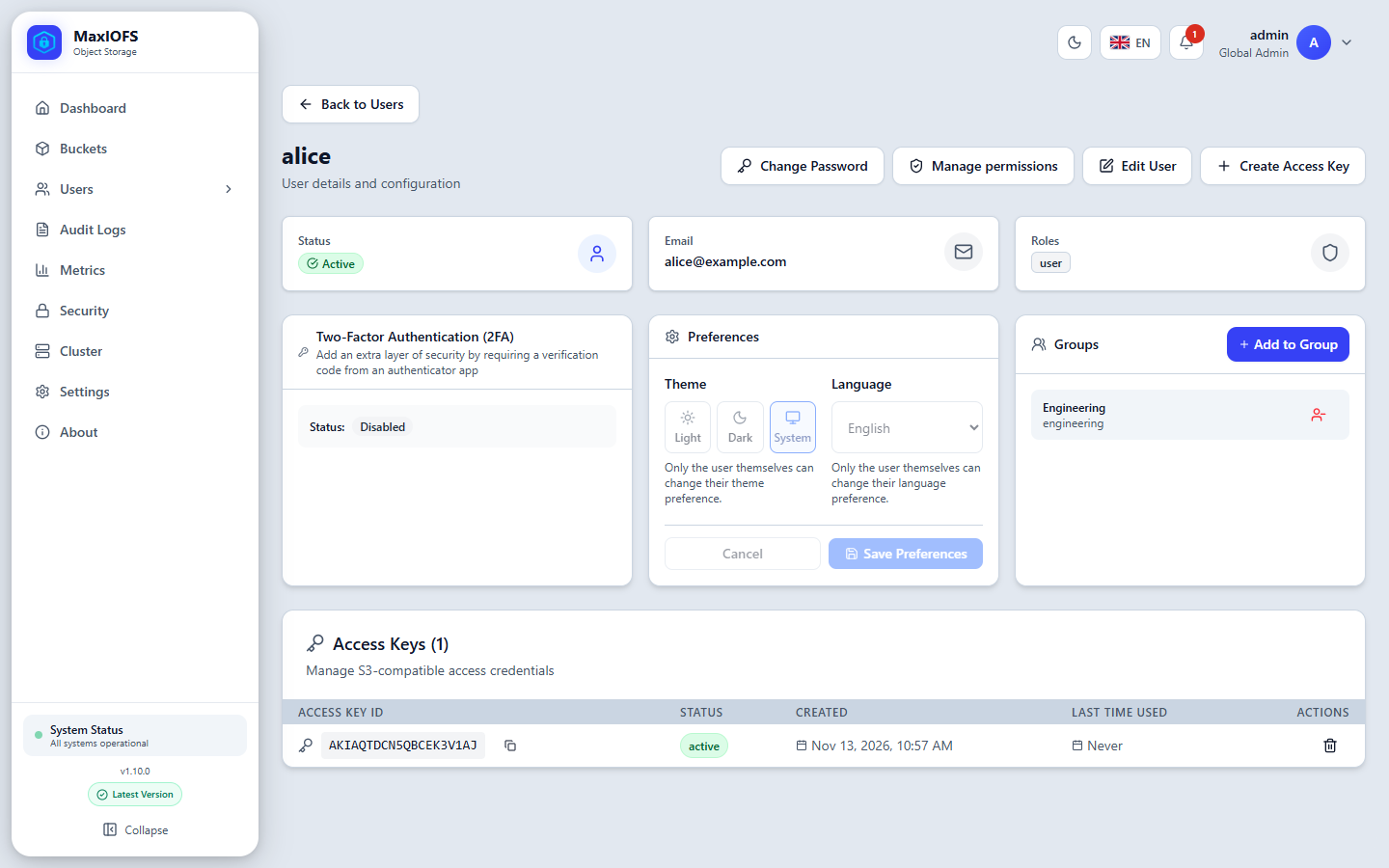
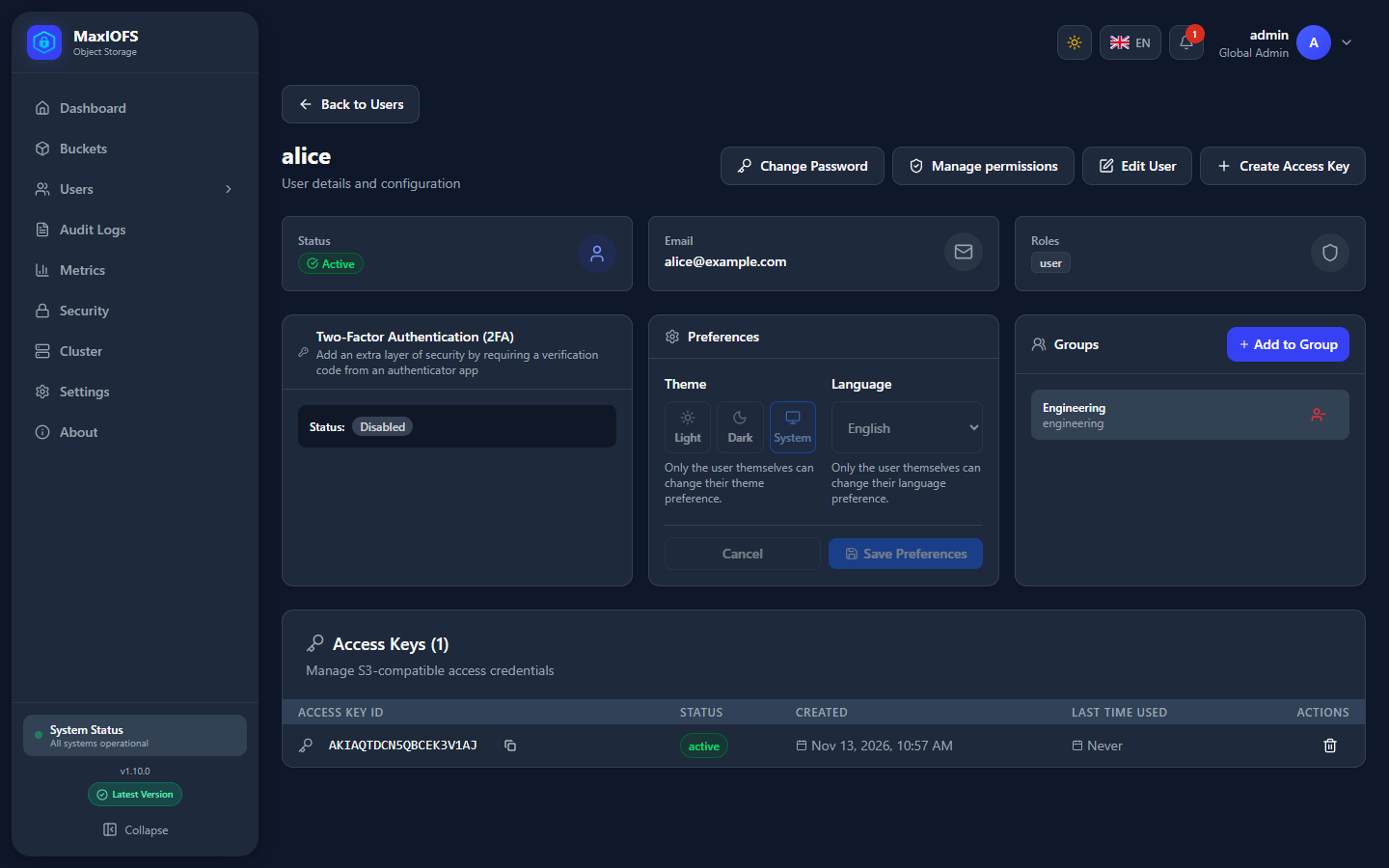
| Button / card | Does |
|---|---|
| Change Password | Sets a new password. Changing your own asks for the current one. From v1.10.1 it also ends the account's console sessions, so the user signs in again with the new password; access keys keep working. |
| Manage permissions | Opens the user in IAM |
| Edit User | Email, display name, roles and status (active, inactive, suspended) |
| Create Access Key | A new S3 key for this user |
| Two-Factor Authentication | Whether 2FA is on. A global administrator can turn it off for someone who lost their phone. |
| Preferences | Theme and language; only the user can change their own |
| Groups | The groups the user belongs to |
| Access Keys | The user's keys, when each was last used, and a button to delete each |
A user locked after too many failed sign-ins shows Locked in the list; an administrator unlocks them with Unlock account.
Two-factor authentication
On your own profile, Enable 2FA shows a QR code for an authenticator app. Type the 6-digit code it then shows to finish, and keep the backup codes.
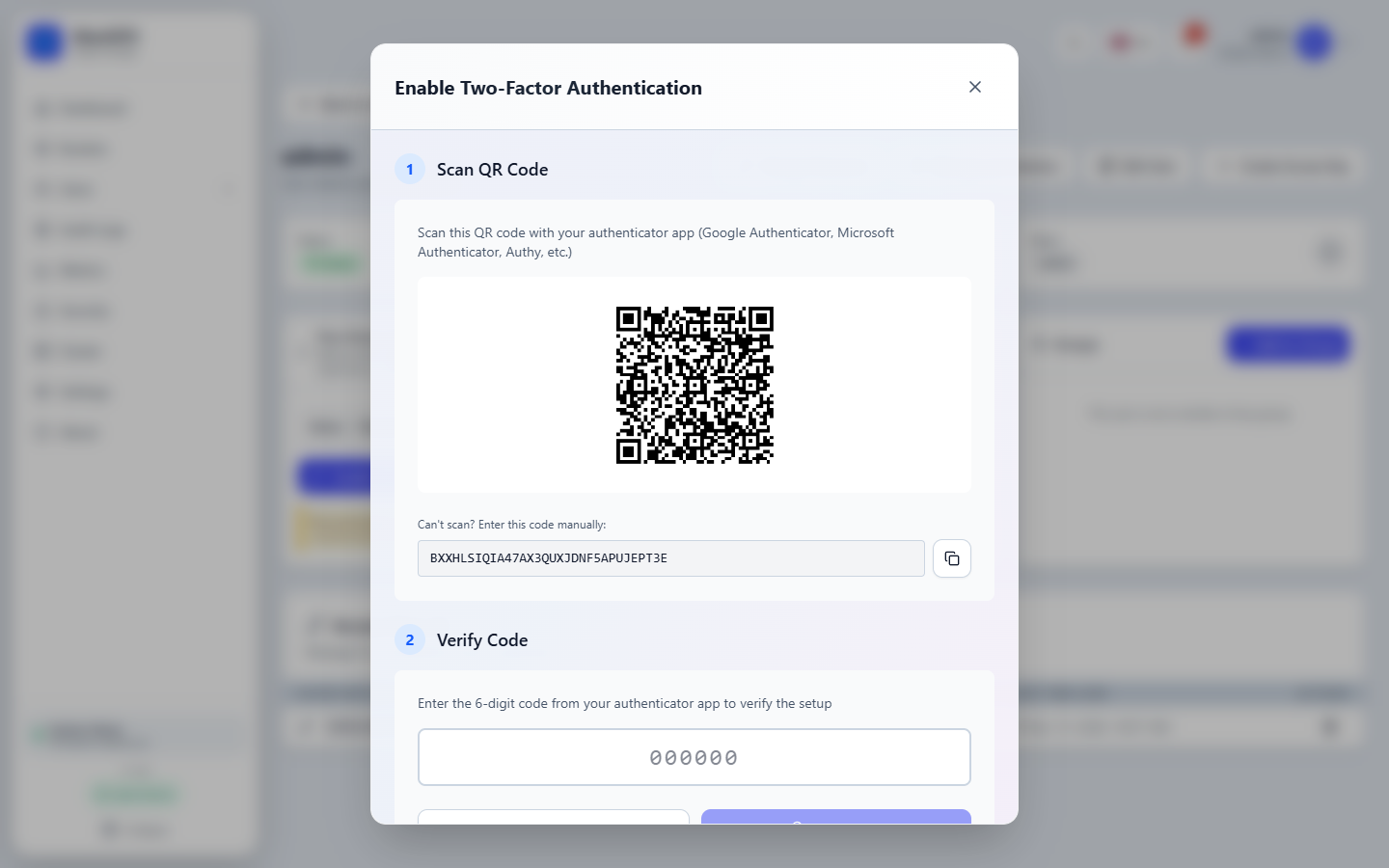
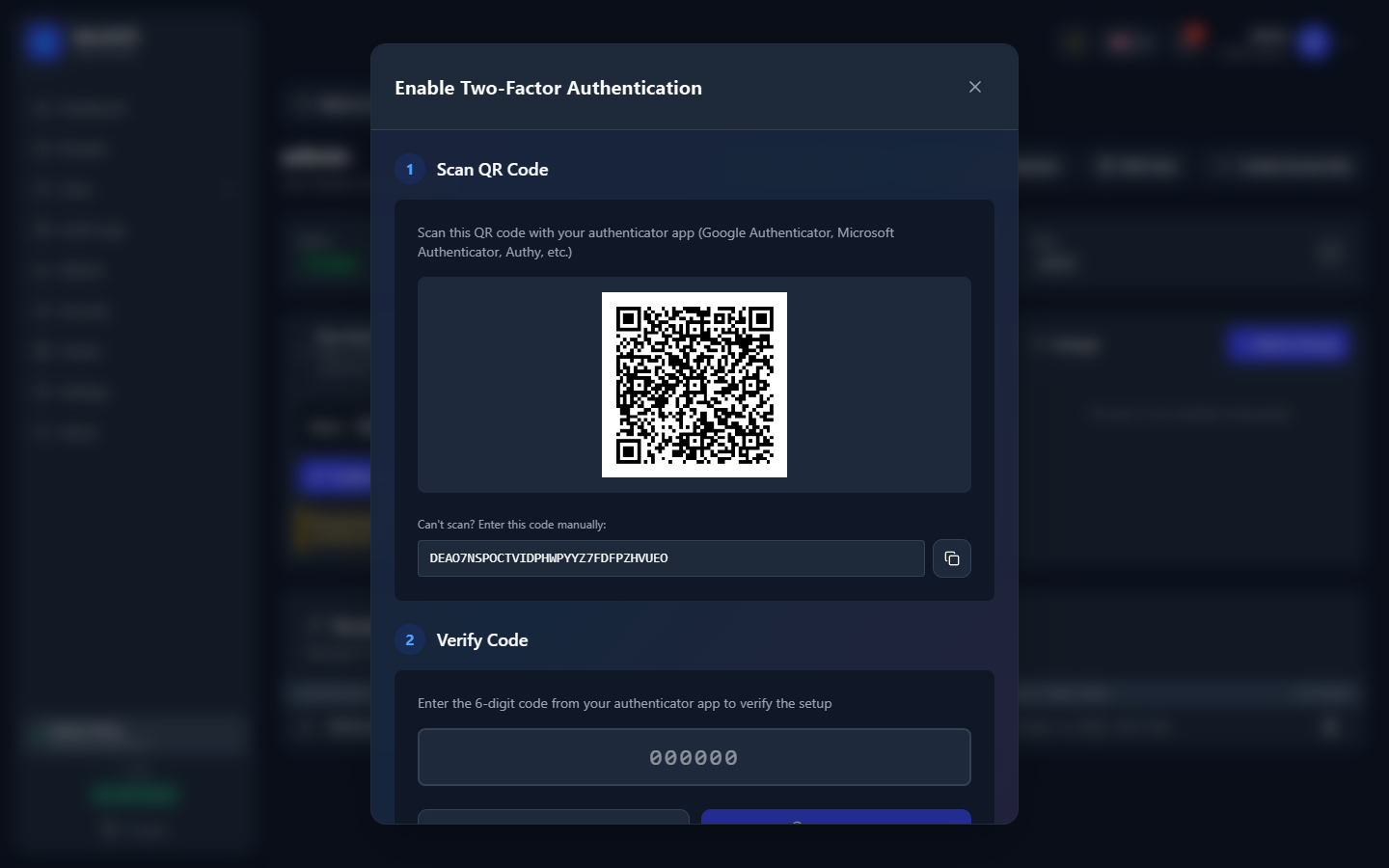
- Disable 2FA and Regenerate Backup Codes ask for your password.
- A global administrator can disable another user's 2FA without it.
- 2FA cannot be set up again while it is on: disable it first.
Access Keys
Users → Access Keys lists the S3 keys you can see: your own, or all of them for an administrator.
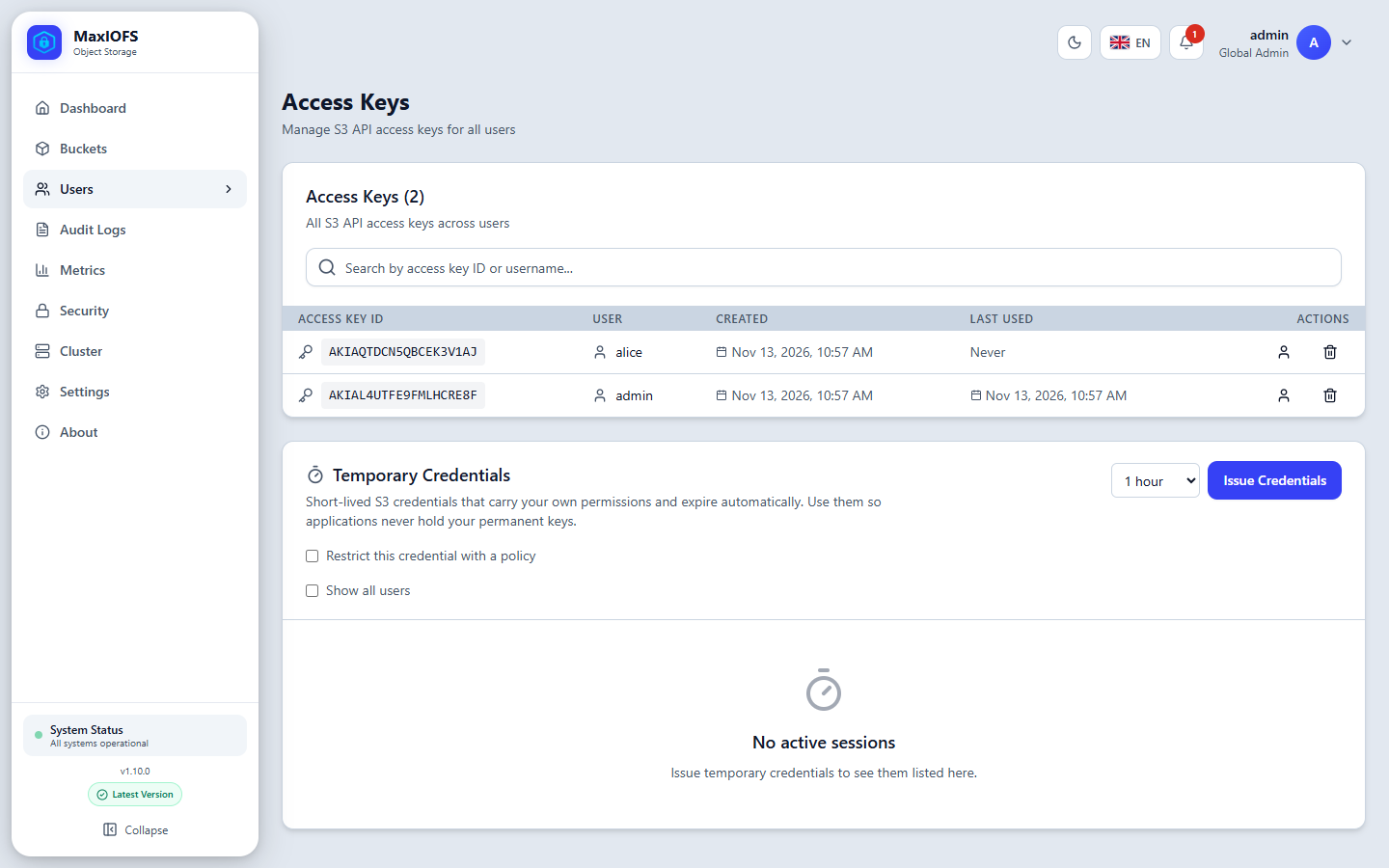
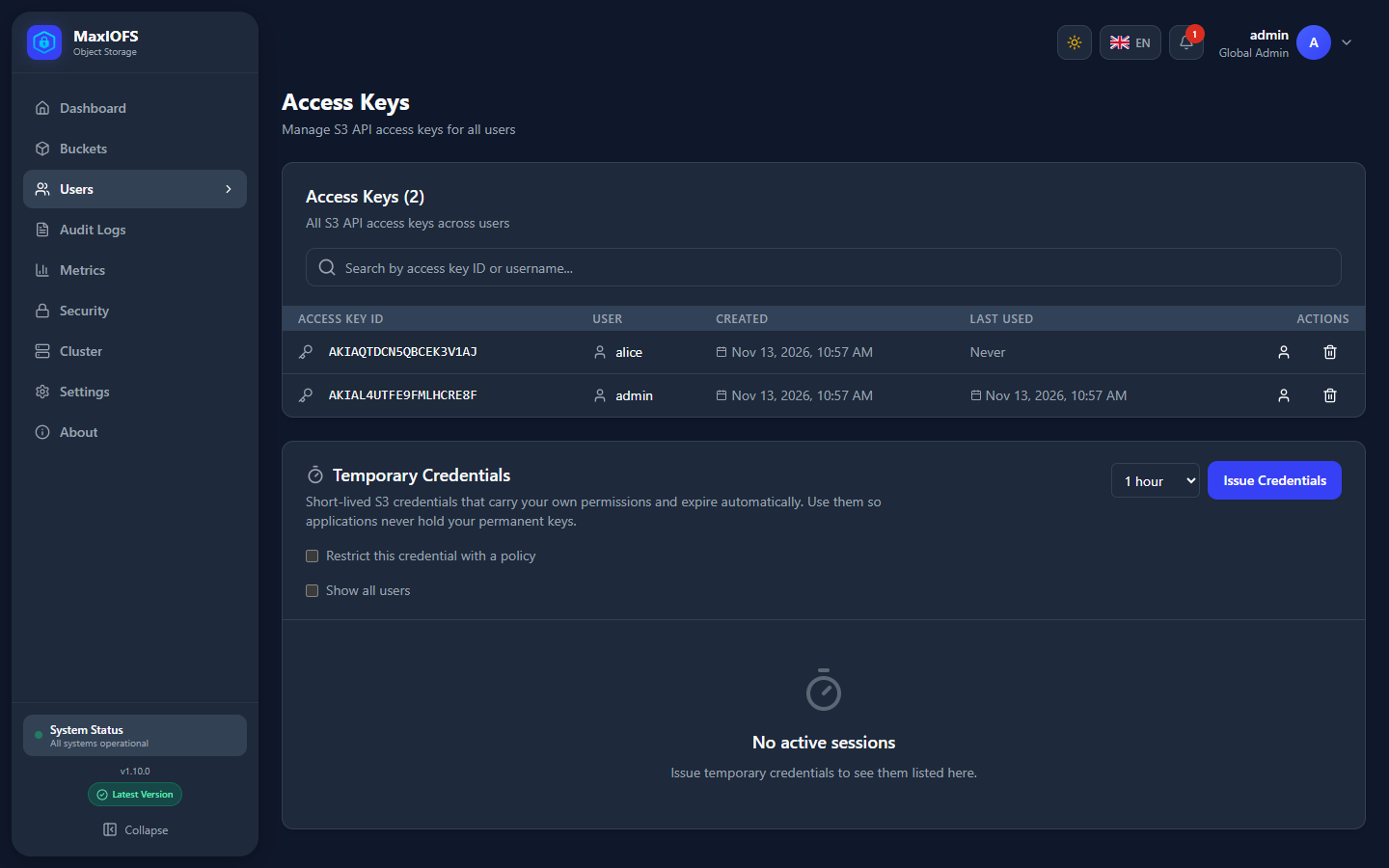
The secret is shown once
When a key is created, copy its secret before closing the window. It cannot be shown again; if it is lost, delete the key and create another.
Temporary credentials
The Temporary Credentials card issues short-lived S3 credentials (an
access key starting with ASIA, a secret and a session token) that carry
your own permissions and expire by themselves after 1, 4 or 12 hours.
Give them to scripts and applications instead of your permanent key.
- Restrict this credential with a policy narrows it further, for example to one bucket. It can never grant more than you have.
- Revoke ends a session at once.
- The secret and the session token are shown once.
See STS to issue them from the command line.
Groups
A group gathers users so permissions can be given once to all of them. Users → Groups lists them; New Group creates one, global or inside a tenant.
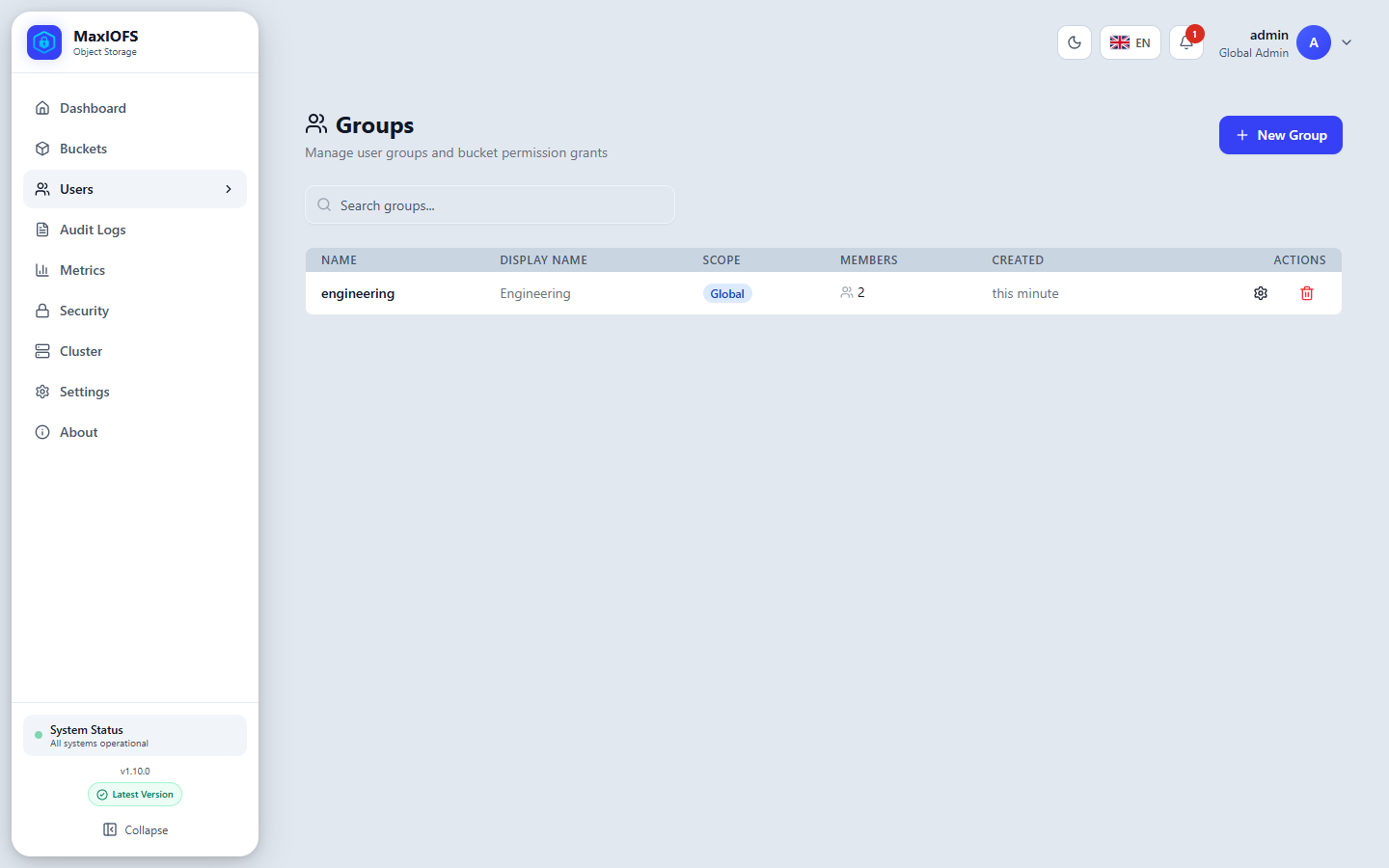
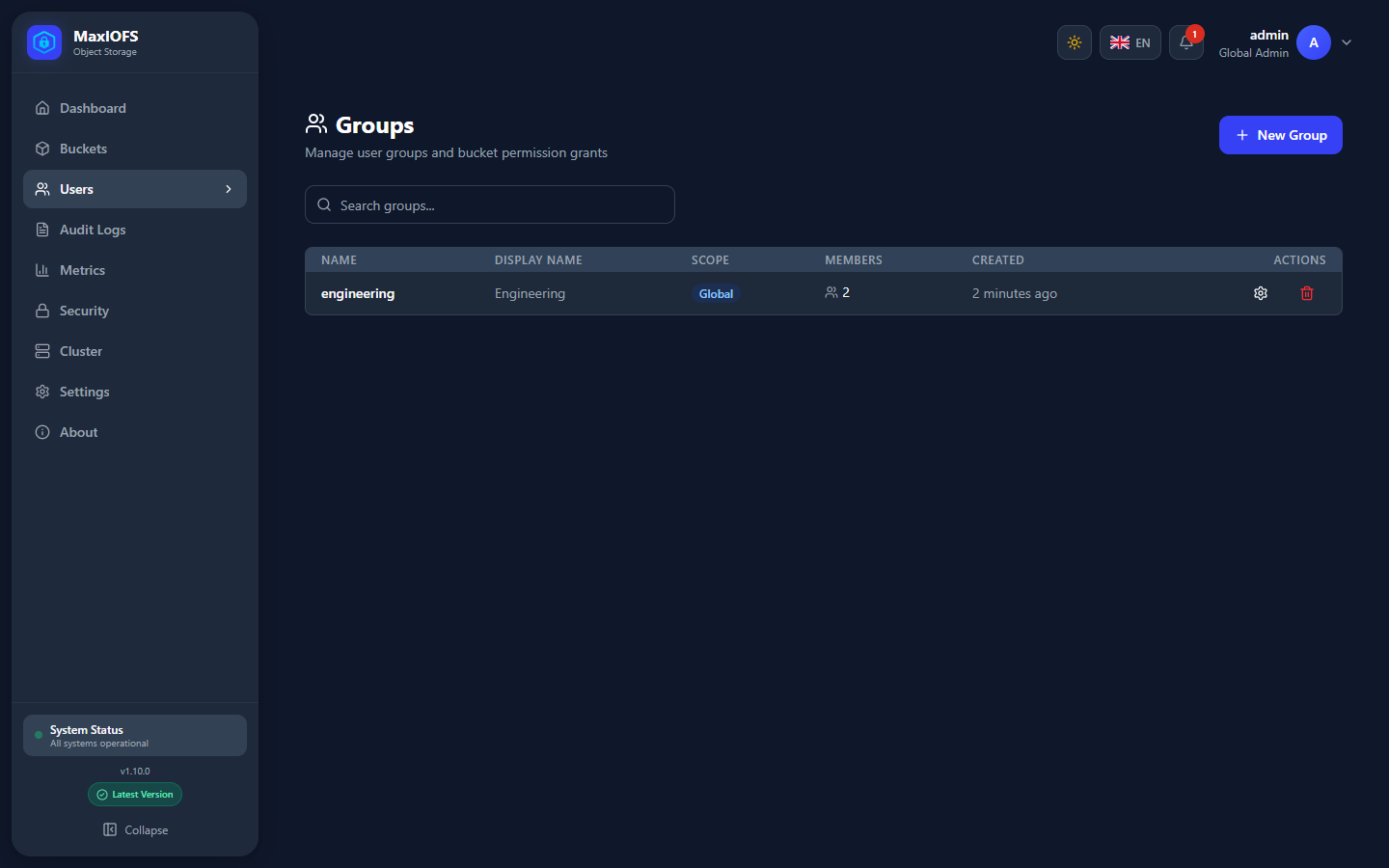
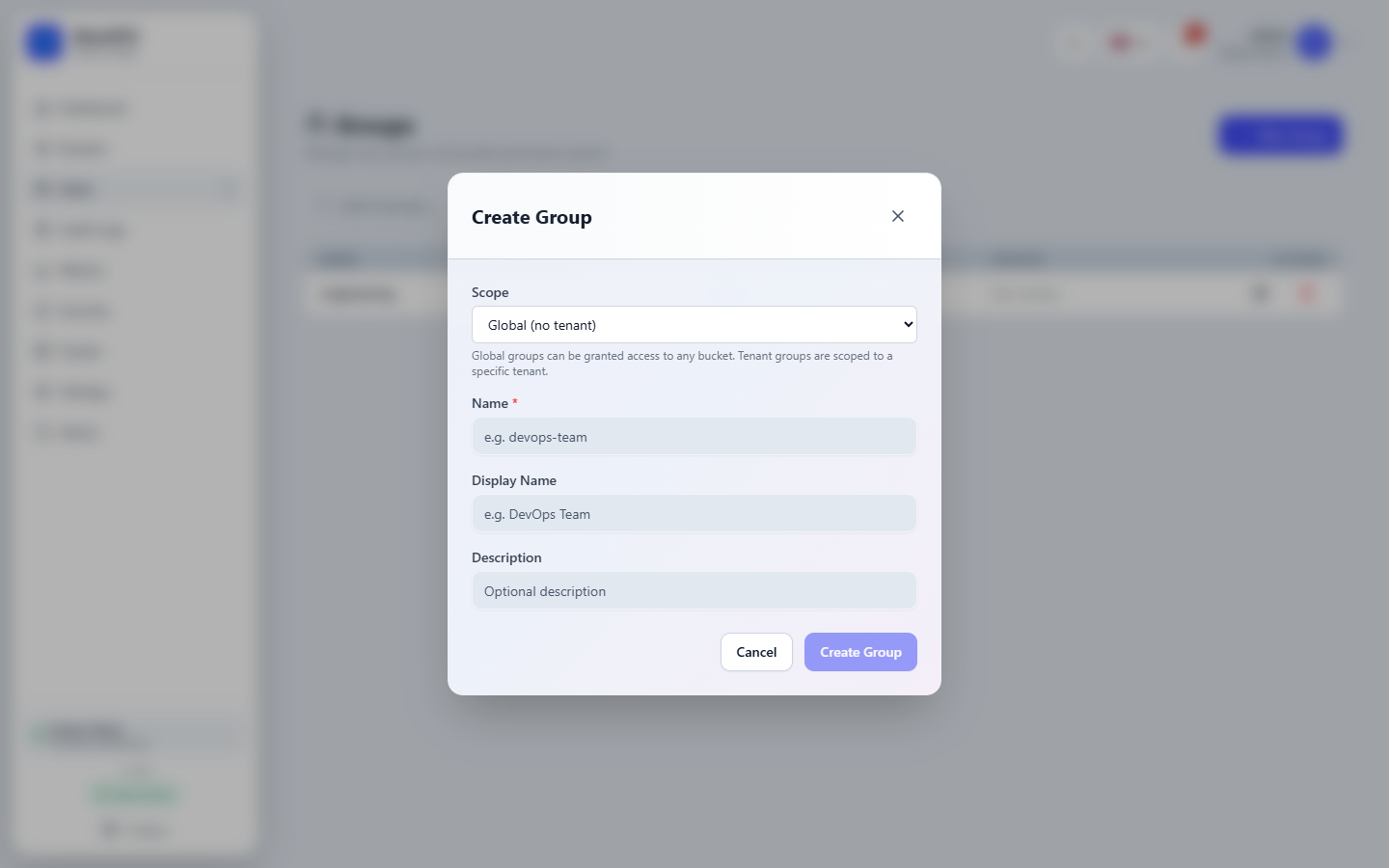
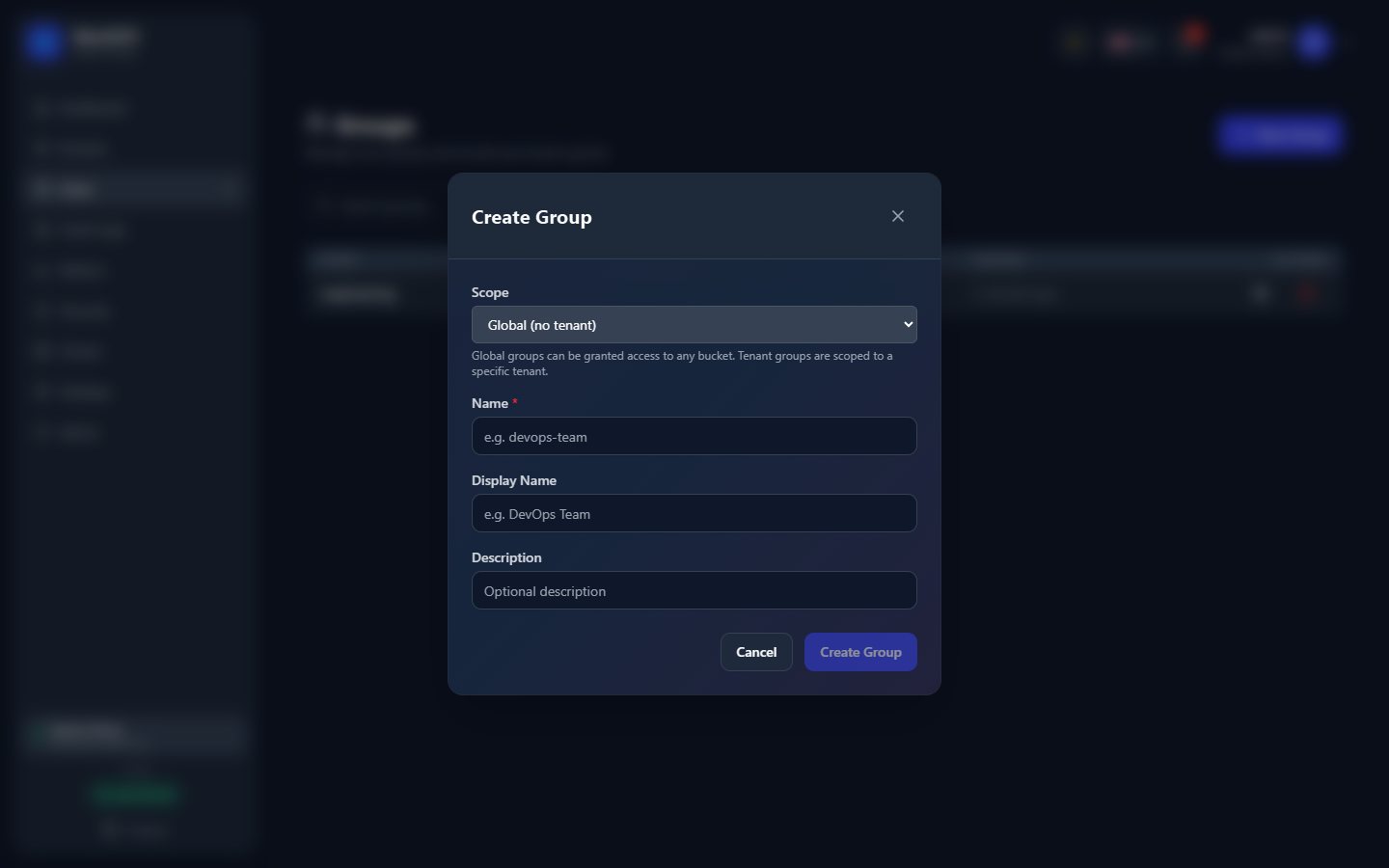
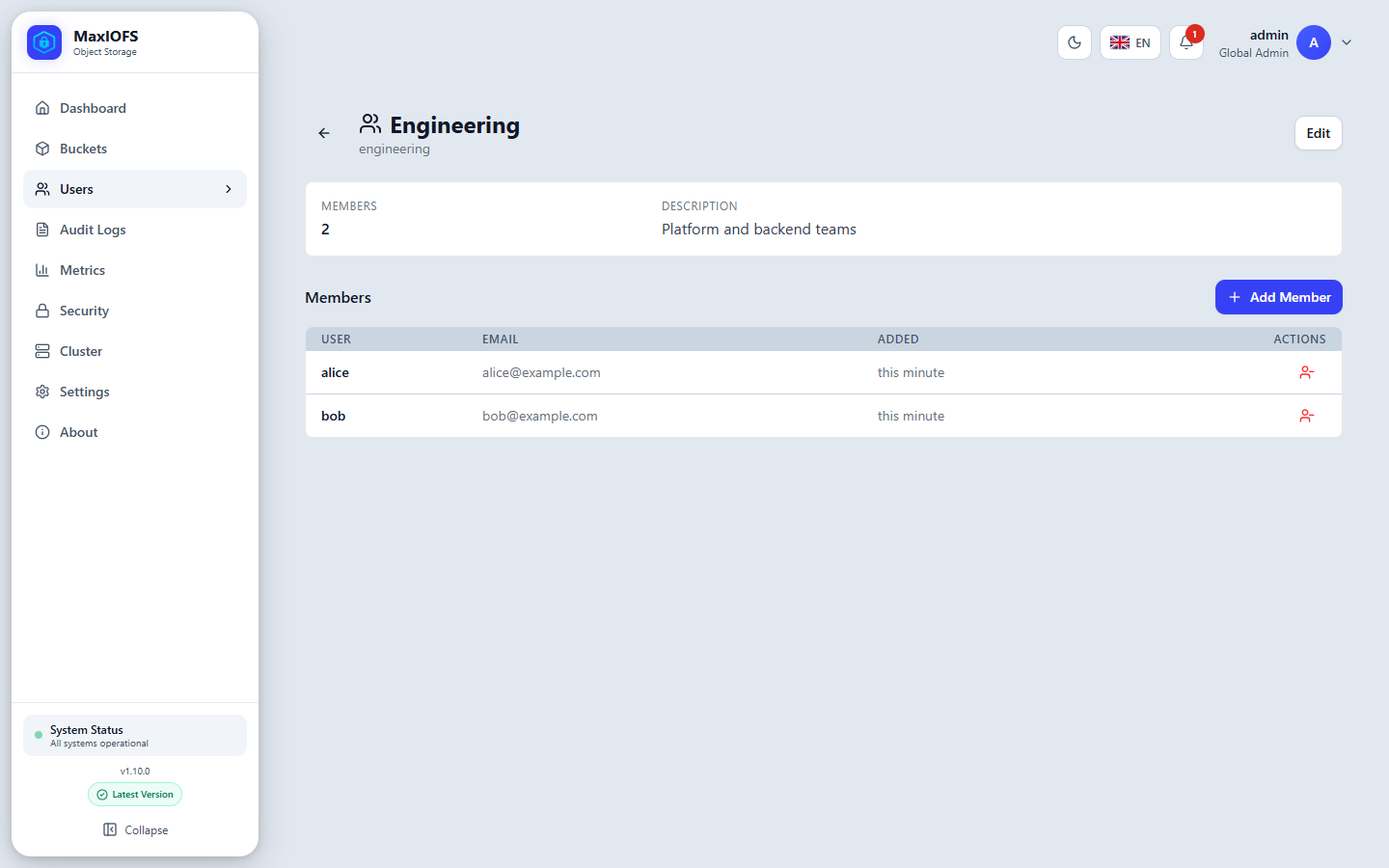
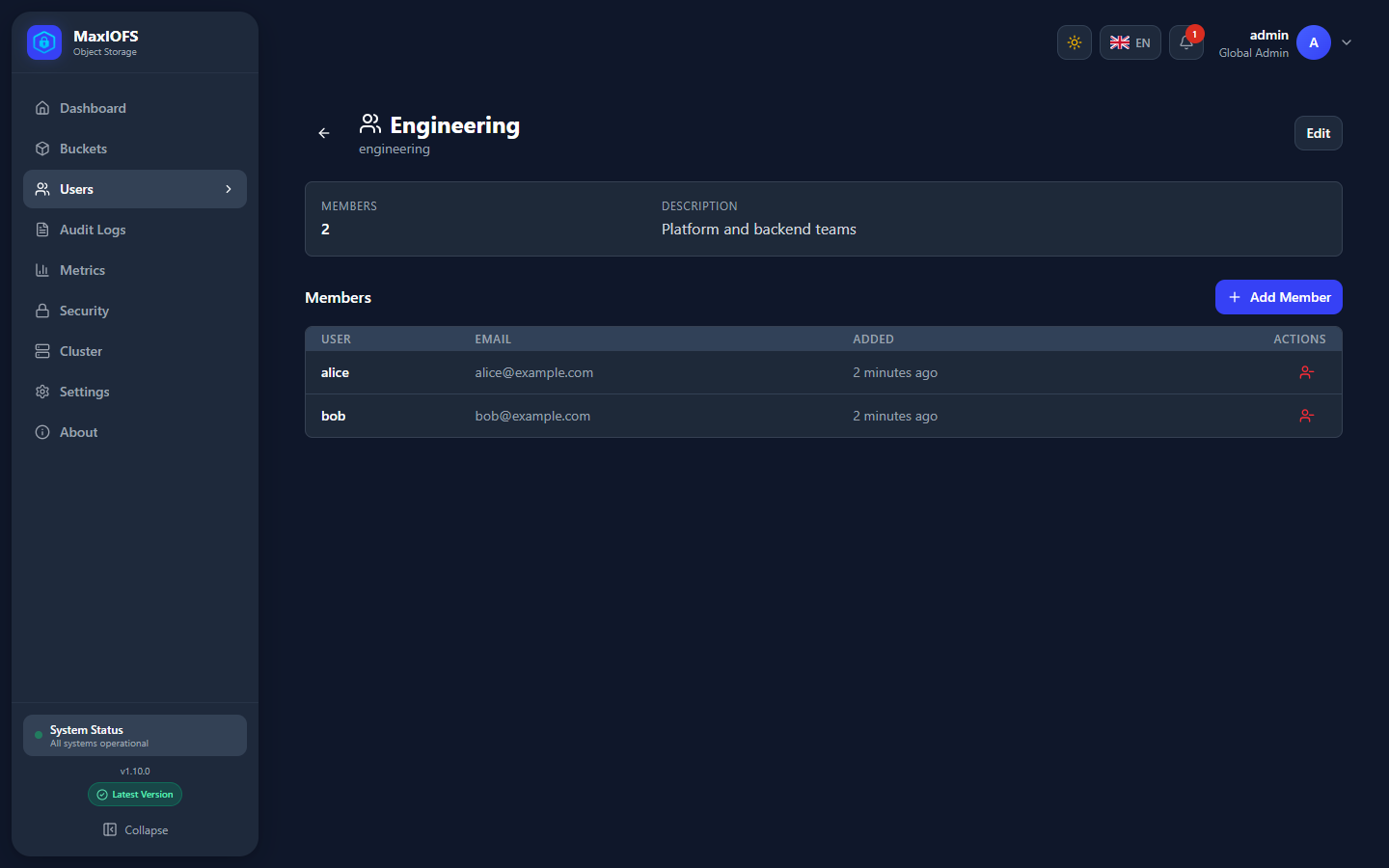
A group's page lists its members; Add Member adds users. Permissions given to the group in IAM apply to every member.
Tenants
A tenant is an isolated account inside the installation: its own users, groups, buckets and keys, which no other tenant sees. Use one per customer, department or project. A tenant's users never leave it, whatever their permissions say.
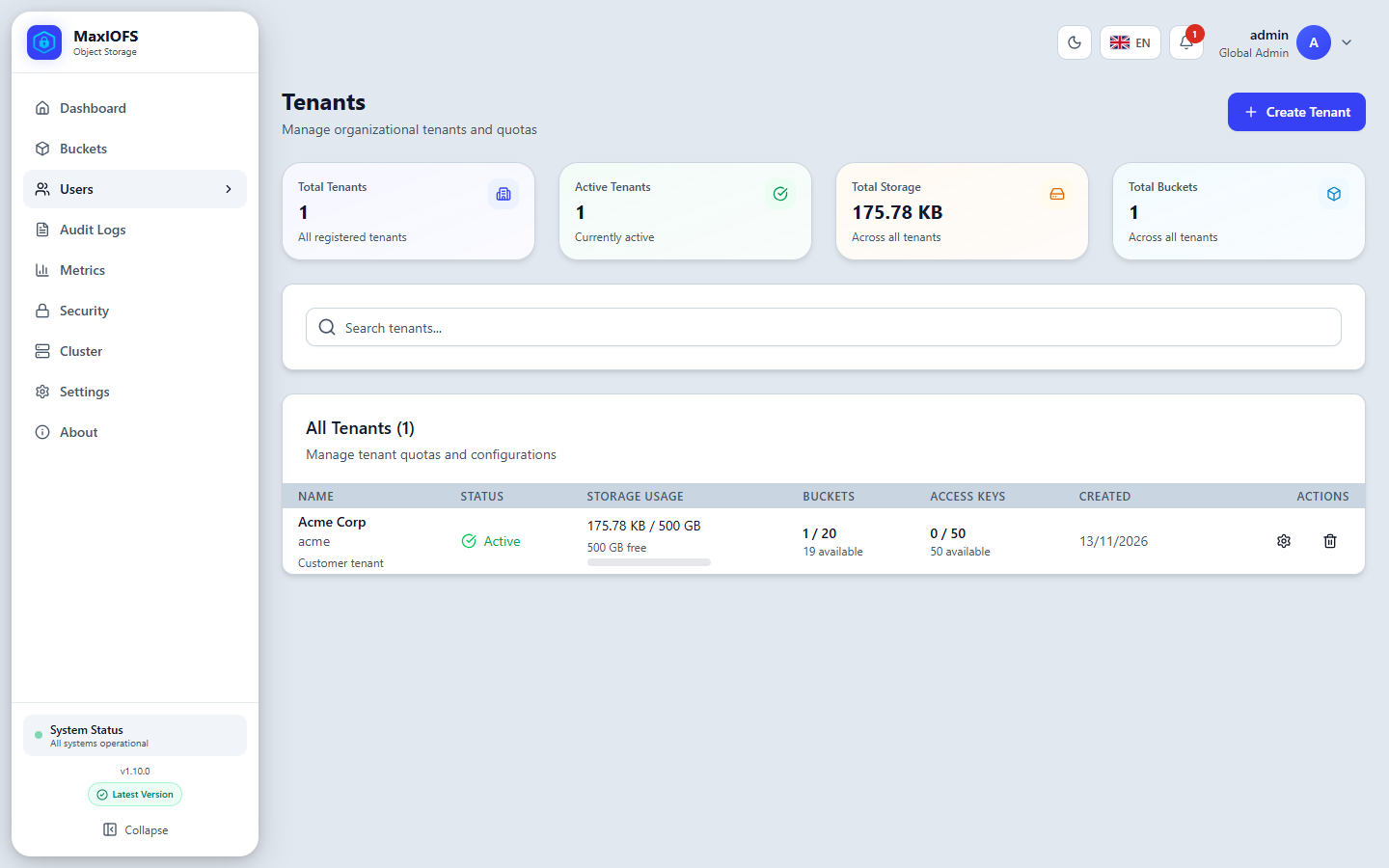
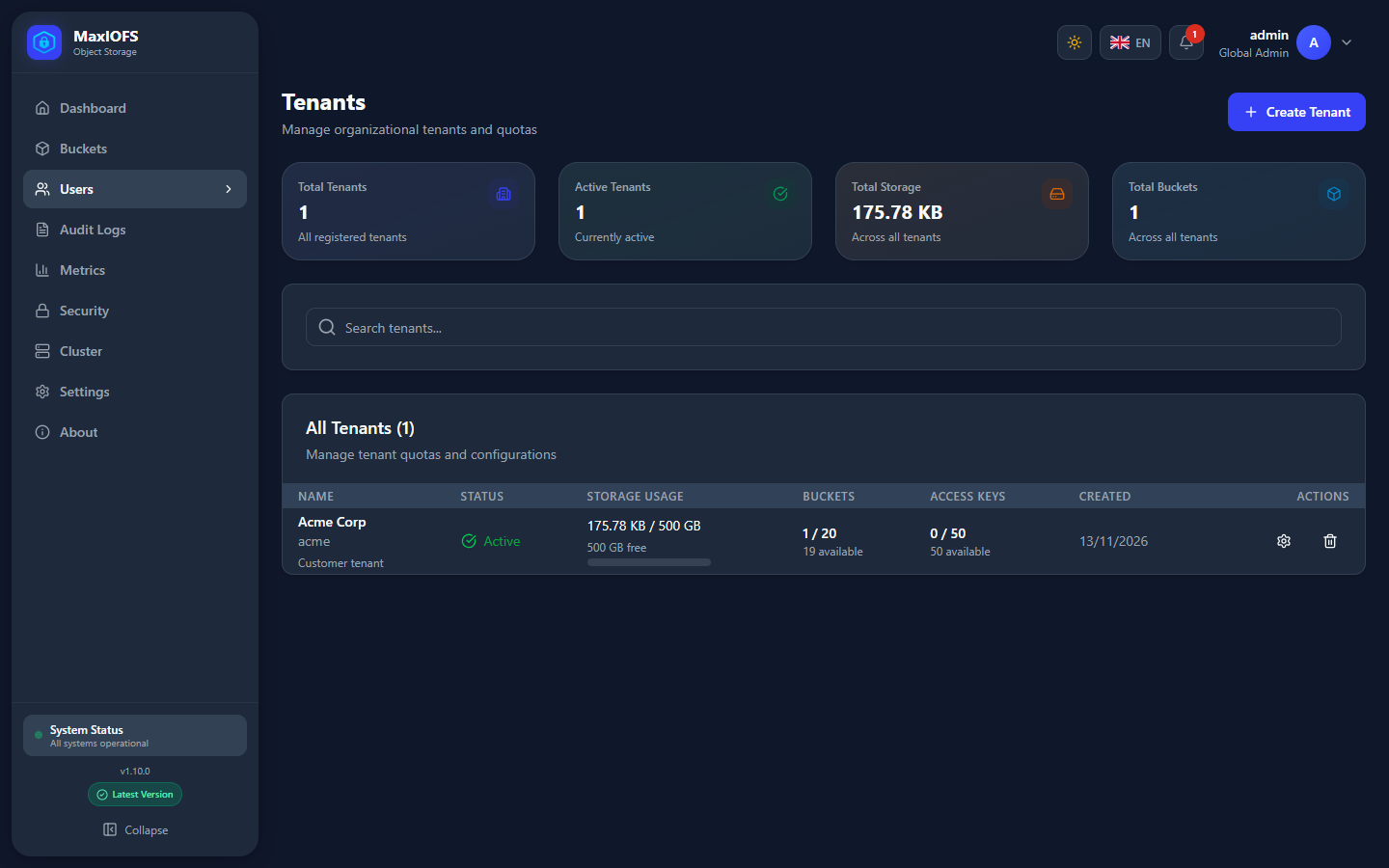
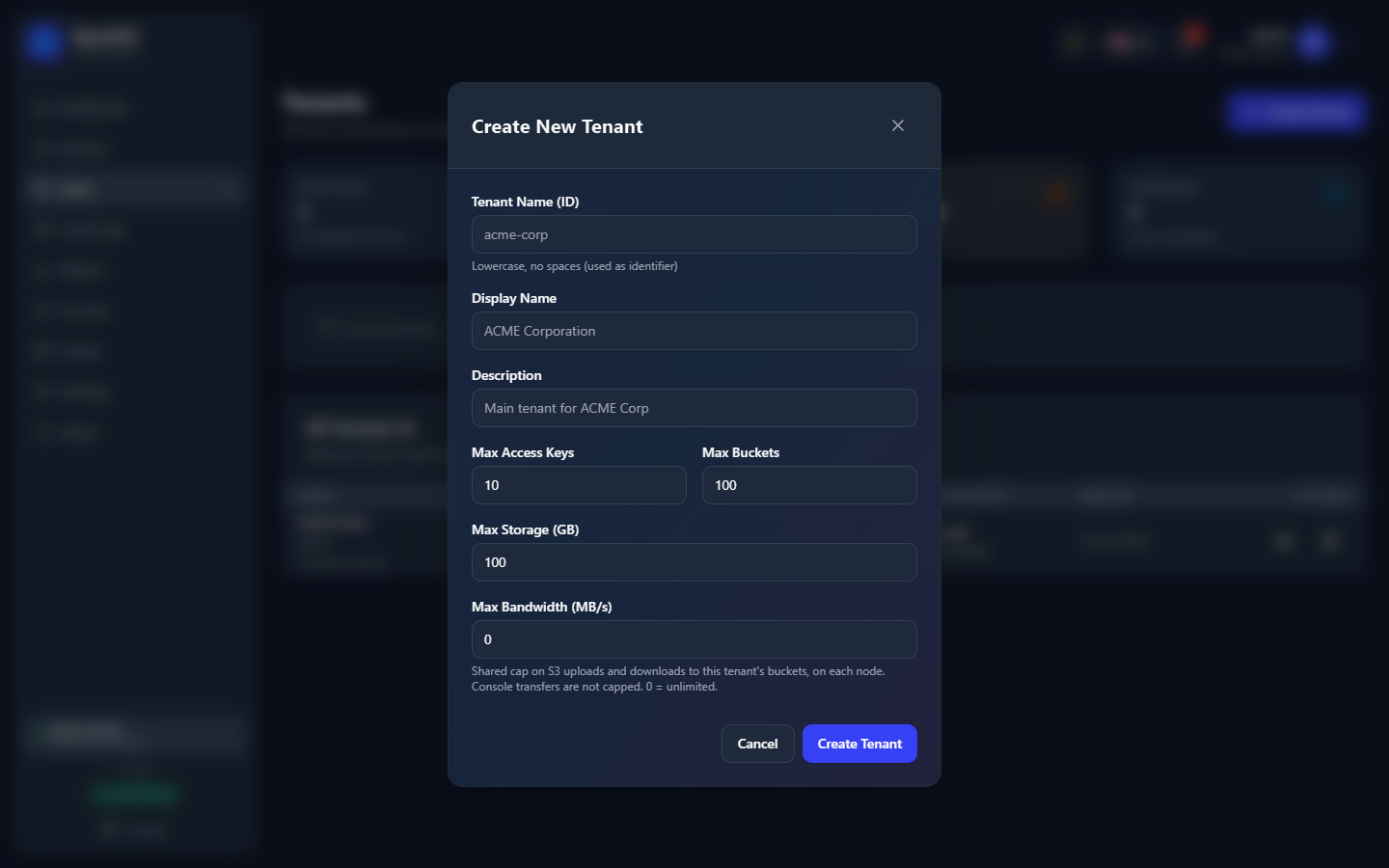
Create Tenant sets its name (an identifier, lowercase, no spaces), a display name, and its limits:
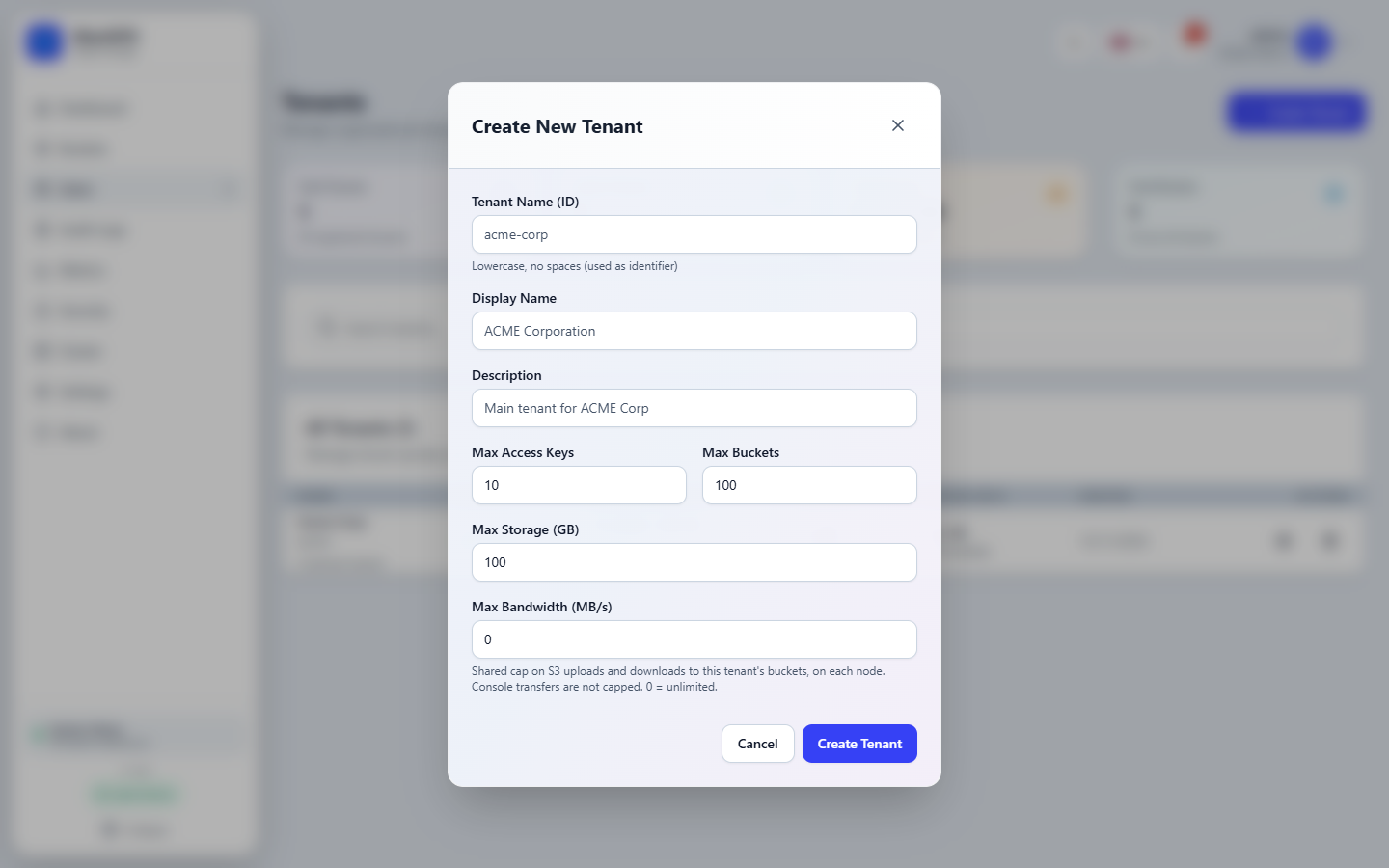
| Limit | Effect |
|---|---|
| Max Access Keys | Keys the tenant's users can hold in total |
| Max Buckets | Buckets the tenant can create |
| Max Storage (GB) | Bytes all its buckets can hold; uploads beyond it are refused |
| Max Bandwidth (MB/s) | Shared cap for S3 uploads and downloads to the tenant's buckets, on each node. Console transfers are not capped. 0 is unlimited. |
The list shows each tenant's usage against its limits. Make one of the tenant's users an Admin to let them run the tenant themselves.
A global administrator can open a tenant's buckets to read them, as an audit view, but not to change their settings.