Console Guide
The web console runs on port 8081 (or behind your reverse proxy) and is part of the same binary as the S3 API. Everything you can do with the S3 and IAM APIs, and the administration that only exists in MaxIOFS, can be done here.
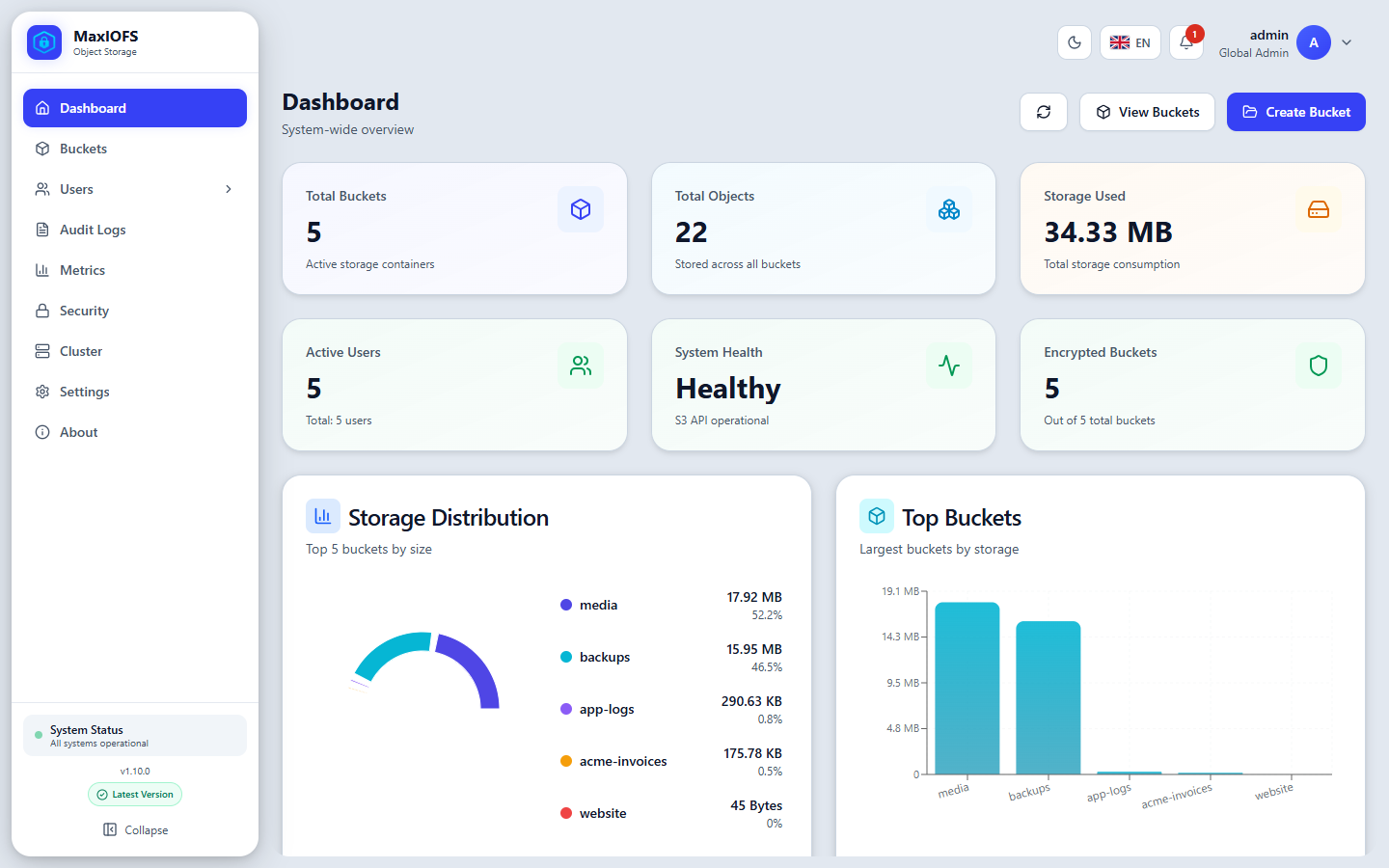
Layout
Side menu. The pages you may open. Collapse it with Collapse at the bottom to gain room; the bottom also shows the version and whether a newer one was released.
Top bar, from left to right:
| Control | What it does |
|---|---|
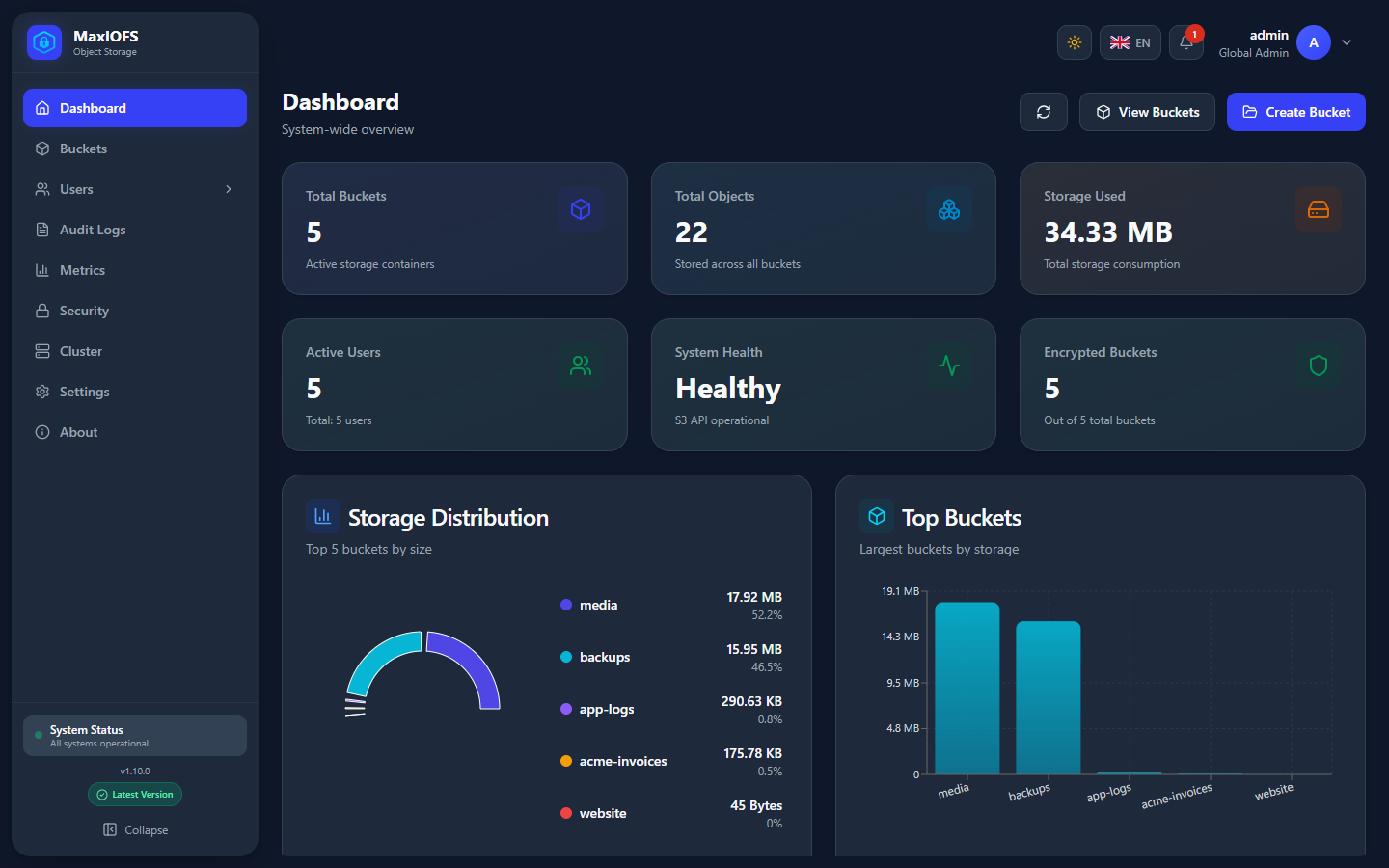
| Theme | Light, dark, or the system's |
| Language | English, Español, Deutsch, Français, Italiano, Português, 日本語, 中文, Русский |
| Notifications | Live alerts: disk and quota warnings, integrity problems, security events |
| Your name | My Profile and Log Out |
Banners under the top bar tell you about things that need action: the encryption key with no recovery bundle, the default admin password, maintenance mode.
Who sees what
The menu adapts to who signs in:
| Page | Global admin | Tenant admin | User |
|---|---|---|---|
| Dashboard, Buckets | |||
| Users, Access Keys | (own tenant) | (own account) | |
| Groups, Tenants, Identity Providers | (own tenant) | ||
| Audit Logs | (own tenant) | ||
| IAM | |||
| Metrics, Security, Cluster, Settings |
- A global administrator has the
adminrole and no tenant. They manage the whole installation. - A tenant administrator has the
adminrole inside a tenant. They manage that tenant's users, groups and buckets, and cannot leave it. - A user sees the buckets their permissions reach and their own profile.
What a user can do inside a bucket is decided by IAM policies: see IAM.
Pages
-
Totals, storage by bucket, and live system, storage and request metrics.
-
Create buckets and set versioning, Object Lock, lifecycle, policies, replication, notifications, inventory, website and quotas.
-
Browse, upload, download, versions, tags, legal hold and share links.
-
Accounts, access keys, temporary credentials, 2FA, groups and tenants with their quotas.
-
Permissions per user, managed policies and roles.
-
LDAP / Active Directory and OAuth2 / OIDC sign-in, group mappings and Auto Sync.
-
The security overview and the audit log.
-
Security, audit, storage, metrics, system, logging and email settings.
-
Nodes, high availability, storage classes and the cluster's health.