Installation
MaxIOFS is one self-contained binary with the web console inside. Pick the way that fits your system; all of them end with the same server on the same ports.
| Port | Serves |
|---|---|
8080 |
S3 API |
8081 |
Web console |
Requirements
| Component | Minimum | Recommended |
|---|---|---|
| CPU | 2 cores | 4 cores or more |
| RAM | 2 GB | 8 GB |
| Disk | 10 GB | SSD, sized for your data |
| OS | Linux, Windows or macOS, x64 or arm64 | Linux x64 |
Nothing else is needed at runtime: no database server, no Node.js, no Go.
Choose a method
Download the .deb of the latest release
and install it:
wget https://github.com/MaxIOFS/MaxIOFS/releases/download/v1.10.0/maxiofs_v1.10.0_amd64.deb
sudo dpkg -i maxiofs_v1.10.0_amd64.deb
The package creates the maxiofs system user, the service
maxiofs.service, the configuration /etc/maxiofs/config.yaml and the
data directory /var/lib/maxiofs. It enables the service but does not
start it, so you can review the configuration first:
For arm64 servers use maxiofs_v1.10.0_arm64.deb.
sudo rpm -i https://github.com/MaxIOFS/MaxIOFS/releases/download/v1.10.0/maxiofs-1.10.0-1.x86_64.rpm
sudo nano /etc/maxiofs/config.yaml
sudo systemctl enable --now maxiofs
For arm64 servers use maxiofs-1.10.0-1.aarch64.rpm. The package lays out
the same user, service and paths as the Debian one.
docker run -d --name maxiofs --restart unless-stopped \
  -p 8080:8080 -p 8081:8081 \
  -v /srv/maxiofs:/data \
  maxiofs/maxiofs:latest
The data, the database and config.yaml live in /srv/maxiofs on the
host. To have S3 credentials ready from the first start, add:
  -e MAXIOFS_BOOTSTRAP_ACCESS_KEY=maxiofsadmin \
  -e MAXIOFS_BOOTSTRAP_SECRET_KEY=pick-your-own-secret \
They are applied only to a deployment with no access key yet. Docker covers Compose and monitoring.
wget -O maxiofs https://github.com/MaxIOFS/MaxIOFS/releases/download/v1.10.0/maxiofs-linux-amd64-v1.10.0
chmod +x maxiofs
./maxiofs --data-dir ./data
Use maxiofs-linux-arm64-v1.10.0 on arm64. To run it as a service, see
Single Node.
Download maxiofs-windows-amd64-v1.10.0.exe from the
latest release and,
in PowerShell:
Allow ports 8080 and 8081 in Windows Defender Firewall if clients on other machines will connect.
Release numbers
The commands above name v1.10.0. The releases page always has the newest version; replace the number in the file names.
Check that it runs
Then open http://localhost:8081 (or the server's address) in a browser. The sign-in page appears:
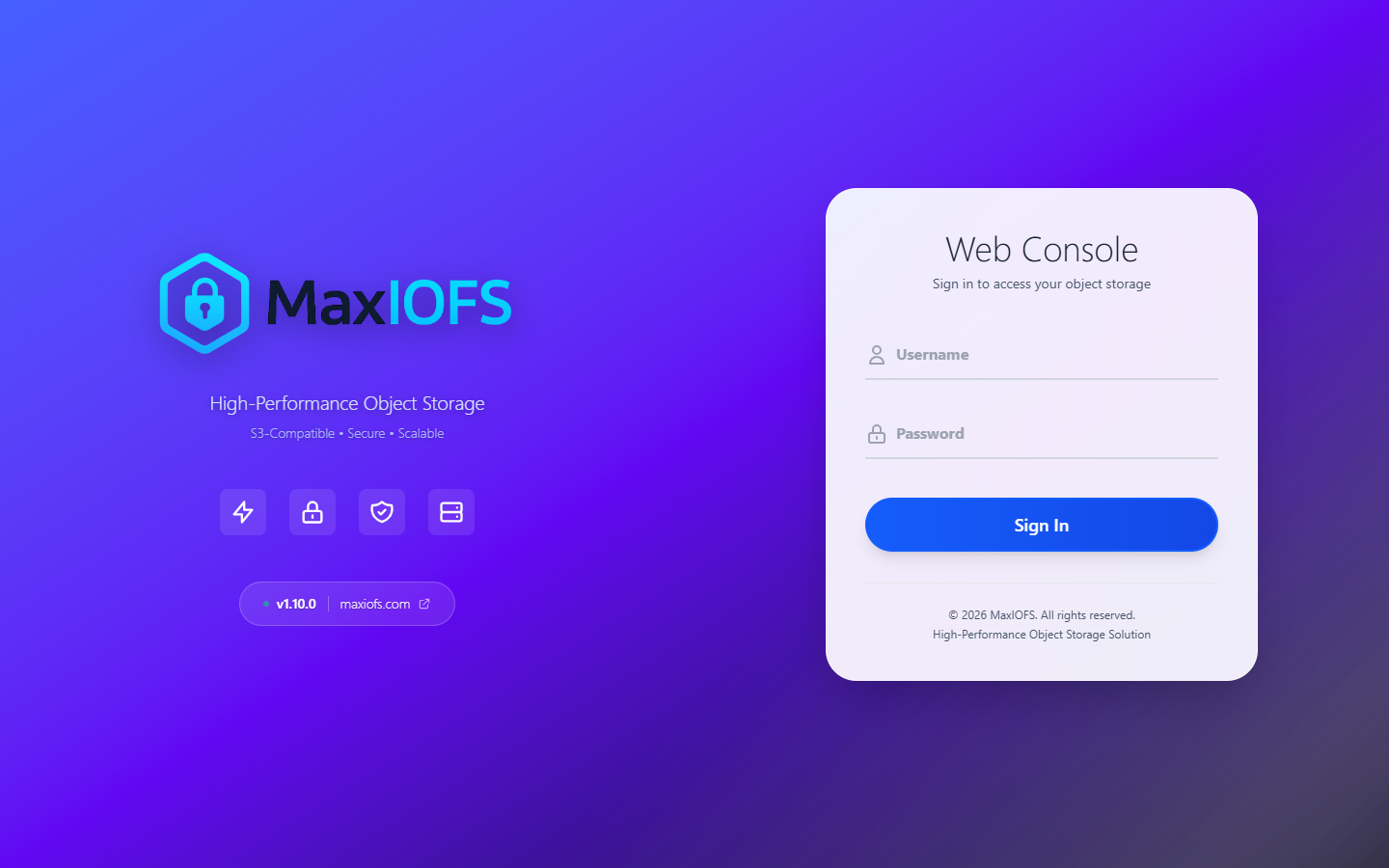
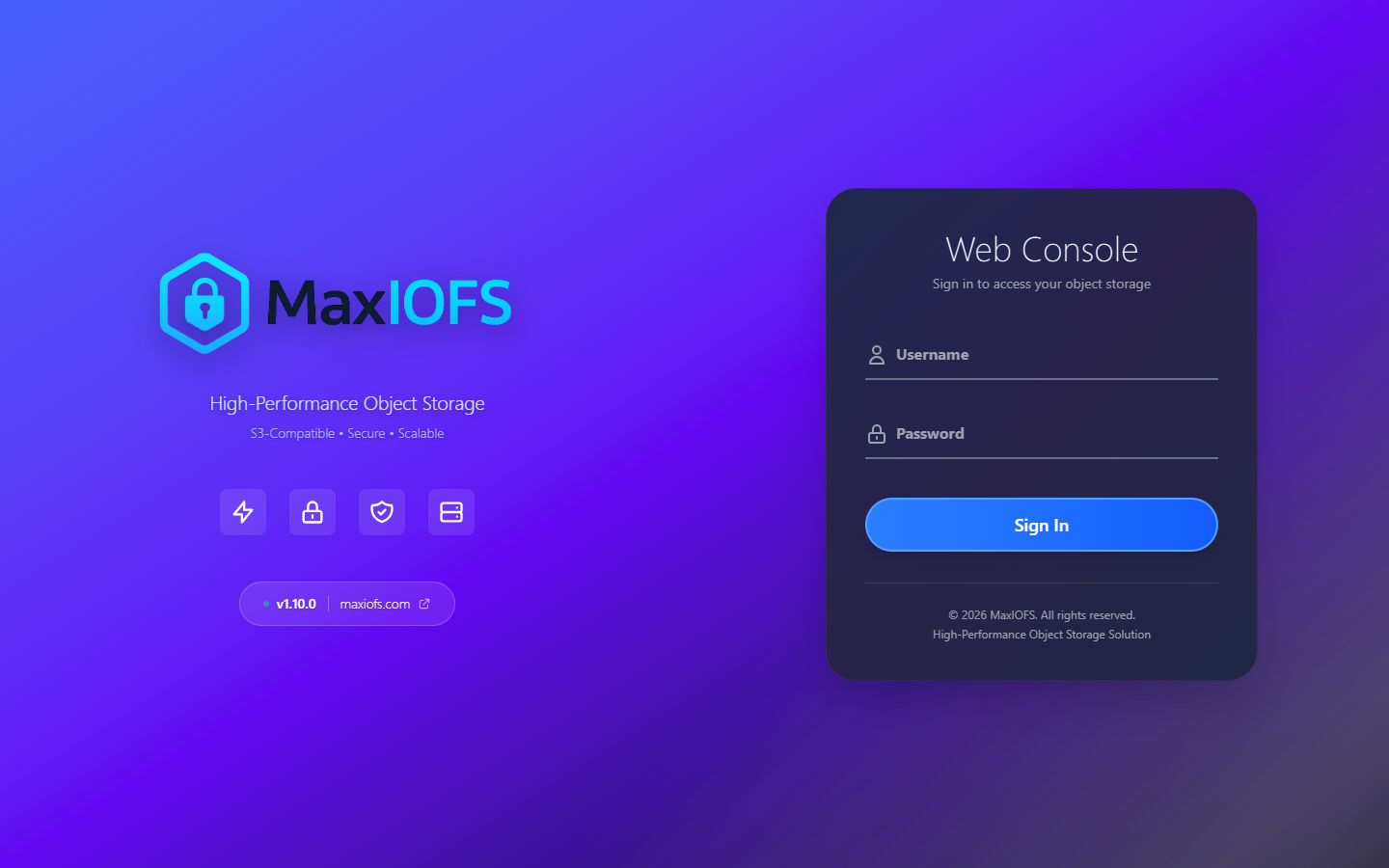
Sign in with admin / admin and continue with First Steps.
Where things are
| Package (deb/rpm) | Docker | Binary | |
|---|---|---|---|
| Configuration | /etc/maxiofs/config.yaml |
/data/config.yaml, created on the first start |
flags and MAXIOFS_* variables, or a file given with --config |
| Data | /var/lib/maxiofs |
/data |
--data-dir |
| Logs | journalctl -u maxiofs |
docker logs maxiofs |
standard output |
To give the binary a configuration file, start from the example in the
repository, config.example.yaml, and run maxiofs --config config.yaml.
Every key is described in Configuration.